
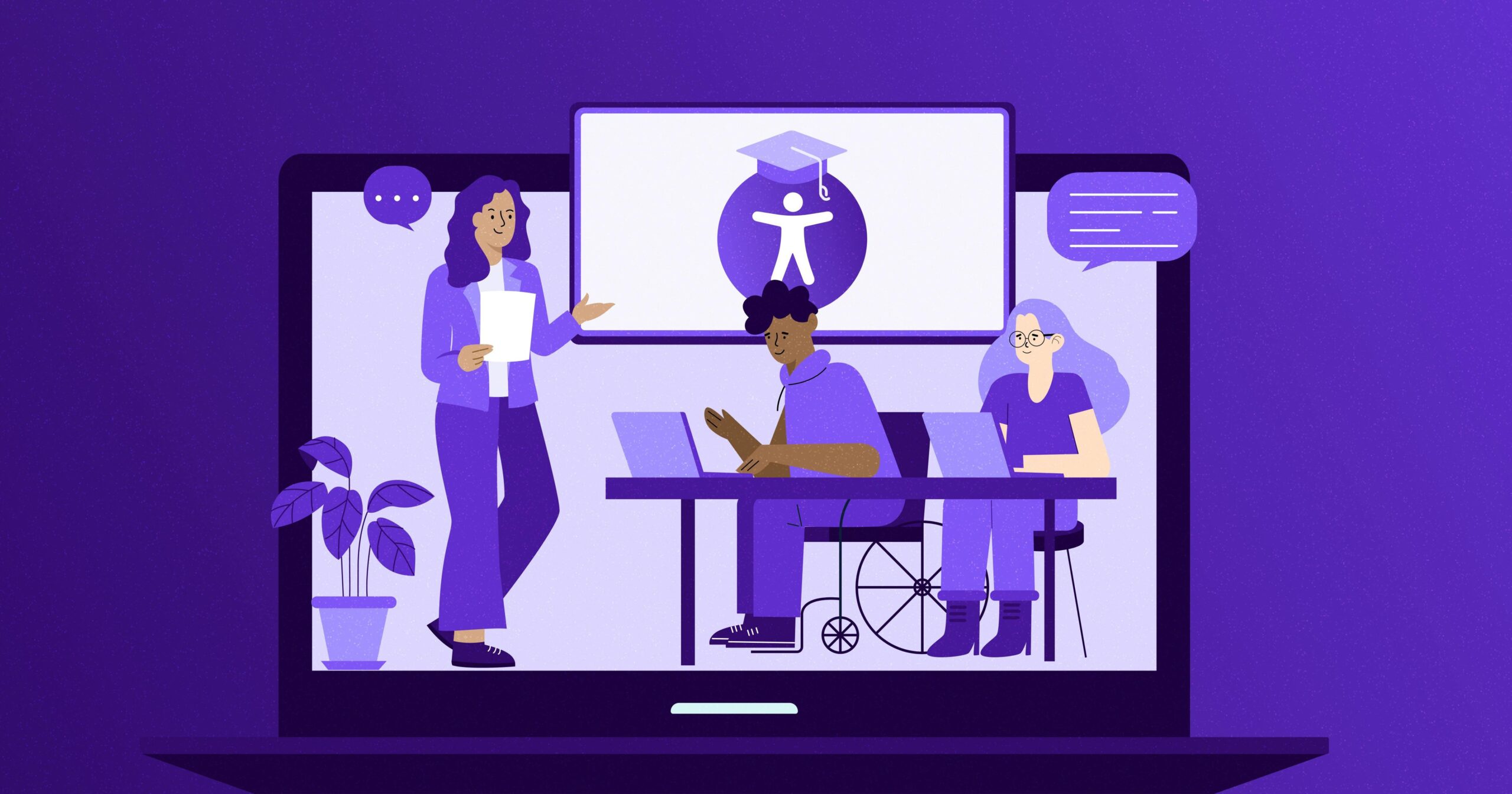
10 Essential Strategies for Ensuring Accessibility in Online Education
As digital learning continues to reshape the educational landscape, ensuring online accessibility is more critically important than ever. This definitive guide explores 10 crucial strategies every educator, instructional designer, and eLearning developer should implement to guarantee inclusive online education for all learners.
Why Accessibility in Online Education Matters
Accessibility in online education refers to designing digital learning environments, materials, and courses so that all students—including those with disabilities or unique learning needs—can fully participate. According to the Web Accessibility Initiative, over 15% of the worldS population experiences some form of disability. Making online education accessible is not just a moral or legal responsibility—it’s also essential for maximizing learning outcomes, fostering inclusivity, and expanding yoru reach.
The Benefits of Accessible Online Education
- Diversity & Inclusion: Ensures equal opportunities for all learners, nonetheless of physical or cognitive abilities.
- compliance: Helps institutions meet legal standards such as the ADA and Section 508.
- Better Usability: Enhances the overall user experience, making courses easier to navigate for everyone.
- Wider Reach: Opens doors to a larger, more diverse student population worldwide.
- Improved Outcomes: Supports greater retention, engagement, and course completion rates.
10 Essential Accessibility Strategies for Online Education
-
1. Provide Choice Text for Images
Alt text (alternative text) is critical for students using screen readers. Each instructional image, chart, or diagram should include a concise yet descriptive text alternative. Alt text supports effective digital accessibility in eLearning and helps visually impaired learners understand context.
Tip: Avoid “image of” phrases; describe the content and its educational purpose. -
2. Ensure Keyboard Navigation
Students with mobility impairments may depend on keyboard-onyl navigation. Make sure all course pages, interactive elements, and forms can be accessed and operated via the keyboard. Tab ordering should follow a logical sequence for a seamless experience.
-
3. Use High-Contrast, Readable Text
Adequate color contrast between text and background is vital for readability, especially for students with low vision or color blindness. Stick to recommended WCAG 2.1 contrast ratios and use clear, legible fonts sized for easy consumption.
- Stick to sans-serif fonts for body text.
- Avoid using color alone to convey details.
-
4. Caption and Transcribe Audio & Video Content
Every audio or video lesson should have accurate closed captions and/or transcripts. this not only supports learners who are deaf or hard of hearing, but also benefits ESL students and allows content review in low-bandwidth areas.
-
5. Adopt Clear,Consistent Course Structure
Organize course materials with clear headings,subheadings,and logical navigation. Predictable structure aids users with cognitive disabilities and minimizes confusion for all. Utilize
,
-
6. Design Accessible Assessments
Online quizzes, forms, and interactive assessments should be accessible by keyboard and compatible with assistive technologies. Provide descriptive labels, instructions, and alternative testing formats where needed.
practical Tip: Use tools like WAVE to test your quizzes and forms for accessibility issues. -
7.Use descriptive Hyperlinks
Instead of “click here” or ”read more,” use meaningful link text that describes the destination or purpose. This practice benefits screen reader users and improves overall content clarity and SEO.
Example: Accessibility testing resources
-
8. Test with Assistive technologies
Regularly test your online course or digital learning platform with screen readers (like NVDA, JAWS, or VoiceOver), screen magnifiers, and other assistive technologies to ensure a consistent, high-quality user experience for all students.
-
9. Offer Multiple Ways to Interact
Enable various ways for students to engage with content and coursework—such as written responses, audio submissions, or interactive forums.This versatility accommodates different learning preferences and accessibility needs.
-
10.Provide Accessibility Statements & Support
clear accessibility statements let students know what measures are in place and how they can request additional accommodations. Ensure prompt, supportive responses to student accessibility requests throughout the course.
real-World Case Study: Accessibility in Action
Case Study: The university of Washington implemented a university-wide accessibility initiative. By employing alt text for images, providing captioned video lectures, and regular accessibility audits, the university achieved a 24% increase in course participation among students with disabilities and received positive feedback regarding usability improvements from the entire student body.
This real-world example illustrates how accessible online education benefits all users—not just those with disabilities—by creating a more engaging, effective, and inclusive digital learning environment.
Practical Accessibility Tips for Educators
- Include accessibility in your course planning from the outset.
- Stay updated with evolving accessibility standards (WCAG, ADA, Section 508).
- Gather feedback from students on their accessibility experience.
- Train faculty and administrators on accessible teaching practices.
- Leverage accessibility plugins or features in your Learning Management System (LMS), such as WordPress or Moodle.
Conclusion: Building an Inclusive Online Learning Community
Ensuring accessibility in online education isn’t just about compliance—it’s about creating an inclusive, diverse, and effective learning environment where every student can thrive. By implementing these 10 essential strategies, educators and institutions can transform digital courses into accessible, engaging, and equitable experiences for all.
Stay proactive, prioritize learner needs, and remember: accessible online education benefits everyone, advancing the future of learning for a global community.
Start making your online courses more accessible today—and empower every student to achieve their best!