
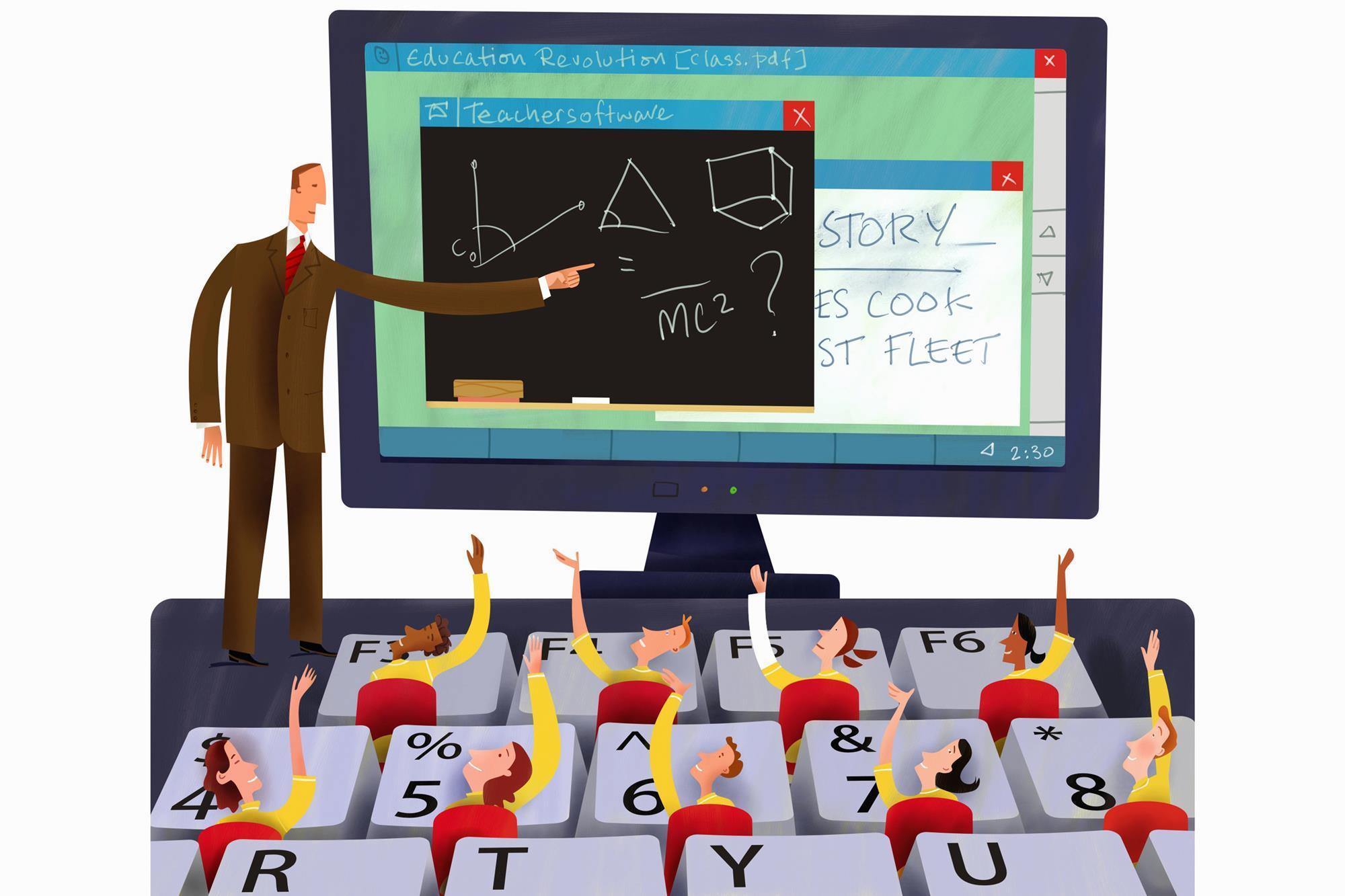
10 Proven Strategies for Effective Remote Teaching: Expert Tips for Online Class Success
The education landscape has drastically evolved, with remote teaching becoming an indispensable tool for educators worldwide. Navigating online classrooms can feel overwhelming, but with the right strategies, teachers can create engaging, effective, and inspiring digital learning experiences. In this comprehensive guide, we explore 10 proven strategies for effective remote teaching—packed with expert tips, best practices, and practical insights for online class success. Whether you’re a seasoned virtual educator or just starting,these actionable remote teaching tips will empower you to thrive in the world of online education.
Why effective Remote Teaching Matters
The shift to remote learning offers a host of benefits for students and teachers alike, from enhanced flexibility to global classroom access.However, it also presents unique challenges—such as reduced face-to-face interaction, engagement difficulties, and tech hurdles. Employing strategic online teaching methods ensures each student receives equal opportunities to learn, participate, and succeed.
- Flexibility: Teachers and students can connect from anywhere.
- Accessibility: Online learning provides access to a wealth of digital resources.
- Personalization: Remote teaching enables tailored instruction and pacing.
- Skill development: Both educators and learners enhance digital literacy and collaboration skills.
10 Proven Strategies for Effective Remote Teaching
1.Set Clear Expectations from day One
Establish a structured online classroom surroundings by clearly communicating your expectations. Outline participation guidelines,grading policies,assignment deadlines,and online etiquette. Consider creating a dedicated “About This Course” section using WordPress blocks or your LMS, so students have easy access to key details anytime.
- Share a welcome video or infographic.
- List weekly objectives and assignments in your course dashboard.
- Develop a FAQ section addressing common student questions.
2. Incorporate Engaging Multimedia Content
Harness the power of multimedia tools to boost student engagement and retention. Use videos,interactive presentations,infographics,podcasts,and gamification to create a dynamic online classroom atmosphere.
- Embed YouTube videos or audio files directly into lessons.
- Utilize screen-sharing tools for visual demonstrations.
- Try platforms like Canva or Genially for interactive educational materials.
3.foster Community and Social Presence
A sense of belonging is critical in virtual classrooms. build a learning community through regular check-ins, group discussions, and collaborative projects.
- Kick off classes with icebreakers or virtual meet-and-greets.
- Use discussion boards and class blogs to drive peer-to-peer interaction.
- Leverage group chats (Slack, Teams, Discord) for informal communication.
4. Employ Active Learning Techniques
Active learning keeps students involved and motivated. Incorporate breakout rooms, live polls, case studies, or project-based assignments to foster hands-on engagement during remote lessons.
- use online whiteboards (like Miro or Jamboard) for brainstorming.
- Encourage virtual presentations and peer feedback.
- Design real-world problem-solving tasks relevant to course material.
5. Leverage Assessment and Feedback Tools
Utilize digital assessment tools to measure progress and guide instruction. Timely, personalized feedback motivates students and steers learning.
- Incorporate formative quizzes via Google Forms or Kahoot.
- Set up automated grading and progress analytics using your LMS.
- Give constructive written and video feedback on assignments.
6.Ensure Technology Accessibility and Support
Not all students have the same level of internet or device access. Select tools that work across devices and offer downloadable resources. Provide tech support channels so students can resolve issues quickly.
- Offer lesson recordings for asynchronous access.
- Keep file sizes manageable for slower internet speeds.
- Create help guides and host tech Q&A sessions.
7. Prioritize Flexibility and Empathy
Life can be unpredictable. Provide flexible deadlines, choice assignments, and understand that remote learners juggle various responsibilities.Regular check-ins to gauge wellbeing make a real difference.
- Allow submission windows instead of fixed dates when possible.
- Be approachable—share your office hours and encourage open communication.
- Offer alternative ways to demonstrate understanding (videos, drawings, essays).
8. Utilize Data and Analytics for Improved Teaching
Modern Learning Management Systems (LMS) offer rich data insights. Track attendance, participation, assignment completion, and quiz scores to identify trends or students needing extra support.
- Create custom reports in your LMS dashboard.
- Analyze engagement data to refine lesson plans.
- Survey students about their learning experiences periodically.
9. Continuously Develop Your Online Teaching skills
Professional development is essential for educators. Stay updated on the latest online pedagogy,edtech tools,and remote teaching trends. attend webinars, enroll in courses, and participate in educator communities.
- join online forums or groups (like Edutopia or ISTE).
- Follow education technology blogs and podcasts.
- Experiment with new tools and teaching methods regularly.
10. nurture Student Wellbeing and Motivation
Support students’ mental health and intrinsic motivation to foster long-term success. Promote a growth mindset, celebrate achievements, and integrate mindfulness or wellness check-ins.
- Begin classes with positive affirmations or breathing exercises.
- Highlight student accomplishments and progress weekly.
- Encourage self-reflection and resilience through journaling or group sharing.
Case Study: Remote Teaching Success in Action
Mrs. Gomez, a high school math teacher, transitioned to remote teaching at the onset of the pandemic. Facing disengagement and confusion, she started posting weekly video lessons, hosted live Q&A sessions, and used Kahoot to reinforce concepts.Parents and students reported higher engagement and improved scores. By regularly surveying students and adapting her approach, Mrs. Gomez saw class participation climb by 40%. Her experience is a testament to how proven remote teaching strategies can transform online class success.
Bonus Tips for online Teaching Excellence
- Maintain a clean, quiet teaching environment with good lighting for video calls.
- establish consistent routines—start and end classes simultaneously occurring.
- Utilize scheduling and productivity apps to stay organized.
- Be open to feedback—seek regular input from students and adapt accordingly.
Conclusion
Effective remote teaching goes beyond simply conducting lessons online—it’s about building relationships, fostering engagement, and adapting to meet learners’ needs. By implementing these 10 proven strategies for effective remote teaching, educators can unlock online class success, create a supportive virtual environment, and help every student thrive. Embrace innovation, stay connected, and continue to grow—your students and your teaching practice will thank you!
Ready to elevate your remote teaching game? Start applying these expert tips today and watch your online classroom flourish.