
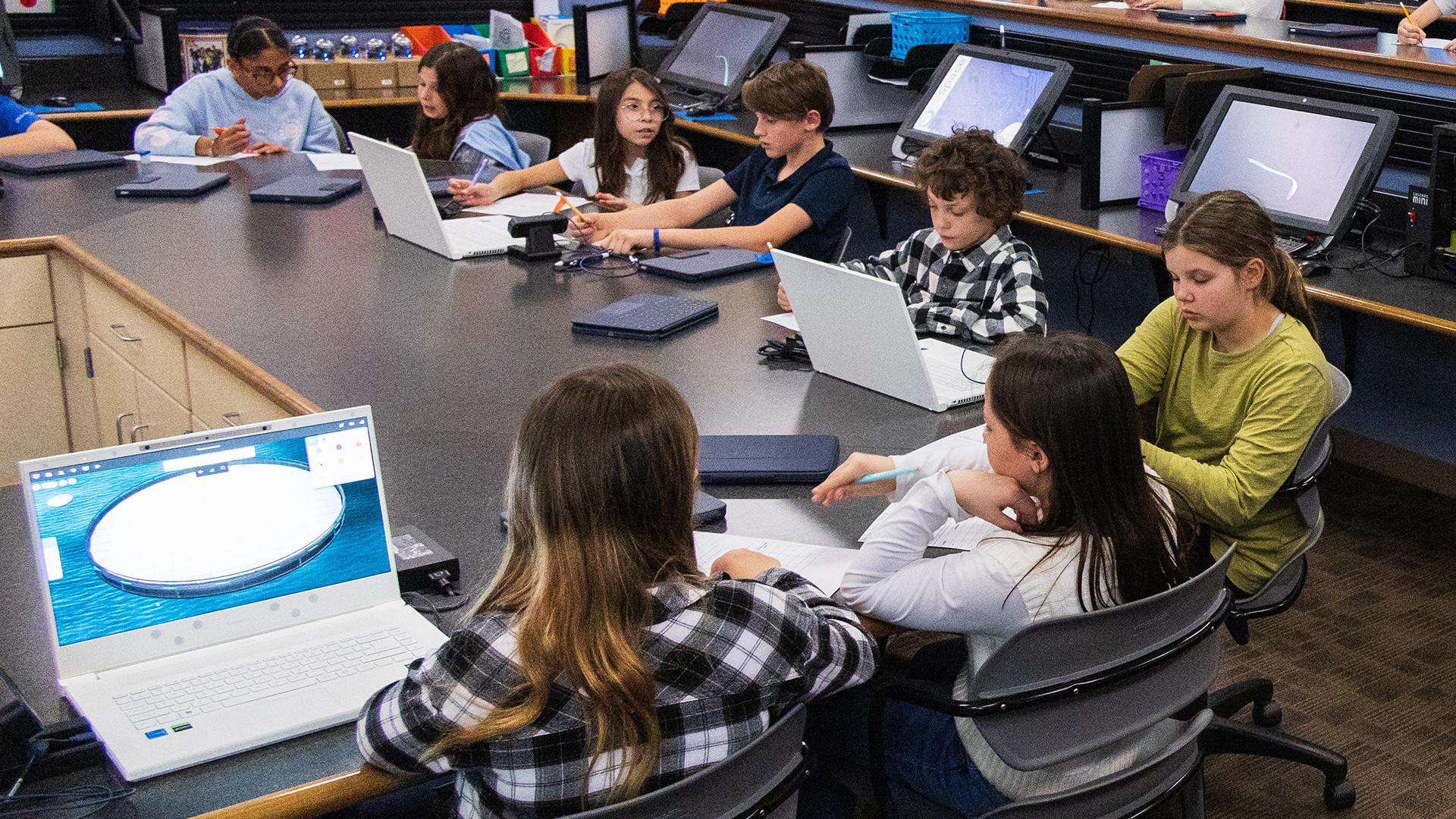
Affordable VR Solutions for Schools: Transform Classrooms on a Budget
As technology reshapes the education landscape, Virtual Reality (VR) has emerged as a powerful tool to engage students, deepen understanding, and foster innovation. However, tight budgets often make schools skeptical about implementing VR in classrooms. The good news? Affordable VR solutions are now more accessible than ever, allowing educators to transform learning spaces without overspending. In this article, we’ll explore cost-effective VR options, best practices for integrating them into your curriculum, and real-school success stories to inspire your own VR journey.
Why Consider Affordable VR Solutions in Schools?
Incorporating budget-friendly VR technology for classrooms can radically change how students interact with content. Here’s why schools should embrace affordable VR:
- Enhanced Engagement: VR captivates students by simulating real-world scenarios, making learning more interactive and memorable.
- greater Accessibility: Cost-effective VR solutions mean schools of all sizes can introduce immersive learning experiences to their students.
- STEM and Beyond: VR supports a wide variety of subjects, from science and history to art and literature.
- Flexible Learning: With portable and affordable equipment, VR can be used for in-class, extracurricular, or remote learning activities.
Best Affordable VR Solutions for Schools
You don’t need expensive headsets to bring VR into your classroom. Below are the best cost-effective VR devices and platforms ideal for educational settings:
1. Google Cardboard
- Overview: Google Cardboard is a simple, foldable VR viewer made of cardboard that works with any smartphone, making it the cheapest option for schools.
- Price: Starts at around $10 per viewer.
- Content: Paired with the Google Expeditions app, students can embark on educational field trips, explore the solar system, or discover ancient ruins.
- Pros: Ultra-affordable,lightweight,and easy to set up.
- Cons: Limited interactivity compared to advanced headsets.
2. Merge EDU (Merge Cube & Headset)
- Overview: The Merge Cube lets students hold virtual objects in the palm of their hand, boosting interactive learning when paired with the Merge headset.
- Price: merge Cube from $20,Merge Headset from $50.
- Content: Includes a vast library of AR/VR STEM activities, labs, and simulations.
- Pros: Unique hands-on learning, durable build, easy classroom management.
- Cons: Requires compatible smartphones or tablets.
3. ClassVR
- Overview: ClassVR offers standalone, all-in-one VR headsets with a teacher-friendly platform for managing devices and lessons.
- Price: Starting at ~$400 per device (discounted educational bundles available).
- Content: Includes a robust collection of curriculum-linked experiences in science, history, geography, and more.
- Pros: No smartphone required, teacher controls, extensive support resources.
- Cons: Higher upfront cost, but significant discounts for bulk purchases and education.
4. Oculus Go (Refurbished/Used)
- Overview: While discontinued, refurbished oculus Go headsets are affordable options for schools looking for higher-quality VR on a budget.
- Price: Approximately $100–$150 for used or refurbished devices.
- Content: Supports thousands of educational apps; can be managed with classroom devices.
- Pros: Agreeable, portable, richer VR experience.
- Cons: Limited new app advancement; purchasing used devices means less support and shorter lifespans.
5. Smartphone + Low-cost VR Headsets
- Overview: If your school already has tablets or smartphones, pair them with affordable third-party VR viewers (such as Homido or Bnext).
- Price: VR viewers from $20–$30 each; uses existing devices.
- Content: Access a plethora of free and educational VR apps from the Google Play or Apple App stores.
- Pros: Utilizes existing means, lightweight, good introductory option.
- Cons: lower immersion, device compatibility required.
Practical tips for Integrating budget-Friendly VR in Classrooms
- Start Small: Pilot VR with a single class, gather feedback, and scale up as you refine your lesson plans and justify further investment.
- Maximize Free Resources: Leverage free VR educational content such as Google Arts & Culture, Discovery VR, and YouTube VR 360° videos.
- Train Educators: Offer basic training sessions or workshops to help teachers integrate VR seamlessly into their curriculum.
- Encourage Student-Led Projects: Let students create their own VR or 360° videos using free online tools, fostering digital literacy and creativity.
- Utilize Grants and Partnerships: Seek education technology grants or partner with local businesses to sponsor hardware purchases.
- Promote Hygiene and Sharing Protocols: Use disinfectant wipes for shared headsets and consider affordable replaceable face covers.
Benefits of Using Affordable VR in Education
- Immersive Learning Experiences: Students can visit or else inaccessible locations—like the inside of a volcano, the human body, or outer space—without leaving the classroom.
- Improved Retention Rates: Multiple studies suggest that students retain more information with interactive, multisensory experiences.
- Equitable Access: Low-cost VR helps close the digital divide, ensuring all students benefit from next-generation learning tools.
- Collaboration and Social Learning: Many VR platforms offer group activities that enhance dialog and problem-solving skills.
- Preparation for Future Careers: Exposure to VR technology prepares students for higher education and jobs in the growing fields of digital media, healthcare, and engineering.
Inspiring Case Studies: Affordable VR Integration in Action
Case Study: Pine Valley Elementary School, USA
Pine Valley Elementary leveraged a $2,000 technology grant to purchase 40 Google Cardboards and several Merge Cubes. Teachers integrated VR field trips into their social studies and science lessons. Students explored Ancient Egypt and the rainforest in 3D, dramatically improving both engagement and test scores.
“Every student was able to have a highly personal, immersive experience—without ever leaving the classroom.” – Ms. Allen, 4th Grade Teacher
Case Study: Harmony High School, UK
Harmony High School’s science department acquired a set of refurbished Oculus Go devices for under £1,200.Using free VR biology labs and simulated chemistry experiments,the school expanded practical learning at a fraction of the cost of conventional kits.
“VR made abstract science concepts tangible and exciting for our students.” – Dr. patel, Head of Science
Common Challenges and Solutions for Schools on a budget
- Device Management: Use classroom-friendly VR management apps (like ClassVR Portal or Google Expeditions’ teacher mode) to keep things organized.
- Funding Limitations: Take advantage of bulk discounts, technology grants, or crowdfunding platforms like DonorsChoose.
- Content Availability: While advanced VR apps can carry a fee, there’s a growing catalog of free, high-quality content designed especially for schools.
- Technical concerns: Opt for plug-and-play devices or solutions that work with existing smartphones/tablets to reduce IT strain.
Conclusion: Making VR in Education Affordable and Impactful
Integrating affordable VR solutions for schools is no longer a distant dream—it’s a realistic, transformative possibility for educators everywhere. Whether you start with simple Google Cardboards or invest in all-in-one education headsets, the benefits to student engagement, understanding, and digital fluency are undeniable. by choosing budget-friendly tools, tapping into free resources, and sharing success stories, you can unlock the full potential of virtual reality in the classroom—all without breaking your school’s budget.
Ready to transform your learning habitat? Start small, dream big, and prepare your students for a future where immersive technology will set them apart!