
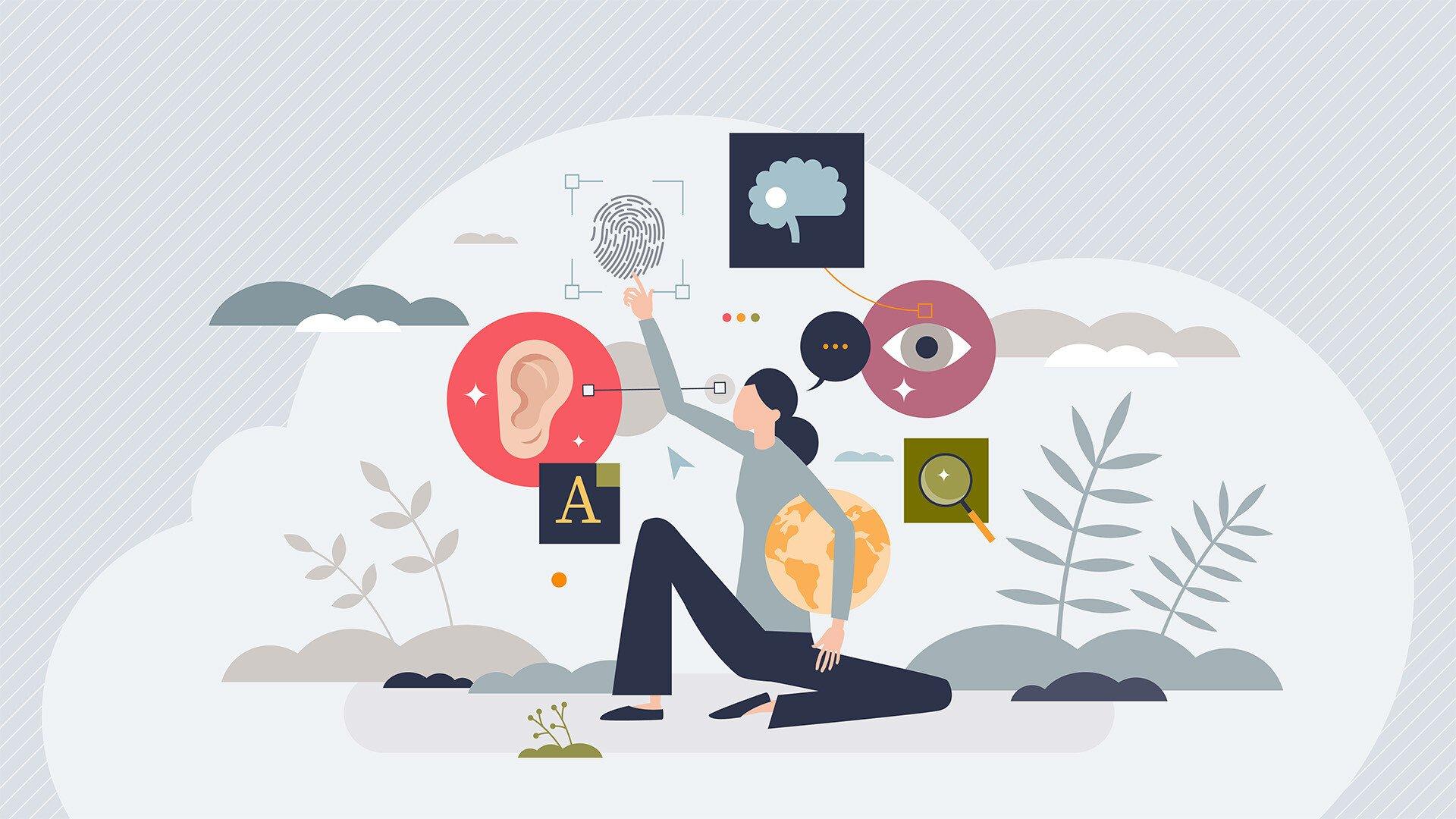
Digital Accessibility in Education: Key Strategies for Inclusive Learning Tools
Digital accessibility is rapidly transforming the landscape of education, ensuring all learners—including those with disabilities—can engage with curricula, resources, and technologies seamlessly. In an increasingly digital world,accessible education tools aren’t just a legal requirement; they’re a essential necessity for fostering diversity,equity,and inclusion. This comprehensive guide explores the pivotal strategies for implementing digital accessibility in education, highlighting its significance, benefits, and actionable tips for educators, administrators, and edtech developers.
Understanding Digital Accessibility in Education
Digital accessibility in education refers to the inclusive design of digital learning environments and tools, enabling students of all abilities to participate equitably. This encompasses web pages, e-learning platforms, multimedia content, and software applications, ensuring compatibility with assistive technologies like screen readers, voice recognition software, and more.
- World Wide Web Consortium (W3C) Web Content accessibility Guidelines (WCAG) serve as the global standard.
- Americans with Disabilities Act (ADA) and Section 508 mandate accessibility for educational institutions in the US.
- Accessibility promotes independence, self-confidence, and engagement among all students.
Benefits of Digital Accessibility in Education
Implementing accessible learning tools offers a multitude of advantages for students, educators, and educational organizations alike. Key benefits include:
- Enhanced Inclusion: Ensures students with disabilities,such as visual,auditory,cognitive,or motor impairments,can access and participate in all educational materials.
- Improved Learning Outcomes: All students benefit from accessible resources, as they often introduce clarity, flexibility, and better navigation.
- Compliant and Ethical Education: Adhering to legal standards not only mitigates risk but also upholds ethical teaching practices.
- Expanded Reach: Accessible platforms cater to a global, diverse student body, breaking geographical and cultural barriers.
- Reputation and Trust: institutions known for their commitment to accessibility foster trust among families and stakeholders.
Key Strategies for Designing Inclusive Learning Tools
Crafting digital learning tools that are genuinely inclusive involves a strategic, cross-disciplinary approach.The following best practices help ensure digital accessibility in education:
1. Adopt Universal Design for Learning (UDL) Principles
- Multiple Means of Portrayal: Offer content in various formats—text, audio, video, images, and interactive media.
- Multiple Means of Engagement: Promote flexible learning pace, interests, and participation methods.
- Multiple Means of Action & Expression: Allow students to demonstrate their knowlege through diverse formats (quizzes, essays, presentations).
2. Ensure Compatibility with Assistive Technologies
- Design websites and applications to work smoothly with screen readers, magnifiers, speech-to-text software, and choice input devices.
- Ensure that all interactive elements, like quizzes and forms, are navigable via keyboard controls.
3. Use Clear and Consistent Layouts
- Maintain logical hierarchy with semantic HTML tags (
,
,
- Apply WordPress CSS styling for improved readability: adequate color contrast, scalable fonts, spacious margins, and clearly labeled buttons.
4. Caption and Transcribe All multimedia Content
- Provide closed captions for videos and audio transcripts for podcasts and voice notes.
- Use plain language and avoid jargon in spoken and written materials.
5. test Accessibility Regularly
- Conduct routine testing using automated tools (like WAVE, axe, Lighthouse) and manual user assessments.
- Solicit feedback from students with disabilities to identify and resolve gaps.
6. Train Educators and Developers
- Support ongoing professional advancement focused on accessibility best practices.
- Encourage collaboration between IT teams, faculty, and accessibility advocates.
Practical Tips for Maximizing Accessibility in Educational Content
- Alt Text for Images: every image must include descriptive alt text for learners using screen readers.
- Readable Fonts: Use clear, large font families like Arial or Verdana, and avoid cursive or decorative styles.
- Color Contrast: High contrast between text and background (e.g.,dark blue text on white background enhances visibility).
- Hyperlink Descriptions: Links should be descriptive—avoid “click here”; use “Download Accessibility Guide (PDF)”.
- Accessible PDFs & Documents: Ensure PDFs are properly tagged and navigable.
- Flexible media: Where possible, provide downloads of media files in different formats.
Real-World Case Studies
university of washington’s DO-IT Center
The DO-IT Center has been a pioneer in applying digital accessibility strategies in education.By integrating UDL principles and collaborating with students,they transformed their courses with:
- Accessible course websites using WordPress and custom CSS for color contrast
- Captioned lectures and video resources
- Interactive,keyboard-navigable discussion forums
- Regular consultation with accessibility experts and student advocates
This approach led to higher participation rates among students with disabilities and global recognition for inclusive learning environments.
First-Hand Experience: A Student’s Perspective
Jane, a college student with dyslexia, describes her experience using a learning management system (LMS) that prioritized digital accessibility:
- Accessible Navigation: Jane could easily find assignments and resources using clearly labeled buttons and headings.
- Text-to-Speech Integration: She relied on built-in text-to-speech functionality to listen to readings and instructions.
- Flexible Submission Formats: The LMS allowed Jane to submit voice recordings or audio essays, reducing stress and improving her grades.
“As an advocate for accessible learning, I feel seen and supported in my educational journey thanks to these tools,” Jane shares.
How to Advocate for Digital Accessibility in Your Institution
Advancing digital accessibility in education requires collective commitment and ongoing advocacy. Here are steps to champion inclusive learning tools:
- Form Accessibility Task Forces: Bring together administrators, IT staff, students, and faculty to assess current resources and reccommend improvements.
- Conduct Accessibility Audits: Regularly review all digital platforms, identifying and prioritizing areas to enhance.
- Engage the Community: Share tips, training, and updates through newsletters, workshops, and resource centers.
- Partner with Experts: Consult accessibility professionals to guide comprehensive implementation.
- Celebrate Success: Publicly recognize departments, teachers, or students who champion accessibility initiatives.
Conclusion: The Imperative for Accessible Learning Tools
Ensuring digital accessibility in education is not merely a technological upgrade—it’s a transformation that empowers every learner. By embracing inclusive strategies and leveraging universal design principles, educational institutions unlock academic success for all, irrespective of ability or background. Weather you are an educator, administrator, or developer, your commitment to accessible learning tools drives enduring progress and demonstrates genuine care for every student’s future.
The journey to full accessibility is ongoing, requiring awareness, collaboration, and purposeful action. As more institutions adopt digital accessibility best practices, the dream of universally inclusive education moves closer to reality.