
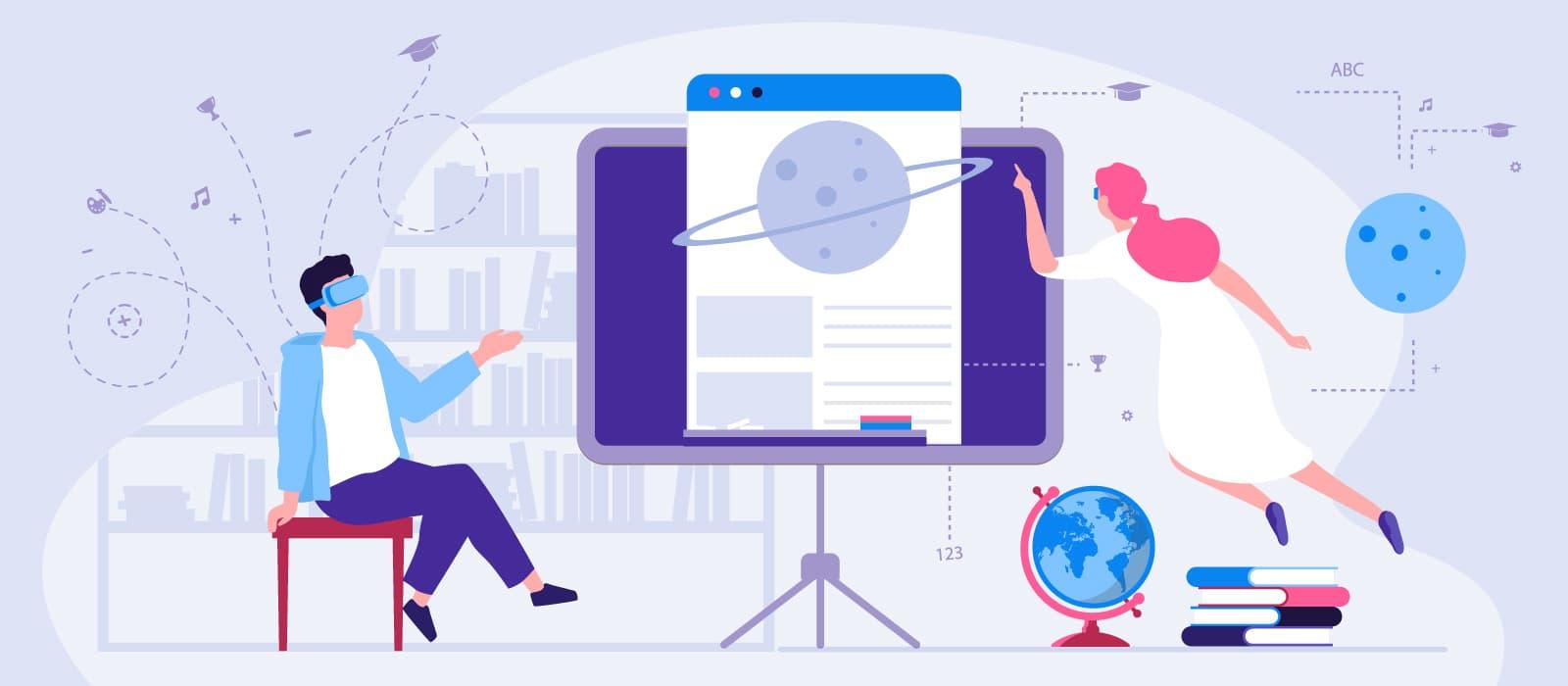
Empowering Educators: Effective Training Strategies for Mastering VR/AR Classroom Tools
As virtual reality (VR) and augmented reality (AR) revolutionize the educational landscape, educators are at the forefront of adopting innovative classroom technology. From immersive simulations to interactive visualizations, VR/AR teaching tools offer new possibilities for engaging students and enhancing learning outcomes. To harness thier full potential, teachers need effective training, ongoing support, and practical strategies tailored to the realities of today’s classrooms.In this comprehensive guide, we’ll explore actionable methods to empower educators, boost their confidence with VR/AR classroom tools, and create transformative learning experiences.
Why VR/AR Classroom Tools matter
Incorporating VR/AR in education unlocks dynamic ways to teach,offering both educators and students:
- Immersive learning experiences that foster deeper understanding
- Interactive simulations for subjects like science,history,and math
- Personalized and differentiated instruction tailored to diverse learning styles
- Enhanced student motivation and engagement through gamified lessons
However,the accomplished integration of these technologies depends on proper teacher preparation. Educators need comprehensive training and ongoing support to use VR/AR classroom tools effectively and confidently.
Key Benefits of Training Educators in VR/AR Classroom Tools
Effective VR/AR professional progress empowers teachers and unlocks multiple advantages, including:
- Confidence in using new technology: Structured learning reduces anxiety and builds tech proficiency.
- Boosted creativity and innovation: Teachers discover new approaches for lesson planning and student engagement.
- Improved classroom management: Knowing how to troubleshoot and guide students leads to smoother lessons.
- Aligned with curriculum standards: Training helps integrate tools with existing learning objectives and standards.
- Promoting lifelong learning: Staying current with edtech keeps educators professionally relevant and adaptable.
Effective Training Strategies for Mastering VR/AR Tools
Successful training blends theory with hands-on practice, ongoing support, and peer collaboration. Here are proven strategies for mastering VR/AR in the classroom:
1. Start with Foundation-Level Workshops
- Introduce core concepts: Begin with the basics of VR/AR hardware,software,and educational applications.
- Explore sample lesson plans: Show how VR/AR can enhance topics across different subjects and grade levels.
- Break the ice with interactive experiences: Let educators use devices and platforms firsthand to build familiarity.
2. Provide Hands-On, Scenario-Based Training
- Simulate classroom scenarios: role-play student-teacher interactions using VR/AR tools to troubleshoot common issues.
- Encourage creative lesson design: Challenge educators to build their own VR/AR learning activities for their subjects.
- Use guided tutorials: Provide checklists,video walkthroughs,and step-by-step guides for popular platforms.
3. Offer Ongoing support and Microlearning
- Microlearning modules: Deliver short, focused lessons on specific VR/AR features or classroom management techniques.
- Online forums and communities: Set up support groups, Q&A boards, and resource sharing spaces for continuous learning.
- Tech support hotlines: Provide educators access to help when facing technical challenges during class.
4. Foster Peer Collaboration and Mentorship
- Teacher mentor programs: Pair early adopters with peers for guidance and encouragement.
- Study groups: Encourage collaborative problem solving and brainstorming for lesson ideas.
- Showcase best practices: Host exhibitions,webinars,or publish case studies highlighting effective uses of VR/AR in various subjects.
5. Encourage Reflection, Feedback, and Assessment
- Reflective journals: Ask educators to document their experience, challenges, and learning outcomes.
- Feedback sessions: Collect input from both teachers and students to refine training and lesson designs.
- Self-assessment tools: Provide checklists and rubrics for educators to evaluate their proficiency and identify learning gaps.
Practical Tips for Integrating VR/AR into Daily Teaching
- Start small: Use simple VR apps or AR content for single lessons before scaling up.
- Align with curriculum: Choose VR/AR resources that complement existing standards and objectives.
- Ensure accessibility: Consider students’ diverse learning needs and device availability.
- Test beforehand: Run a trial in advance to check for technical issues and lesson flow.
- Promote digital citizenship: Teach students about safe and responsible use of immersive technologies.
Case Studies: Real-Life Success in VR/AR Teacher Training
Case Study 1: Blended Learning at Riverside Middle School
Riverside Middle School launched a VR/AR training initiative for its science teachers. After a series of hands-on workshops, teachers incorporated virtual field trips and interactive simulations into their lessons. Student engagement rose by 35%, and standardized test scores improved in target science areas.
Case study 2: Peer-Mentorship at Sunshine Elementary
Sunshine elementary paired tech-savvy teachers with colleagues new to VR/AR tools. Peer mentorship accelerated learning and provided real-time support.Within six months, 80% of teachers were regularly integrating AR content into math and reading lessons, leading to more differentiated and dynamic instruction.
Firsthand Experience: A Teacher’s Perspective
“Before our professional development sessions, I felt nervous and overwhelmed by VR technology,” says Sarah, a high school biology teacher. “The hands-on workshops let me experience virtual dissections and field trips. Now, my students are learning complex concepts with enthusiasm, and I feel confident guiding them.”
Overcoming Common Challenges in VR/AR Training
While VR/AR brings Endless potential, educators may face obstacles such as:
- Limited resources: Address by sharing devices, using mobile AR, and seeking grants or donor programs.
- Time constraints: Integrate bite-sized microlearning and flexible asynchronous modules.
- Technical difficulties: Offer reliable tech support, backup plans, and user-friendly platforms.
- Initial resistance: Foster a supportive surroundings and highlight student success stories to build buy-in.
Customizing Training to Fit Different School environments
Effective VR/AR teacher training recognizes the diversity of school settings:
- Urban vs. rural schools: Urban schools may have greater device access, while rural schools benefit from mobile or low-cost AR options.
- Small vs. large districts: Large districts may deploy district-wide training programs, while small schools often focus on one-on-one mentorship.
- Grade levels: Tailor tools and lessons for age appropriateness, from primary storytelling apps to complex simulations for high schoolers.
Best VR/AR Tools for the Classroom – Top recommendations
- Google expeditions: Virtual field trips and immersive historical journeys.
- ZSpace: Interactive STEM simulations and 3D exploration.
- Matterport: Create virtual tours of real-world spaces.
- Merge Cube: Affordable AR for hands-on experimentation.
- Tilt Brush: Creative VR painting for arts and design lessons.
Each tool can be tailored to fit the classroom context and subject needs. Training materials and user communities are widely available to support ongoing educator development.
Conclusion: unlocking Transformative Learning through VR/AR Mastery
Empowering educators to master VR/AR classroom tools is more than a technical upgrade—it’s a journey toward more engaging, creative, and impactful teaching. With effective training strategies, ongoing support, and peer collaboration, teachers can confidently lead their classrooms into the future of immersive education. Schools should prioritize professional development,foster tech-friendly environments,and celebrate innovation to ensure every educator is prepared to harness the transformative benefits of VR/AR technology. As more success stories emerge, the potential for student growth, collaboration, and lifelong curiosity expands—one immersive lesson at a time.
Keywords: Educator VR/AR training, classroom technology, immersive learning, VR/AR classroom tools, teacher professional development, interactive lesson planning, educational technology support