
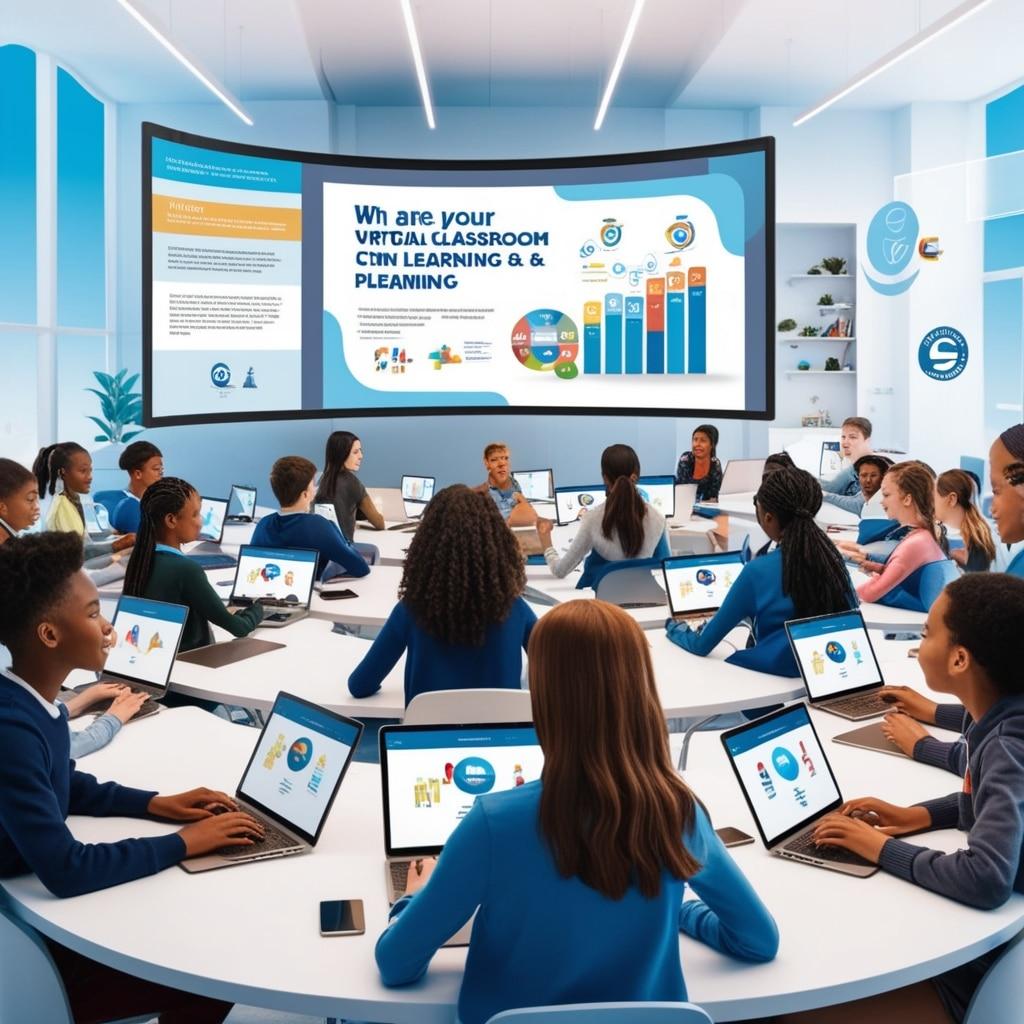
Ensuring Accessibility in Online Education: Key Strategies for Inclusive virtual Learning
The rapid expansion of online education has opened up exciting opportunities for learners everywhere. However, true educational progress is only possible when virtual learning is inclusive and accessible to all students—irrespective of physical, cognitive, or socioeconomic differences. Ensuring accessibility in online education is not just a legal requirement; it’s a commitment to equitable learning environments. In this comprehensive guide, we explore why accessibility matters, its numerous benefits, and actionable strategies educators and instructional designers can implement for truly inclusive virtual classrooms.
Why Accessibility in Online Education Matters
Accessibility refers to designing online courses, materials, and platforms so that all individuals, including those with disabilities, can perceive, understand, navigate, and interact with the content. As digital education becomes the new norm, ensuring accessibility in online education is more critical than ever. Here’s why:
- Legal Compliance: Adhering to standards such as the Americans with Disabilities Act (ADA) and Section 508 is mandatory for most educational institutions and platforms.
- Equity and Inclusion: Accessible educational tools foster diversity and ensure that everyone has equal chances to succeed.
- Enhanced Learning for All: Many accessibility features (captions, transcripts, clear layouts) benefit all students, not just those with disabilities.
- Global Reach: Accessibility increases the usability of your online courses for students worldwide, across languages and cultures.
Core Principles of Accessible Virtual Learning
To ensure inclusive online learning environments, educational content should be built with the following core accessibility principles in mind:
- Perceivable: Content should be visible and audible to all students, including those who use assistive technology.
- Operable: Learners should be able to navigate and interact with the platform via various inputs (keyboard, screen readers, etc.).
- Understandable: Facts and instructions must be clear and understandable.
- Robust: Materials should be compatible with different devices and technologies, including accessibility tools.
Key Strategies for Creating Accessible Online Courses
Ready to make your virtual classes more welcoming and accessible? Here are practical strategies you can apply:
1. Use Accessible Learning Management Systems (LMS)
- Choose platforms that comply with WCAG (Web Content Accessibility guidelines) and Section 508 standards.
- Regularly audit your LMS for accessibility updates and utilize built-in accessibility tools.
2. Create Alternative Text for Images
- Provide clear,concise alt text for every image,decorative or informative.
- Ensure complex images (charts, infographics) have detailed textual descriptions.
3.Caption and Transcribe Multimedia Content
- All recorded lectures, videos, and webinars should have accurate closed captions.
- Offer transcripts for podcasts and audio materials for students who are deaf or hard-of-hearing.
4. Use Semantic HTML and structured Content
- Utilize proper heading tags (H1, H2, H3), lists, and tables with logical structure.
- Break up long content into digestible chunks and use descriptive links (avoid “click here”).
5. Ensure keyboard Navigability
- Design courses so users can access all features via keyboard shortcuts.
- test every interactive element (forms, menus, quizzes) for keyboard accessibility.
6. Prioritize Readable Fonts and High-Contrast Colors
- Use sans-serif fonts and avoid small or decorative typefaces.
- Opt for colour combinations with at least a 4.5:1 contrast ratio for text/background.
- Never rely solely on color to convey important information.
7. Provide Accessibility Statements and Support
- Add an “Accessibility” page outlining the accessibility features and how to request accommodations.
- Offer prompt support channels for students needing customized materials.
8. Design Assessments Mindfully
- Avoid time-pressured assessments unless essential for learning objectives.
- provide alternative formats (oral, written, visual) where feasible.
9. Involve Students in the Accessibility Conversation
- Conduct feedback surveys focused on accessibility improvements.
- Foster a culture of open communication for reporting accessibility barriers.
The Benefits of Inclusive Virtual Learning
Embracing accessibility in online education delivers a wide range of advantages for educators and learners alike. Here’s how:
- Improved Engagement & Retention: Accessible content keeps more students active and involved in the learning process.
- Higher Success Rates: When access barriers are removed, students are more likely to excel academically.
- Reputation and Reach: Inclusive education policies build your institution’s reputation and attract a diverse, global audience.
- Innovation: Focusing on accessibility often leads to creative teaching methods and technological advancements.
Practical Tips for Educators and Administrators
- Attend regular accessibility training sessions and keep current with online education accessibility best practices.
- Leverage accessibility checkers and testing tools, such as WAVE or axe.
- Collaborate with disability services and student advocacy groups for feedback and resources.
- Set up sample student personas (e.g., a blind student using screen readers) and “walk through” course material as them.
Case Study: Making an Online Math Course Accessible
Scenario: dr. Flores, a university math instructor, aspired to expand access to her calculus class for visually impaired students.
Actions Taken:
- Partnered with accessibility experts to create tactile graphics and descriptive alt text for all equations and diagrams.
- Ensured all math formulas were compatible with screen readers (using MathML).
- Recorded lectures with descriptive voice-overs for any on-screen work.
- Added a discussion forum for students to ask and answer questions in multiple formats (text, audio, visual).
Outcome: Completion and satisfaction rates among visually impaired students increased by 40%, and all students reported benefiting from the enhanced descriptions and forums.
First-Hand Experience: Learner Perspective
Karan’s Story:
“As a student with dyslexia, I always worried that online classes would leave me struggling. Though, I found that my institution’s accessible online education practices—such as recorded lectures with transcripts, adjustable font sizes, and the ability to replay lessons—helped me learn at my own pace and with confidence. Accessible virtual learning didn’t just make content available to me; it made it possible for me to thrive.”
Conclusion: The Path Forward for Inclusive Virtual Learning
Ensuring accessibility in online education is more than just a checklist item—it’s an ongoing promise to put students first and remove barriers to their success. By proactively implementing inclusive design principles,leveraging assistive technology,and listening to learner feedback,educators and institutions can create virtual classrooms where every student feels welcome,valued,and prepared to succeed. Let’s champion accessible online learning and help shape a future where education truly belongs to everyone.