
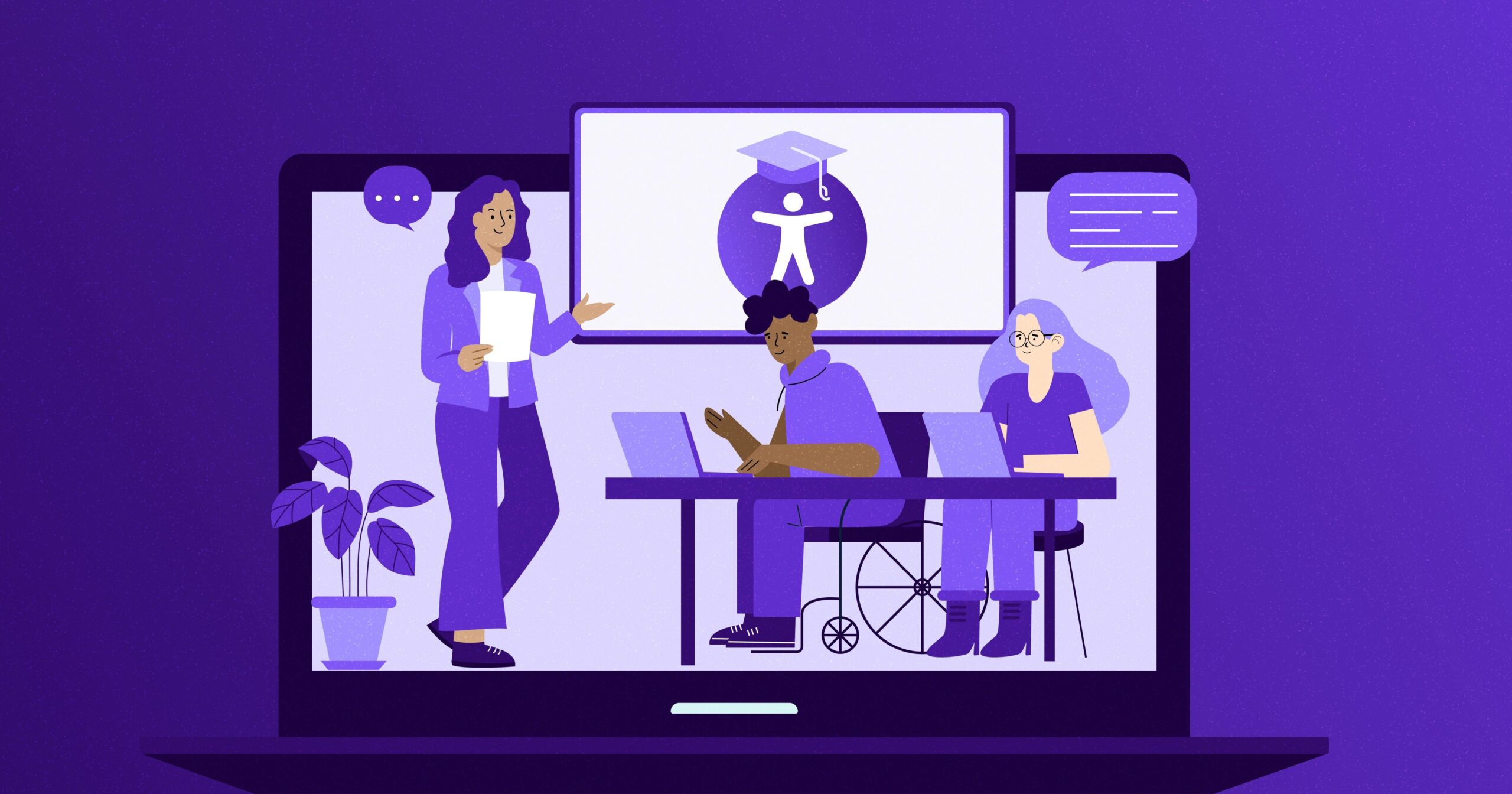
Ensuring Accessibility in Online Education: Strategies for Inclusive Digital Learning
As the world rapidly adopts online education, ensuring accessibility in digital learning environments is more critical than ever.Inclusive online education not only provides equal learning opportunities for all students but also enhances the educational experience for everyone. In this article, we’ll dive into practical strategies, benefits, and real-world examples of making e-learning platforms more accessible for students of all abilities.
Why Accessibility Matters in Online Education
Accessible online education enables students with disabilities—whether visual, auditory, physical, or cognitive—to fully participate in digital learning experiences. according to the World Health Organization, over 1 billion people live with some form of disability. Ignoring accessibility excludes a important portion of potential learners, undermining the core value of education as a universal right.
- Legal requirements: Many countries have laws mandating digital accessibility in educational platforms, such as the Americans with disabilities Act (ADA).
- wider reach: Accessible e-learning courses attract more learners and enhance the institution’s reputation.
- Improved user experience: Many accessibility features, like clear navigation and captions, benefit everyone, not just those with specific needs.
Benefits of Inclusive Digital Learning
Implementing accessibility in online education platforms leads to a host of advantages:
- Increased engagement: Inclusive content ensures all learners can actively participate and interact with materials.
- Higher completion rates: When barriers are minimized, students are more likely to succeed.
- Positive institutional image: Educational providers that prioritize accessibility are viewed as forward-thinking and student-centered.
- Legal compliance: Avoids litigation and regulatory fines left by inadequately accessible platforms.
Core Principles of Digital Accessibility
Before delving into strategies, let’s briefly review the main cornerstones of accessible online education, as defined by the Web Content Accessibility guidelines (WCAG):
- Perceivable: Information and user interface components must be presentable to all users in ways they can perceive (e.g., alt text for images, captions for videos).
- Operable: Navigation and interface must be usable via keyboard and assistive devices (e.g., screen readers).
- Understandable: Content should be easy to read and predict, with clear instructions.
- Robust: Content must be compatible with various technologies, including adaptive and assistive tools.
Practical Strategies for Ensuring Accessibility in Online Education
Educational content creators, instructional designers, and administrators can adopt various strategies to enhance digital accessibility for online learning:
1. Use Accessible Course Materials
- Text formats: Use readable fonts (avoid decorative or excessively small fonts), high-contrast colors, and sufficient spacing for text.
- Alt text for images: Always provide descriptive alt text for visual materials, including detailed descriptions for complex images.
- Accessible documents: PDFs, slides, and Word docs should be formatted for screen readers and follow proper heading hierarchies.
2. Provide Transcripts and Captions
- Captions: all video content should feature accurate captions for students who are deaf or hard of hearing.
- Transcripts: Offer downloadable transcripts of audio recordings and lectures.
3. Design with keyboard Navigation in Mind
- Ensure that all interactive elements (like forms,buttons,and links) can be accessed and activated via keyboard,not just mouse.
- Test course navigation with screen readers and keyboard-only browsing to identify potential barriers.
4. Select Accessible Learning Management Systems (LMS)
- Choose LMS platforms that meet WCAG standards, such as Moodle, Blackboard, or Canvas, and regularly update their accessibility features.
- Provide students with a guide or orientation on using LMS accessibility tools.
5. Create Flexible Learning Paths
- Allow for multiple means of engagement and expression (e.g., video responses, written essays, podcasts).
- Offer extended deadlines and flexible participation setups when necessary.
6. Test and Audit for Accessibility
- Regularly audit online courses with accessibility evaluation tools like WAVE, Axe, or Lighthouse.
- Seek feedback from actual users with disabilities to improve real-world accessibility.
7. Train Educators and Support Staff
- Invest in accessibility training and resources for educators, course designers, and IT staff.
- Promote a culture of inclusivity and continuous betterment.
Real-World Examples and Case Studies
Many educational institutions have embraced accessibility in their online education initiatives,resulting in measurable positive outcomes.
Case Study: University of Edinburgh
The University of Edinburgh implemented accessible design across its online courses by introducing mandatory staff training, employing student-centered design teams, and incorporating regular accessibility audits. Consequently, engagement rates rose by 18%, and student satisfaction surveys highlighted the improved usability of the digital learning environment for all.
Case Study: Open University
Open University is globally recognized for its commitment to accessibility in distance learning. Their comprehensive approach includes providing alternative formats for all materials, integrating assistive technologies, and actively involving students with disabilities in platform advancement. These efforts have set a benchmark for inclusive online education worldwide.
Practical tips for Educators and Institutions
- Start with accessibility: Build courses with accessibility in mind from the very beginning rather than adding it as an afterthought.
- Use accessibility checklists: Refer to resources like the W3C Accessibility Evaluation Checklist during course development.
- Engage students: Encourage students to provide feedback on accessibility and share their experiences.
- Promote assistive technology: Make sure students are aware of available tools such as screen readers, magnifiers, and speech recognition software.
- Update regularly: Accessibility is a continuous process—keep materials and platforms up to date with best practices and user needs.
Conclusion
Ensuring accessibility in online education is not just about meeting legal requirements—it’s a vital step toward creating inclusive, effective, and equitable digital learning environments. By adopting accessible design principles, leveraging the right tools, and maintaining a commitment to continual improvement, educational institutions can open doors to new opportunities for every learner.
Inclusive online education benefits students, educators, and institutions alike. As the digital landscape continues to evolve, let’s work together to ensure that everyone can enjoy the full advantages of modern learning—barrier-free.
Start making your online education accessible today, and be part of a movement that transforms lives through inclusive digital learning.