
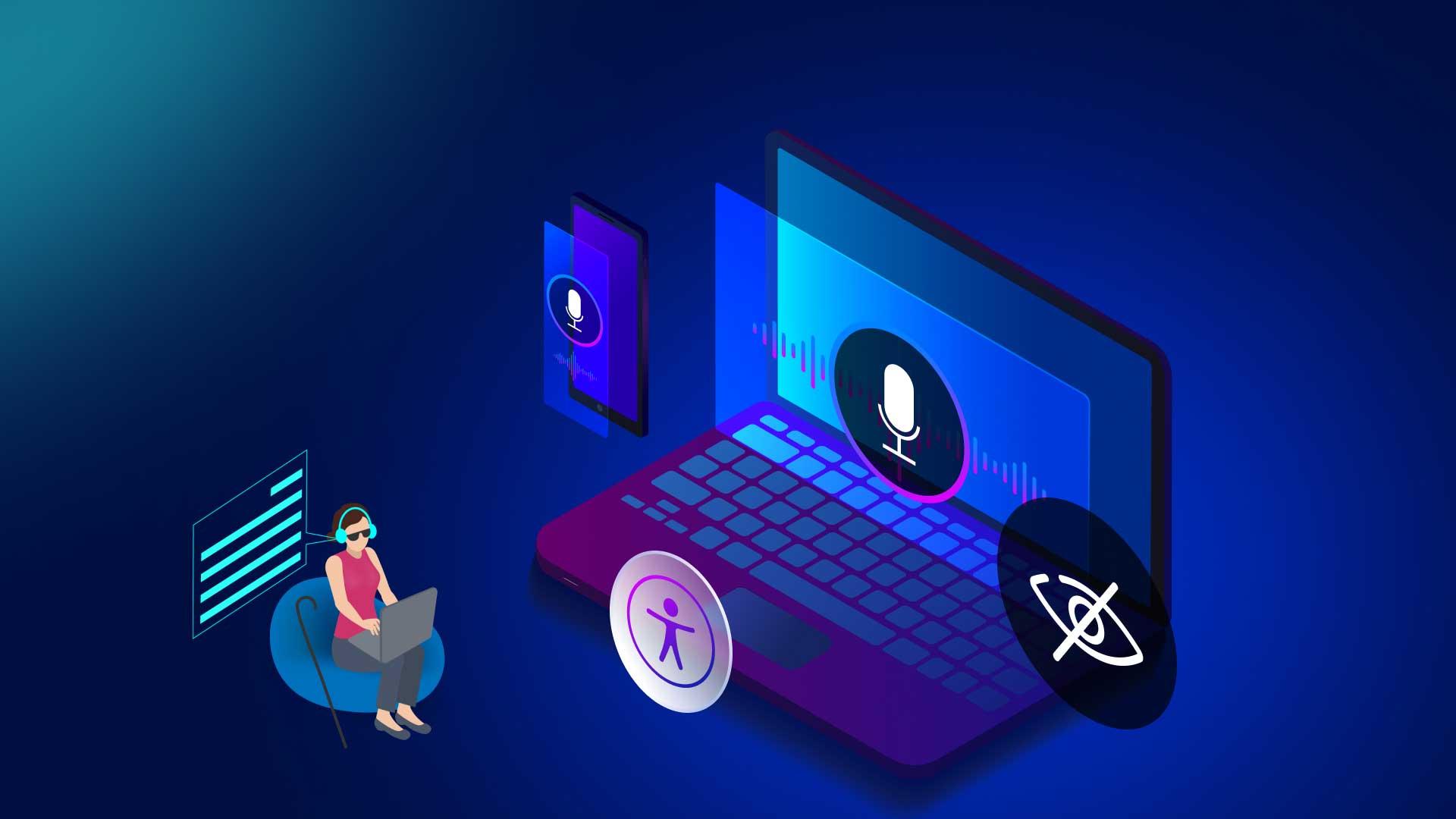
Ensuring Digital Accessibility in Educational Tools: A Guide to Inclusive Online Learning
As technology rapidly transforms education, digital accessibility has become a cornerstone for inclusive online learning. Ensuring that educational tools are usable by all learners—regardless of ability—opens up opportunities, empowers diverse students, and aligns with legal and ethical responsibilities. This comprehensive guide explores the importance of digital accessibility, best practices, and practical steps to create an inclusive online learning environment that benefits every learner.
What is digital Accessibility in Education?
Digital accessibility means designing online educational tools, platforms, and resources so that they can be navigated and understood by everyone, including people with disabilities. This includes students with visual, auditory, motor, speech, or cognitive impairments. Key elements include accessible websites, apps, eLearning platforms, learning management systems (LMS), and multimedia content.
- Ensures compliance with standards like WCAG (Web Content Accessibility Guidelines)
- Facilitates equitable access to learning for all students
- Promotes Universal design for Learning (UDL) principles
why Digital Accessibility matters in online Learning
Digital accessibility in education is not just a legal requirement—it’s essential for fostering diversity, equity, and inclusion. Here’s why accessible educational tools matter:
- Diversity and Inclusion: Inclusive online learning environments allow all students, including those with disabilities, to participate fully.
- Legal compliance: Many countries enforce accessibility laws (such as Section 508 in the USA, EN 301 549 in the EU) to protect learners’ rights.
- Improved Learning Outcomes: Accessible resources benefit not only students with disabilities but also non-native speakers, those in low-bandwidth areas, and mobile users.
- Brand Reputation: Demonstrating a commitment to inclusivity enhances an institution’s or educator’s public image.
- Future-Proofing: Accessible designs are more adaptable to new technologies and evolving user needs.
Best Practices for Ensuring Digital Accessibility in Educational Tools
Incorporating accessibility needs at the outset of online course development ensures that digital learning tools work for all. Below are proven tips and strategies for making educational tools more inclusive:
1. Adhere to Web Content accessibility Guidelines (WCAG)
Follow the WCAG 2.1 or higher standards to ensure your online educational content is Perceivable, Operable, Understandable, and Robust.
- Provide text alternatives for non-text content (e.g., image alt tags)
- Ensure sufficient contrast between text and backgrounds
- Use headings (H1, H2, H3) for logical structure
2. Create Accessible Multimedia Content
- Include captions and transcripts for videos and audio
- Offer audio descriptions for visual-only content
3. Design Flexible Navigation
- Use clear and consistent menus
- Ensure all functions are keyboard-accessible (no mouse required)
4. Select accessible Learning Platforms
- Choose LMS or e-learning tools with verified accessibility (look for VPATs or compliance statements)
- Test platforms with real assistive technologies,like screen readers or voice recognition software
5. Prioritize Readability and Simplicity
- Use plain, concise language
- Break content into small, digestible sections
- Leverage tooltips, glossaries, and summaries
6. Encourage Feedback and Continuous Advancement
- enable user feedback mechanisms
- regularly review and update accessibility features based on user input
The Benefits of Accessible Educational Tools
Investing in digital accessibility for educational technology unlocks a wealth of benefits for both learners and institutions. Here’s how inclusive online learning tools make a difference:
- Empowers Every Learner: Students with visual, hearing, cognitive, or mobility impairments can engage and thrive.
- Greater engagement and Retention: Improved usability for everyone encourages wider participation and reduced dropout rates.
- Breaks Down Barriers: Accessible content accommodates various learning styles and preferences.
- Compliance and Risk Reduction: avoids costly lawsuits, fines, and reputational damage associated with non-compliance.
- Innovation: Early integration of accessibility promotes innovative design and adaptability in educational technology.
Practical Tips for Educators and EdTech Developers
Whether you’re an educator, instructional designer, or developer, you play a critical role in promoting digital accessibility in education. Here’s how you can make a tangible impact:
For Educators
- Choose textbooks, resources, and educational technology providers with proven accessibility credentials.
- Create course materials in multiple formats (PDF, HTML, audio, braille, etc.).
- Ensure assessments and quizzes are accessible and offer alternative formats as needed.
- Raise awareness among colleagues and students about digital accessibility’s importance.
For EdTech Developers
- Integrate accessibility checks into your development process from the start.
- Test websites, apps, and platforms across various assistive technologies and devices.
- Provide clear documentation and training for users and educators on accessible features.
recommended Tools
- WAVE Web Accessibility Evaluation Tool
- axe Accessibility Checker
- Coblis – Color Blindness Simulator
Case Studies: Success Stories in Digital Accessibility
Examples of institutions and organizations that prioritize accessibility demonstrate the profound impact of inclusive online learning.Here are a few inspiring success stories:
1. University of Cambridge: Accessible Virtual Learning Environments
Cambridge integrated accessibility into its Moodle-based LMS by ensuring all course materials followed WCAG 2.1 AA standards. by deploying live captions, alternative formats, and regular user testing, the university reported a meaningful boost in learner engagement and satisfaction.
2. Khan Academy: Global Reach Through Accessibility
Khan Academy’s commitment to digital accessibility is evident in its interactive lessons, which offer keyboard navigation, ARIA labels, and closed captions. This proactive approach made learning resources available to millions worldwide, including those with disabilities.
3. Open University: Supporting Disabled Learners
The Open University in the UK developed a holistic accessibility framework, providing personalized support, screen reader-pleasant materials, and regular accessibility audits. Over 25% of their student body reported they experienced fewer barriers thanks to these inclusive initiatives.
First-Hand Experience: The Impact of accessible E-Learning
“As someone with dyslexia, the shift to accessible digital tools entirely transformed my online learning experience. simple changes like adjustable font sizes,audio instructions,and high-contrast themes allowed me to participate on equal footing and truly enjoy my courses.”
—Emma W., University Student
Stories like Emma’s highlight the real-life power of digital accessibility. When educational tools are designed inclusively, everyone benefits—not just those with disabilities.
Frequently Asked Questions about Digital Accessibility
- Q: What is the first step to making my online course accessible?
A: Start by following WCAG standards, provide text alternatives, and test navigation with keyboard controls.
- Q: how can accessibility help learners without disabilities?
A: Accessibility features like captions and clear layouts benefit English learners, people with temporary injuries, and mobile users.
- Q: Is digital accessibility required for all educational tools?
A: Yes, most jurisdictions now require digital accessibility for education providers, and it’s also a best practice in inclusive design.
Conclusion: A Shared Duty for Inclusive Online Learning
Digital accessibility in educational tools is no longer optional—itS a shared responsibility that underpins true equality in learning. as technology continues to evolve,educators,developers,and institutions must work together to remove barriers and ensure every learner has the resources and support they need to succeed. By embracing accessibility as a core value and standard, we build educational landscapes where everyone can flourish.
Take the next step today: assess your digital learning tools,implement inclusive best practices,and become an advocate for accessible online education. Your commitment could change countless lives for the better.