
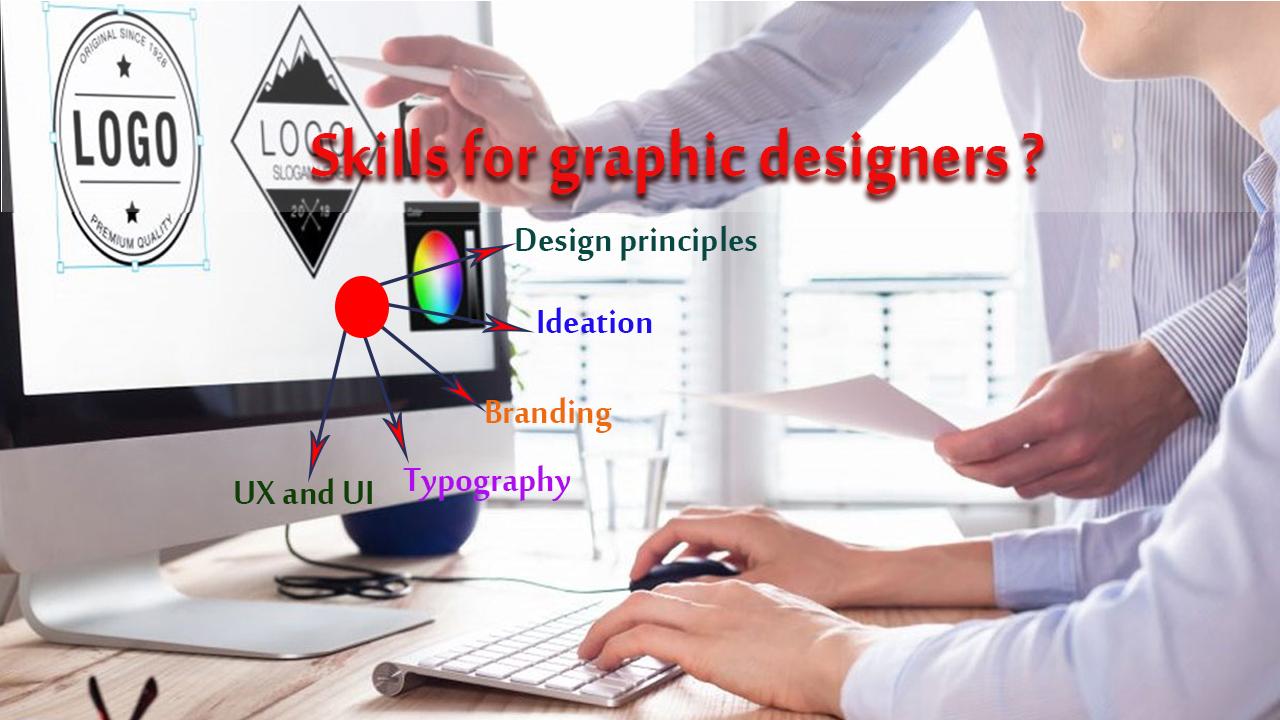
How graphic Designers Enhance Educational Content: Essential Skills and Strategies
are you passionate about the intersection of creativity and education? If you’re considering a role in education technology as a graphic designer at a university, college, or school, you’re embarking on a rewarding journey. Graphic designers are central to crafting engaging,accessible,and effective educational content. This extensive guide explores how graphic designers enhance educational content, sheds light on the essential skills required, and offers winning strategies to stand out in the competitive job market.
Introduction: The Growing Role of Graphic Designers in Education Technology
Modern education is rapidly evolving, with technology and visual storytelling playing increasingly vital roles. As institutions strive to improve student engagement and knowledge retention, the demand for talented graphic designers in education is on the rise. Whether designing instructional materials, interactive e-learning modules, or infographics, graphic designers are reshaping how information is delivered and absorbed. Let’s delve into the impact and meaning of graphic design in educational environments.
Why Graphic Design is Essential for Educational Content
1. Enhancing Visual Appeal and Engagement
Educational materials can benefit immensely from visually compelling design. graphic designers use color, typography, layout, and imagery to transform plain text into captivating resources, capturing students’ attention and sustaining their interest.
2. Supporting Diverse Learning Styles
People learn in different ways: visually,auditory,kinesthetically,or a mix. By translating abstract concepts into charts, diagrams, timelines, and icons, graphic designers make learning more inclusive and accessible.
3. Facilitating Information Retention and Comprehension
Visual aids help break down complex subjects, making them easier to understand. Well-designed graphics support memory by pairing textual information with meaningful visuals, fostering deeper comprehension.
4. Promoting accessibility and Inclusivity
Graphic designers are instrumental in crafting materials that comply with accessibility standards,such as providing high-contrast visuals and alternative texts. This ensures that learners with disabilities can access and benefit from educational resources.
Key Responsibilities of Graphic Designers in education Technology
- Designing course materials: Syllabi, presentations, workbooks, handouts, and posters.
- Developing e-learning modules: Engaging layouts for digital courses and interactive content.
- creating infographics and data visualizations: Clarifying complex data and statistics.
- Optimizing websites and learning platforms: Enhancing usability through intuitive design and consistent branding.
- Collaborating with educators: Aligning visual content with instructional goals and learning outcomes.
- Ensuring accessibility: Adhering to guidelines for color contrast, font size, and alternative descriptions.
essential Skills for Graphic Designers in Educational Environments
To thrive as a graphic designer in education technology, candidates should cultivate a blend of technical mastery and interpersonal abilities. Here are the most vital skills for success:
1. proficiency in Graphic Design Tools
- Adobe Creative Suite (Photoshop, Illustrator, InDesign)
- Canva, Figma, Sketch, or similar design software
- Knowledge of animation, video editing, and interactive toolkits is a plus
2. Strong Understanding of Education Theory
- Familiarity with pedagogical principles and curriculum design
- Awareness of how visual aids support learning objectives
3. Accessibility and Usability Expertise
- understanding of ADA and WCAG guidelines
- Designing content for diverse audiences,including students with disabilities
4. Collaboration and Communication Skills
- Ability to work closely with teachers, instructional designers, and administrators
- Translating complex educational concepts into effective visuals
5. Time Management and Adaptability
- Managing multiple projects and meeting deadlines
- Adapting to new educational technologies and changing curriculum needs
Strategies for Effective graphic Design in Educational Content
Graphic designers who excel in education technology follow proven strategies to maximize the impact of their work.
1. Emphasize Clarity Over Complexity
Prioritize simplicity in visuals to avoid overwhelming learners. use whitespace and concise labeling to guide focus.
2. Be Consistent with Branding
Apply institution-approved color palettes, logos, and fonts to build trust and create a cohesive learning atmosphere.
3. Incorporate Interactive Elements
Utilize clickable graphics, hover effects, and animations for digital learning modules to stimulate curiosity and reinforce key points.
4. use Data-Driven Design
Leverage feedback and analytics to refine visual content based on student engagement and comprehension metrics.
5. Test Accessibility Early and Frequently enough
Regularly assess content for compatibility with screen readers and color blindness simulators, ensuring compliance from the project’s outset.
Benefits of Graphic Designers in Education Technology Teams
- Higher student engagement: Attractive materials foster participation and maintain attention.
- Improved outcomes: Visual explanations lead to better understanding and academic achievement.
- Time-saving for educators: Ready-made templates and graphics free up staff to focus on teaching.
- Inclusive education: Thoughtful design removes barriers, facilitating equal access for all students.
Practical Tips for Aspiring Graphic Designers in Education
- Build a diverse portfolio: Include examples of educational materials,e-learning layouts,and infographics tailored for varying age groups and subjects.
- Stay updated on educational trends: Follow the evolution of digital classrooms, virtual reality in learning, and adaptive learning technologies.
- Seek feedback from educators: Collaborate with teachers for real-world insights into what helps students succeed.
- Highlight accessibility skills: Feature ADA/WCAG-compliant projects in your resume and interviews.
- Invest in continuous learning: Take courses in instructional design, human-centered design, or educational psychology to broaden your skillset.
Building a Future in Education Technology: Next Steps
Landing a role as a graphic designer in education isn’t just about technical proficiency—it’s about understanding the transformative impact of your work on students and educators alike. Here’s how to take the next step:
- Research institutions: Identify universities, colleges, and schools that prioritize innovative educational content.
- Network strategically: Connect with instructional designers, curriculum developers, and education technologists on professional platforms and at industry events.
- Prepare for interviews: Be ready to discuss projects that demonstrate your ability to enhance learning through design, including challenges overcome and measurable results.
- Showcase adaptability: Present examples of projects tailored for print, web, mobile, or interactive platforms.
Conclusion: The Impact of Graphic Designers in Educational Technology
As digital learning becomes the norm, the role of graphic designers in education technology has never been more pivotal. Designers don’t just make materials look attractive—they make them comprehensible, inclusive, and effective. If you’re aspiring to work in this field at a university, college, or school, equipping yourself with the right skills and strategies can set you on a path to making a meaningful contribution to 21st-century learning.Embrace the challenge,stay curious,and let your creativity empower the next generation of learners.