
How Motion graphics Designers transform E-Learning: Skills, Tools, and Best Practices
Are you passionate about education and design? In the rapidly evolving world of education technology, the demand for Motion Graphics Designers is soaring in universities, colleges, and schools.As e-learning becomes a staple in academic environments, motion graphics play a pivotal role in making online courses engaging, effective, and visually appealing. This article explores the transformative impact of motion graphics on e-learning, outlines the key skills and tools you need as a Motion Graphics Designer in education, and shares practical tips and best practices to help you build a accomplished career in this flourishing field.
The Role of Motion Graphics Designers in E-Learning
Motion graphics designers are at the heart of successful e-learning solutions in educational institutions. Their primary task is to craft visually stimulating animated elements that simplify complex concepts, encourage active learning, and enhance details retention for students. Here’s why Motion Graphics Designers in EdTech are in high demand:
- Visual Storytelling: Transform abstract theories into concrete, easy-to-understand visuals.
- Student engagement: Use animation and interactivity to capture and maintain student interest in digital lessons.
- Accessibility: Develop clear, inclusive visuals to support diverse learning needs and styles.
- Content Enhancement: Collaborate with educators to enrich educational videos, presentations, and learning modules.
- Brand Identity: Create consistent visual languages for institutions, enhancing their professional image in the digital learning landscape.
Essential Skills for Motion Graphics Designers in Education Technology
To thrive as a motion graphics designer in universities,colleges,or schools,certain technical and soft skills are crucial. Below are the core competencies top employers in education technology look for:
technical Skills
- Animation Principles: Master timing, spacing, and transitions to bring clarity and life to educational narratives.
- Graphic Design: Proficiency in composition, colour theory, typography, and layout for effective educational visuals.
- 3D & 2D animation: Ability to create both simple and advanced animations, depending on the curriculum’s needs.
- Audio Synchronization: Integrating voice-overs, sound effects, and background music for a polished e-learning experience.
- Video Editing: Understanding of cutting, trimming, and integrating motion graphics within longer educational videos.
soft Skills
- Communication: Collaborate effectively with professors,instructional designers,and IT staff.
- Problem-Solving: Find creative ways to visualize complex or abstract topics.
- Feedback Reception: Adapt and refine projects based on user testing and educator input.
- Project Management: Meet deadlines and manage multiple projects in a dynamic academic habitat.
Top Tools for Motion Graphics Design in Education
Staying updated with the latest software is crucial for aspiring motion graphics designers in higher education. Here are industry-standard tools commonly used in schools and universities:
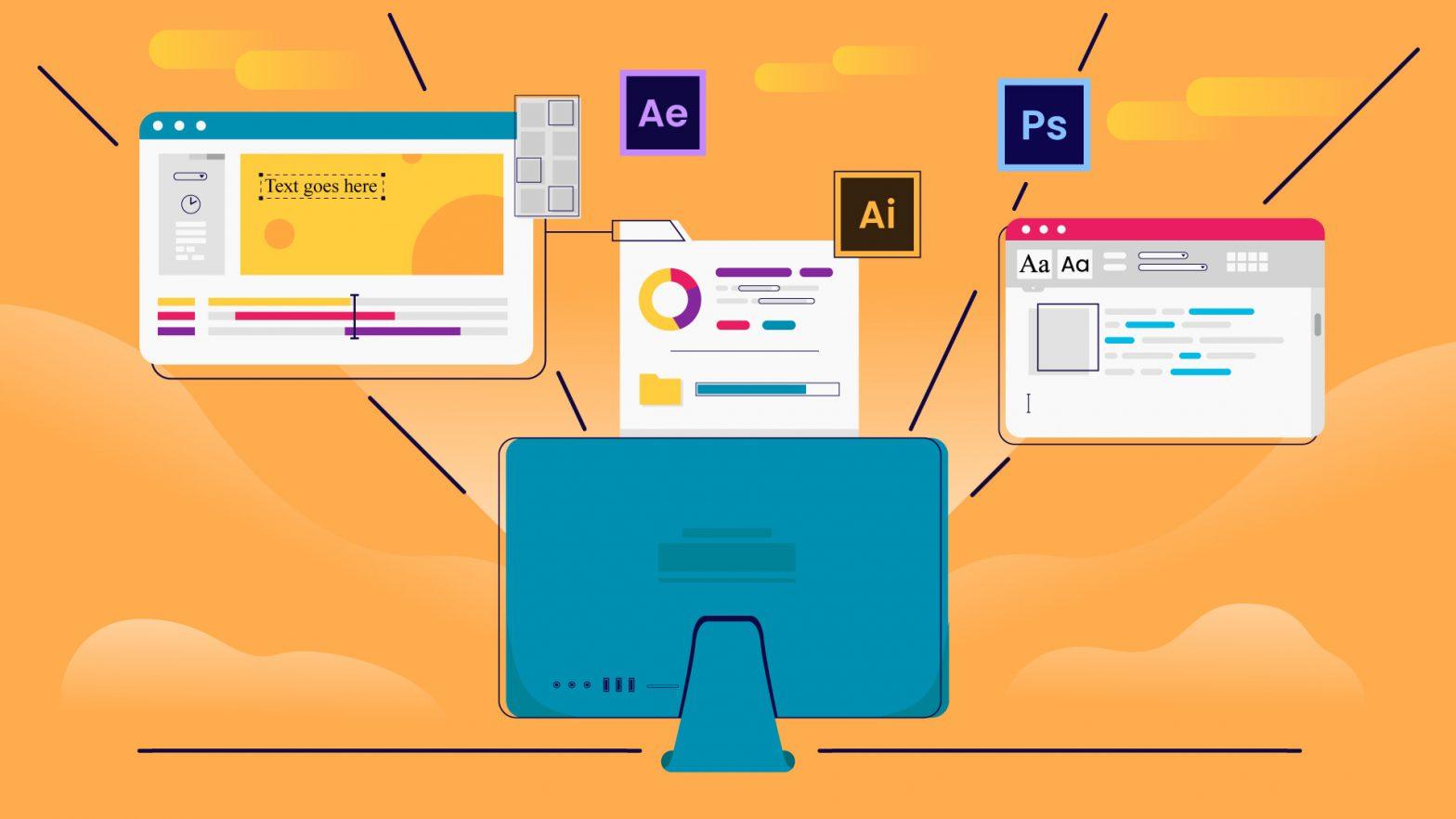
- Adobe After effects: The backbone of motion design, ideal for creating animations, transitions, and integrated visual effects.
- Adobe Premiere Pro: Essential for video editing and blending motion graphics into educational content.
- Adobe Illustrator & Photoshop: For creating high-quality vector and raster assets to animate.
- Cinema 4D: Widely used for 3D motion graphics and advanced animation projects.
- Camtasia or Articulate Storyline: Popular in education for interactive tutorials and e-learning modules with animated elements.
- Blender: A free, open-source alternative for 3D animation and motion graphics in educational projects.
Best Practices for Creating Motion Graphics in E-Learning
Crafting impactful motion graphics for e-learning settings requires a strategic and student-focused approach. Consider the following best practices to maximize educational value:
- Prioritize Clarity and Simplicity: Avoid clutter. each animation should serve an instructional purpose and aid comprehension.
- Stick to Branding Guidelines: Use institutional colors, fonts, and logos for consistency across educational content.
- Ensure Accessibility: Use readable fonts, high contrast, and clear audio to support students with diverse needs.
- Optimize for Various Platforms: Design graphics that look and function well on desktops, tablets, and mobile devices.
- Feedback Loops: Solicit input from educators and students to improve motion graphics’ clarity and effectiveness.
- keep Up With Trends: Stay informed about new tools, animation styles, and interactive techniques to keep your work fresh and engaging.
Benefits of Motion Graphics in E-Learning environments
The integration of motion graphics offers several advantages for both students and educational institutions:
- Increased Retention: Animated visuals help students retain information longer and understand complex topics faster.
- Higher Engagement: Courses enriched with motion graphics report better attendance and participation rates.
- Support for All Learning Styles: Motion graphics address visual, auditory, and kinesthetic learning preferences, making education more inclusive.
- Saves time for Educators: Well-designed motion graphics can explain subjects quickly,reducing instructors’ need for repeated clarifications.
- Boosts Institutional Reputation: High-quality online content can enhance a school’s image and attract new students.
How to Launch a Career as a Motion Graphics designer in EdTech
Ready to embark on a rewarding journey as a motion graphics designer in education technology? Here’s your roadmap:
- Build a Strong Portfolio: Include educational animations, explainer videos, and interactive e-learning modules.
- Network with Educators: Attend EdTech events,webinars,and forums to connect with professionals in the field.
- Stay Credentialed: Take short courses or certifications in motion graphics, animation, or instructional design.
- Master Specific EdTech Tools: Gain expertise in Camtasia, articulate Storyline, or any platform your target institution prefers.
- Tailor Your Resume: Highlight experience designing for online courses or educational materials in your applications.
- Demonstrate Impact: Share before-and-after examples showing how your graphics enhanced student engagement or improved learning outcomes.
Practical Tips for Success in Educational Motion Graphics
- Be Curious: Stay informed about the latest pedagogical techniques and how motion graphics can support them.
- Test Your work: Pilot your animations with small groups of students and revise based on feedback.
- Collaborate Widely: Partner with instructional designers, subject matter experts, and IT staff for extensive solutions.
- Join Professional Communities: Participate in online groups and forums for motion designers in education to share ideas and resources.
- Always Update Your Portfolio: Document each successful project,focusing on measurable improvements in learning or engagement.
Conclusion
Motion Graphics Designers are essential architects of modern e-learning environments, driving engagement and comprehension in universities, colleges, and schools.By mastering key skills and tools, following best practices, and staying focused on student outcomes, you can make a tangible impact on education. Whether you’re just starting your career in motion graphics design for education technology or looking to advance in this dynamic field, the opportunities to innovate and inspire in EdTech are boundless. Start building your skills today and become a catalyst for educational transformation.