
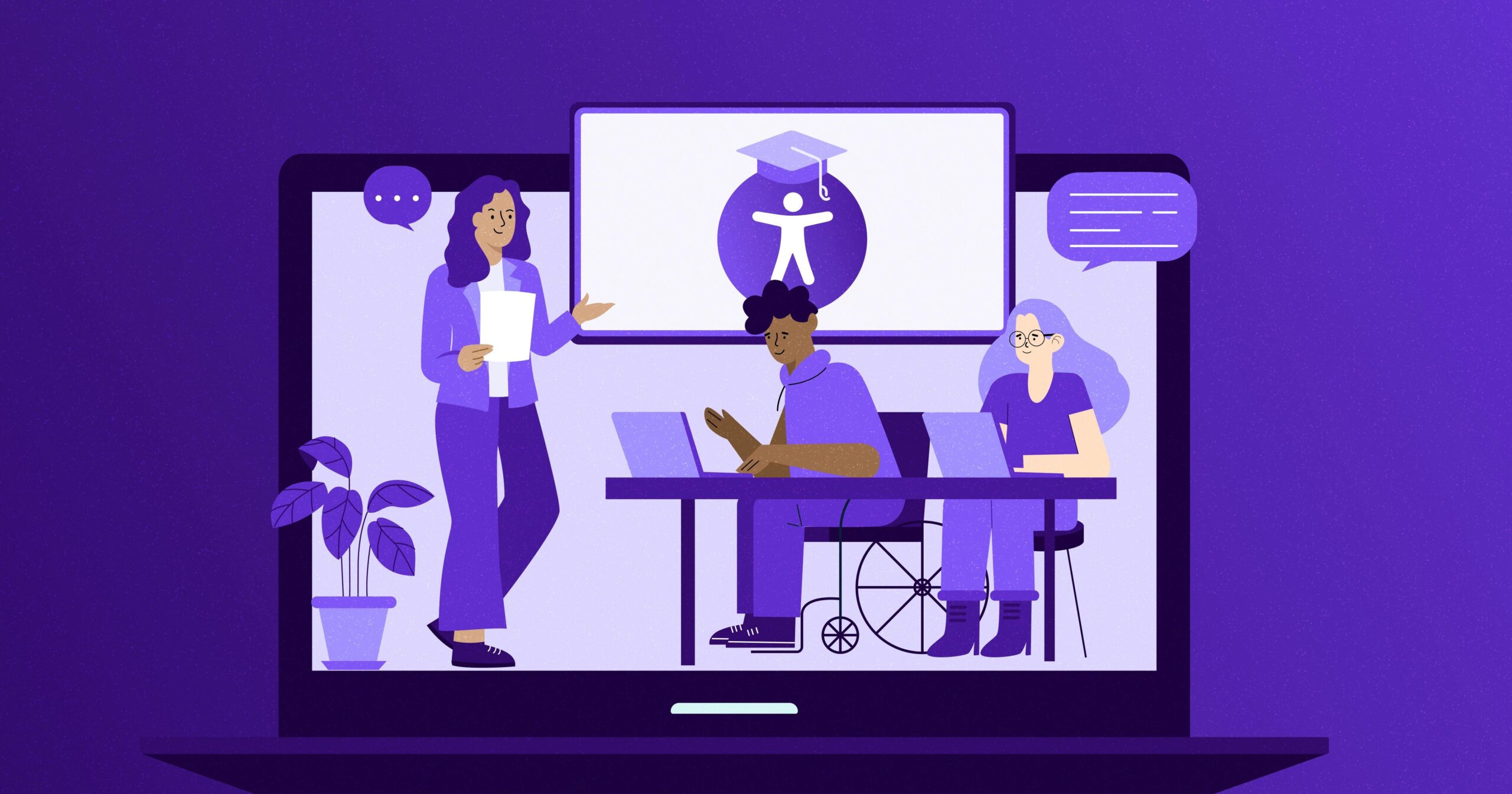
How to Ensure Accessibility in Online Education: Best Practices for Inclusive Learning
In today’s digital-first world, the promise of online education is its ability to reach anyone, anywhere, anytime. But for this promise to become a reality, accessibility in online education is essential. This guide explores how educators, administrators, and instructional designers can ensure equitable, inclusive learning experiences for all students—regardless of physical, sensory, or cognitive abilities.
Why Accessibility in Online Education Matters
Online learning accessibility ensures every student, including those with disabilities, can effectively participate and succeed in digital learning environments. according to the World Health organization, over 1 billion people globally have some form of disability. Failing to consider accessibility excludes a significant portion of learners, undermining educational equality, legal compliance (such as ADA or Section 508), and institutional reputation.
- Legal Requirements: Laws like the Americans with Disabilities Act (ADA) and Section 508 require digital content to be accessible.
- Broader Audience Reach: Accessible content benefits more users, including non-native speakers and students with temporary impairments.
- Enhanced User Experiance: Accessibility fosters better engagement and satisfaction for all learners.
Key Principles for Accessible Online Learning
The Web Content Accessibility Guidelines (WCAG) serve as the international standard for digital accessibility. WCAG revolves around four core principles:
- Perceivable: Information must be presentable to users in ways thay can perceive (e.g., text alternatives for images).
- Operable: Interface components and navigation must be usable (e.g.,via keyboard).
- Understandable: Information and the operation of the interface must be comprehensible.
- Robust: Content must be reliably interpreted by a wide variety of devices, including assistive technologies.
Best Practices for Accessibility in Online Education
Making online courses accessible doesn’t have to be overwhelming.Follow thes best practices for inclusive online learning to create a global learning habitat:
1. Use Accessible Learning Management Systems
- Choose LMS platforms (like Moodle, Canvas, or WordPress LMS plugins) that prioritize accessibility and are routinely updated for compliance.
- Test for compatibility with screen readers and keyboard navigation.
2. Provide Option Text for Images
- all images, graphs, and diagrams should have descriptive alt text.
- Ensure complex images (like charts) have extended descriptions available.
3. Ensure Video and Audio Accessibility
- Add captions and transcripts to all video and audio materials.
- Use audio descriptions for key visual information in videos.
4. Use Clear and Consistent Navigation
- Keep menus,buttons,and layout simple and predictable.
- Allow easy navigation via keyboard for users who cannot use a mouse.
5. Design Inclusive Assessments and Activities
- use multiple formats for assignments (written, audio, video) when possible.
- Ensure quizzes and activities are accessible (label form fields, avoid time-pressured tasks, use clear instructions).
6. Ensure Readability and Flexible Content
- Choose high-contrast color schemes and legible fonts (minimum 16px for body text).
- Use headings and lists to organize content for screen readers and easier scanning.
- Enable students to adjust font size and background color.
7. offer Support and Training for Instructors
- Provide faculty with resources and professional development on accessible teaching practices.
- Encourage the use of accessibility checkers and built-in LMS tools.
Practical Tips to Enhance Online Learning Accessibility
looking to boost accessibility right away? These practical suggestions for inclusive e-learning can be implemented instantly:
- Test Content with Real Users: Gather feedback from students with disabilities to refine your materials.
- Utilize Accessibility Evaluation Tools: Use tools like WAVE, axe, or automated WordPress plugins to check for issues.
- follow the POUR Principle: As you develop,always ask: Is this Perceivable,Operable,Understandable,and Robust?
- Include Accessibility Statements: Tell learners how your course addresses accessibility and where to get help.
- Maintain Ongoing Reviews: Regularly update online resources to stay in line with evolving standards and learner needs.
Case Study: Building an Inclusive Online Course
Example: A mid-sized university revamped its Introduction to Psychology online course with a goal to improve accessibility. After surveying students, the team implemented:
- Closed captions and transcripts for every video lecture
- Alt text for diagrams and infographics
- Flexible deadlines and assignment formats
- Readable font pairs and visible color contrast
- A central accessibility help page for ongoing questions
The result? Increased student engagement, higher satisfaction ratings from students with disabilities, and positive feedback from all learners on content clarity and accessibility.
Benefits of Prioritizing Accessibility in E-Learning
- Increased Learner Success: When all students can access content, retention, and completion rates rise.
- Wider Reach: Accessible online education opens courses to non-customary and global learners.
- Enhanced Reputation: Institutions recognized for inclusive education attract more students and partnerships.
- Future-Proofing: meeting accessibility standards ensures compliance with emerging technology and regulations.
First-Hand Experience: The Learner’s Perspective
“When my online course included transcripts for videos and clear instructions, I felt empowered to learn at my own pace.as someone with a hearing impairment, these features made all the difference.” – Maria, online student
Testimonials like Maria’s highlight the real-world impact of accessible and inclusive online education practices.
Conclusion: A Commitment to Inclusive Online Learning
Ensuring accessibility in online education is not just a legal or ethical requirement—it’s a catalyst for student success, innovation, and institutional growth. As online platforms proliferate, adopting best practices for inclusive learning is essential. by proactively designing for accessibility, educators empower every learner and create richer, more effective educational experiences.
Start today: Audit your current courses,apply the latest best practices in accessible e-learning design,seek learner feedback,and commit to continuous improvement. An inclusive, accessible online education benefits everyone.