
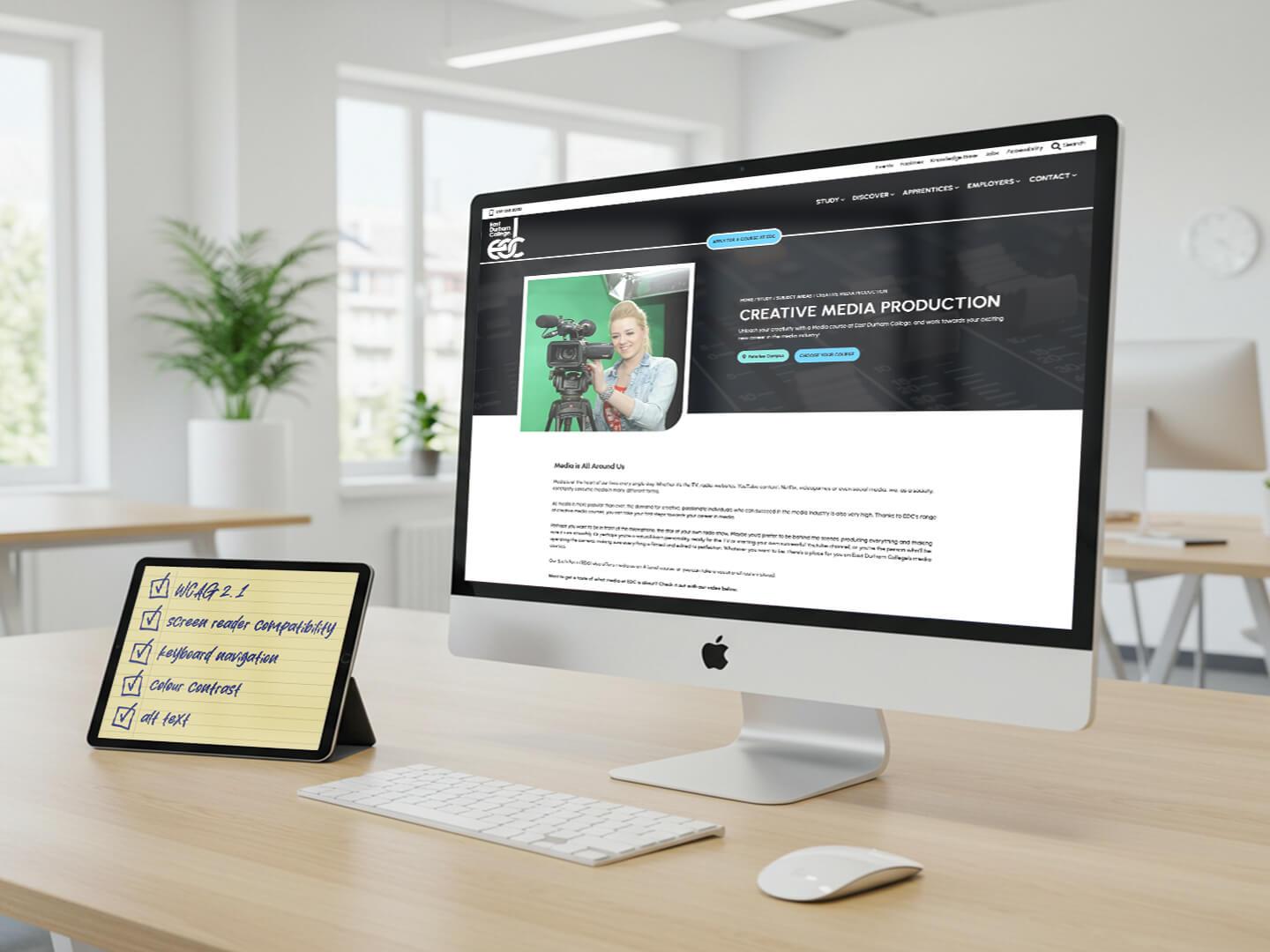
How to Ensure Accessibility in Online Education: Key Strategies and Best Practices
Online education has transformed learning, making it more flexible and convenient for millions. though, ensuring accessibility in online education is crucial for all students, including those with disabilities. In this thorough guide, we delve into the essential strategies and best practices to create truly inclusive digital learning environments.
Why Accessibility in Online education matters
As educational institutions increasingly adopt digital platforms, equal access to learning resources becomes a fundamental right. Accessible online education ensures that every student, irrespective of ability or background, can engage with content and participate fully. This not only complies with legal standards like the Americans with Disabilities Act (ADA) and WCAG 2.1 guidelines, but also supports better learning outcomes for everyone.
- Enables learners with visual, auditory, motor, or cognitive disabilities to engage with content
- Expands your audience and fosters diversity
- Enhances overall user experience
- Reduces dropout rates due to accessibility barriers
- Strengthens your institution’s reputation for inclusivity
Key Strategies for Ensuring accessibility in online Education
Creating accessible digital learning environments requires a proactive, structured approach. Here are the most effective strategies educators, course designers, and administrators can implement:
1. Choose Accessible Learning Management Systems (LMS)
- Select LMS platforms known for strong accessibility features,such as Moodle,Canvas,or Blackboard
- Look for compliance with WCAG and Section 508 standards
- Test navigation,keyboard accessibility,and screen reader compatibility
2. Design Content with Accessibility in Mind
- Use semantic HTML (proper headers, lists, tables) for structured, navigable content
- Provide text alternatives for audio and video (captions, transcripts, audio descriptions)
- Use descriptive alt text for images and graphics
- Ensure sufficient color contrast for text and background
- Avoid conveying details solely through color or visual cues
3. Make Documents and resources accessible
- Create accessible PDFs and Word docs with tagged headings and descriptive links
- Utilize accessible presentation templates and slide layouts
- Use EPUB or HTML formats for digital textbooks, not just scanned images
4.Enable Keyboard Navigation
- Ensure all interactive elements (quizzes, forms, navigation) are operable by keyboard alone
- Highlight the active element (focus indicator) for better usability
5.Incorporate Assistive Technologies
- Test your courses with screen readers like NVDA or JAWS
- Enable compatibility with voice recognition software and option input devices
6. Offer Multiple Means of Engagement
- Present content in various formats: videos,readings,podcasts,infographics
- Provide flexible assessment options (oral,written,project-based)
- Encourage participation through forums,group work,or live discussions
Best Practices for Inclusive Online Learning Experiences
Implementing accessibility goes beyond technical requirements. Here are some industry best practices to enhance inclusivity in online courses:
Regular Accessibility Audits
- Use tools like WAVE or axe for automated accessibility checks
- Conduct manual reviews with real users, especially those with disabilities
Provide Comprehensive Training
- Train faculty, content creators, and support staff in accessibility standards and tools
- Create easy-to-follow guidelines and checklists
Include Accessibility in Course Policies
- Add an accessibility statement to every syllabus or course outline
- Encourage students to request accommodations early
Continuous feedback and Improvement
- Collect feedback from students regarding their learning experience
- Address barriers promptly and iteratively improve courses
Benefits of accessibility in Online Education
When accessibility is prioritized, the positive impact extends to all learners and educators:
- Wider reach: Attracts a broader, more diverse student base
- Improved retention: Fewer students drop out due to obstacles
- Higher satisfaction: Better student engagement and achievement
- Compliance: Meets legal obligations, reducing institutional risk
- Innovation: Drives creativity in teaching methods and design
Practical Tips for Educators and Course Designers
Ready to get started? here are actionable tips you can apply right away—whether you’re updating a single lesson or redesigning your entire online program:
- Always use plain language: Avoid jargon and complex phrasing where possible
- Structure content: Use clear headings, bullet points, and short paragraphs
- Label form fields and controls: Make interactive activities self-explanatory
- Provide consistent navigation: Ensure menus, links, and controls are predictable across the platform
- Include video captions and transcripts: These benefit both accessibility and comprehension
- Test with real students: gather feedback from diverse learners before launch
Case Study: Accessibility Success at a Leading University
University of XYZ revamped it’s online courses to meet WCAG 2.1 standards. By involving students with disabilities in reviewing course content, they:
- Enhanced video captioning and added audio descriptions
- Improved color contrast sitewide
- Conducted staff workshops on accessible course design
Result: Student satisfaction scores increased by 18%, and student complaints related to accessibility dropped by 75% within one year.
First-Hand experience: A Student’s Perspective on Accessible Online Learning
“As a visually impaired student, I used to struggle with inconsistent layouts and unlabeled quizzes in my online courses. After my university adopted accessibility best practices, I could navigate the LMS independently, access materials using my screen reader, and finally felt included in class discussions.”
— Maria A., Graduate Student
Essential Accessibility Tools and Plugins
To help with the journey toward more inclusive online education, here are some top-rated resources and plugins (especially useful for WordPress-based learning sites):
- WP Accessibility: Adds accessibility enhancements to WordPress sites
- Accessible Poetry: Helps create content compliant with accessibility guidelines
- Accessibility Checker: Audits your content for accessibility issues right in the WordPress editor
- WAVE: Web accessibility evaluation tool for any website
- axe DevTools: Browser extension for automated accessibility testing
Conclusion: The Future of accessible Online Education
Ensuring accessibility in online education is not just a legal or technical requirement—it is a moral imperative and an opportunity for innovation. By integrating accessibility best practices into every aspect of your courses, you create equitable, dynamic learning experiences for all students. Whether you’re an educator, instructional designer, or administrator, the steps you take today will help shape a more inclusive and successful educational habitat for years to come.
Ready to take your online courses to the next level? Start with these accessibility strategies and watch your learners thrive, regardless of their starting point.