
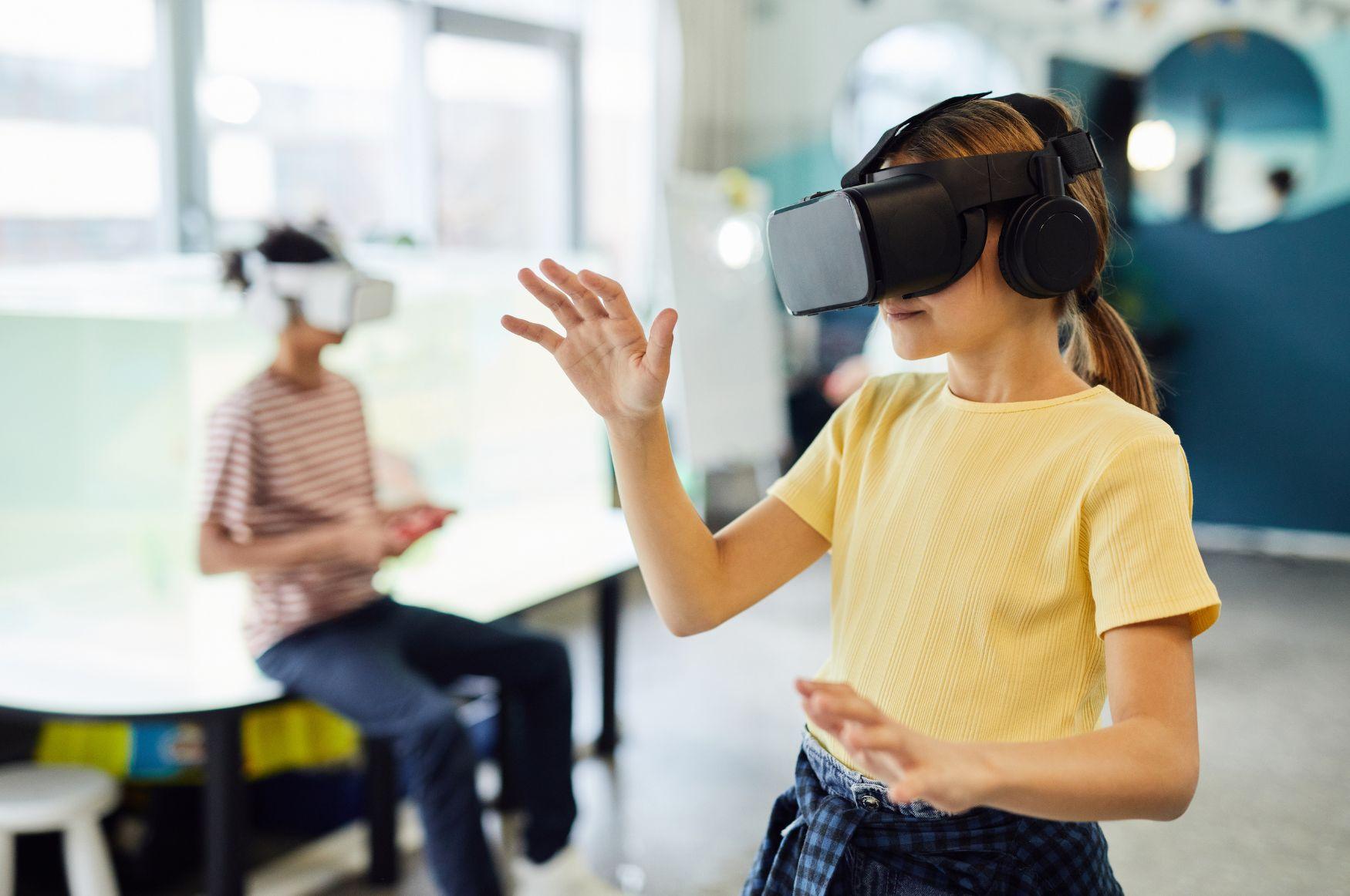
Mastering VR/AR in Education: Essential Strategies for Training Teachers to Use Immersive Tools Effectively
As educational technology evolves,virtual Reality (VR) and Augmented Reality (AR) are rapidly transforming the learning landscape. Their immersive potential isn’t just limited to enhancing student engagement; it’s equally crucial to empower educators to integrate thes cutting-edge tools into their classrooms confidently. This article explores key strategies for training teachers in VR and AR in education, offers expert tips, and highlights real-world examples of successful immersive learning integrations.
Introduction: The New Frontier of Immersive Learning
The integration of VR and AR in education opens a world of opportunities for both students and teachers. Whether it’s exploring ancient civilizations through VR field trips or interacting with 3D models via AR-enabled devices, these immersive tools can make learning experiences more interactive, memorable, and effective. Mastering VR/AR in education requires more than just access to gadgets—teachers need comprehensive, ongoing training to use immersive technology seamlessly within their teaching practices.
Understanding VR and AR in Education
Before diving into training strategies, it’s important to distinguish between VR and AR:
- Virtual Reality (VR): Provides a completely digital environment that shuts out the real world. Examples include virtual classrooms, simulations, or historical recreations using VR headsets.
- Augmented Reality (AR): Enhances the real world with digital overlays. Think of AR apps that display 3D anatomical models on tablets or project interactive maps onto classroom walls.
The combined effect of VR and AR in education is richer engagement, improved knowledge retention, and the ability to teach complex concepts visually and experientially.
Key Benefits of VR/AR Integration for Teachers and Students
- enhanced Engagement: Immersive content captures student interest more effectively than conventional methods.
- Active Learning Experiences: Students gain hands-on experience in safe, controlled environments.
- Improved Knowledge Retention: Visualization and interactivity boost understanding and recall.
- Personalized Learning: Tools can adapt to individual learning styles and paces.
- Access to Otherwise Unachievable Experiences: From virtual science labs to remote cultural experiences, VR/AR overcomes physical barriers to learning.
- Collaboration and Creativity: Many VR/AR platforms encourage teamwork and creative problem-solving.
Essential Strategies for Training Teachers to Use VR/AR effectively
For educators to maximize the benefits of immersive technology, structured and supportive training programs should be implemented. Here are proven strategies for professional development:
1. Hands-On Professional Development workshops
- Immersive Demonstrations: Allow teachers to experience VR and AR as learners first.This builds empathy and first-hand understanding of student perspectives.
- Guided Practice: Schedule “sandbox” sessions were teachers experiment with devices and apps without fear of making mistakes.
2. Collaborative Learning Communities
- Peer Mentoring: Pair tech-enthusiastic teachers with those newer to VR/AR. Foster ongoing collaboration, resource sharing, and feedback.
- Online forums: Create virtual spaces (e.g., a school’s microsoft Teams group) to discuss problems, share tips, and showcase success stories.
3. Scaffolded Curriculum Integration
- Start Small: Integrate one VR or AR activity into existing lessons rather than overhauling the curriculum.
- Curriculum Alignment: encourage teachers to choose immersive experiences that align with learning objectives and standards.
4. Technical Support and Troubleshooting Training
- Provide basic tech troubleshooting tutorials so teachers can resolve common issues independently.
- Offer a clear pathway for advanced technical help—such as a dedicated IT support line for immersive tools.
5. Ongoing Professional Development
- Regular Training Updates: Immersive technology evolves quickly. Offer refresher courses and advanced workshops each semester.
- Self-Paced Online Modules: Leverage e-learning platforms so teachers can explore new features and apps at their own pace.
Practical Tips for Teachers Using Immersive Tools
- Test content Ahead of Time: Ensure all devices are charged, software is updated, and apps run smoothly before class.
- Prepare Students: Brief students on how to use VR/AR hardware safely and respectfully. Establish clear usage guidelines.
- Incorporate Reflection: allow time for post-experience discussion. ask students to share their insights and impressions.
- Document Your Journey: Keep a teaching diary or portfolio of effective VR/AR activities for future reference or peer sharing.
- balance Screen Time: Use VR/AR as a complement to, not a replacement for, hands-on and social learning.
Case Studies: Real-World Success Stories
Utah’s statewide VR Science Initiative
The Utah State Board of Education launched a pilot program incorporating VR simulations in middle school science classes. Teachers received targeted training and ongoing in-class support. Consequently:
- Student test scores in earth sciences improved by 17% on average.
- Teacher confidence with immersive tools rose from 32% to 89% (pre vs. post-training).
Augmented Reality for Elementary Literacy in Finland
In a rural Finnish school, teachers collaborated on using AR flashcards to teach English vocabulary. Highlights included:
- Increased student participation, especially among shy or ESL learners.
- Teachers reported reduced lesson planning time after mastering AR resources.
Overcoming Common Challenges in VR/AR Teacher Training
- Budget Constraints: Seek out grants, pilot programs, and free/low-cost VR/AR apps. Consider device sharing or mobile phone-based AR as entry points.
- Tech Anxiety: Normalize experimentation.Celebrate “tech wins,” and treat mistakes as growth opportunities.
- Equity & Accessibility: Ensure content is accessible for students with disabilities (e.g., captioning, option input methods).
- Keeping Content Relevant: Encourage teachers to regularly review and refresh digital content to align with current curriculum and standards.
Firsthand Insights from Teachers
Teachers who have pioneered VR and AR in their classrooms often share:
“The initial learning curve was steep, but peer support and ongoing workshops made a huge difference. Now, immersive tools are an essential part of my STEM lessons.”
– Sarah, STEM Teacher, Texas
“Using AR helped my students visualize concepts that were previously abstract. It changed the way I approach teaching entirely.”
– Mikael, Elementary Teacher, Sweden
Conclusion: Empower Teachers, Transform Classrooms
Effective integration of VR/AR in education relies on robust teacher training and ongoing professional support. When teachers are equipped with practical VR/AR strategies, immersive tools can revolutionize classrooms—making learning more dynamic, inclusive, and impactful. by starting small, building confidence, and fostering a culture of collaboration, schools around the world can unlock the full potential of immersive technology for the next generation of learners.
Ready to empower your educators? Invest in comprehensive VR and AR teacher training, and watch your learning community thrive!