
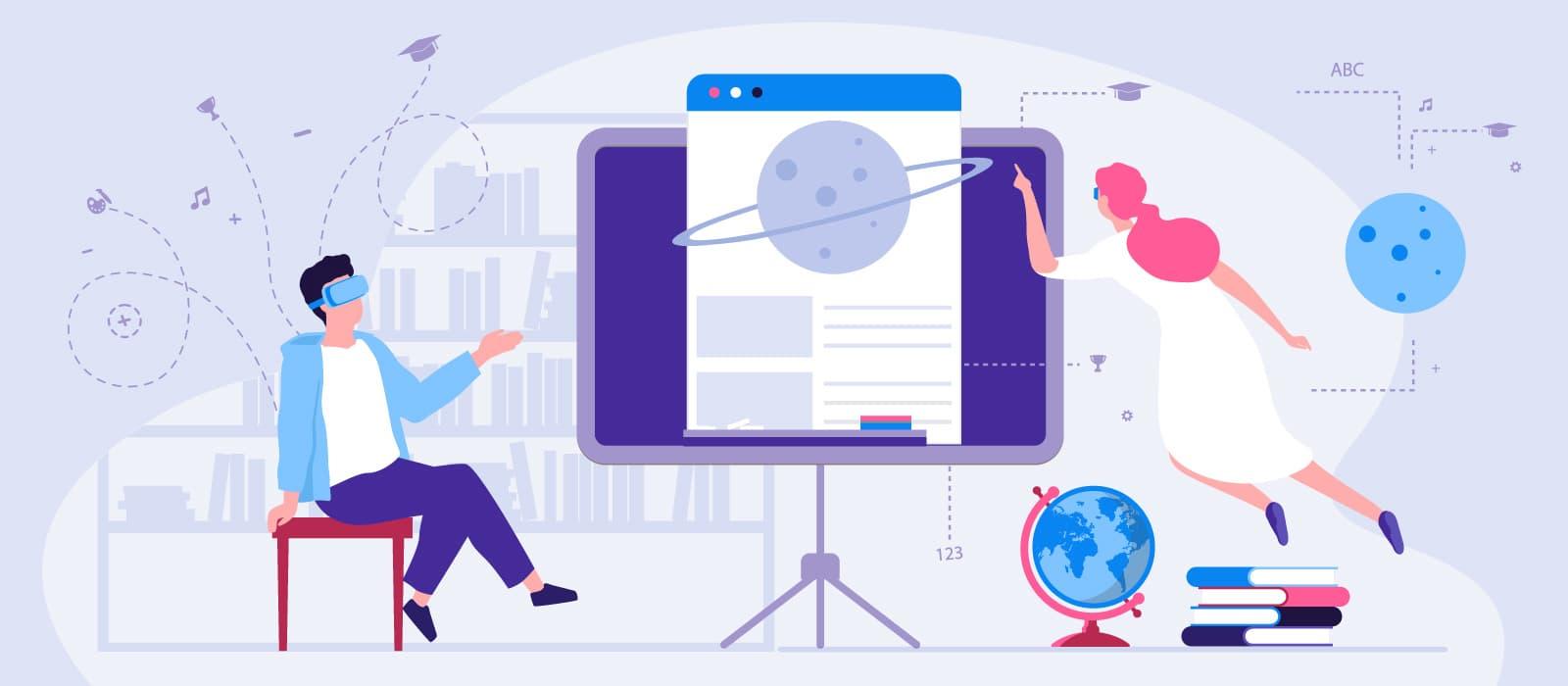
Mastering VR/AR in Education: Essential Teacher Training Strategies for Effective Classroom Integration
Virtual Reality (VR) and Augmented Reality (AR) are rapidly transforming the educational landscape, turning ordinary lessons into engaging, immersive experiences. However,the true potential of VR and AR in education can only be realized when teachers are equipped with the right skills and confidence to use these cutting-edge tools effectively.In this in-depth guide, we’ll explore the essential teacher training strategies for successfully integrating VR/AR technology in classrooms, delve into key benefits, and provide actionable tips for educators at every stage of their teaching journey.
Why Mastering VR/AR in Education Matters
As the digital world becomes increasingly prevalent, VR and AR technologies are more than just futuristic gadgets—they’re powerful educational tools that enhance student engagement, foster deeper understanding, and prepare learners for tomorrow’s challenges. With the right teacher training in VR/AR integration, educators can:
- Expand students’ horizons by transporting them to virtual environments.
- Visualize complex concepts in 3D and interactive formats.
- cater to diverse learning styles through multi-sensory instruction.
- Facilitate collaborative and problem-solving skills within immersive scenarios.
But harnessing these benefits requires thoughtful, ongoing teacher professional growth. Let’s break down the steps to effective VR/AR classroom integration.
Essential Teacher Training Strategies for VR/AR Integration
1. Build Foundational Knowledge and Comfort
No technology can succeed in the classroom if educators aren’t comfortable using it. Strong VR/AR teacher training programs start with foundational knowledge:
- Introductory Workshops: provide hands-on, interactive sessions introducing the basics of VR and AR technologies, including setup, navigation, and troubleshooting.
- Understanding Pedagogical applications: Teach educators how VR/AR align with curriculum standards and learning objectives.
- Peer-Led Demonstrations: Encourage collaboration and sharing of best practices among staff with different levels of experience.
2. Foster Ongoing professional Development
Integrating VR and AR isn’t a ‘set it and forget it’ approach. Encourage continuous growth by:
- offering advanced training modules on content creation and customization within VR/AR platforms.
- Organizing regular meetups, webinars, and professional learning communities focused on sharing experiences and troubleshooting challenges.
- Incorporating reflective practice—encouraging teachers to share what worked, what didn’t, and how their students responded.
3. provide Access to Curated Resources
Ease the learning curve by creating a central repository of VR/AR lesson plans, how-to guides, and video tutorials. this helps teachers:
- Access ready-to-implement classroom activities for various subjects and grade levels.
- Browse curriculum-aligned VR/AR apps for different learning goals.
- Stay updated with emerging tools and research in educational technology.
4. Emphasize Classroom Management in VR/AR Environments
Teacher training must also address classroom dynamics unique to immersive technologies:
- Guidance on managing student engagement and safety in VR and AR scenarios.
- Strategies for balancing screen time and maintaining customary instructional methods.
- Tips on group collaboration and monitoring student progress within digital environments.
5. Integrate Assessment Strategies
Effective training includes how to evaluate student learning outcomes in VR/AR settings, such as:
- creating rubrics and checklists specific to immersive activities.
- Leveraging built-in analytics from VR/AR applications to track participation and growth.
- Encouraging student feedback and reflection to improve and adapt experiences.
Benefits of VR/AR in the Classroom
Investing in VR/AR professional development for teachers pays dividends for student learning. Key benefits include:
- Enhanced Engagement: Students are more motivated and attentive in interactive environments.
- Improved Retention: Hands-on, experiential learning makes complex topics memorable.
- greater Accessibility: VR/AR can adapt content for different abilities and language backgrounds.
- Innovative Collaboration: Learners work together on shared digital projects across geographical boundaries.
- Real-World Skill Building: simulations and virtual labs cultivate critical thinking, creativity, and technical competence.
Practical Tips for Teachers Using VR/AR Technologies
- Start Small: Incorporate short,simple VR/AR activities into existing lessons before developing entire units.
- Prioritize Pedagogy: Choose VR/AR tools that align with your lesson objectives, not just the “wow” factor.
- Address accessibility: Ensure students with different needs can participate fully—consider alternative activities or assistive devices when necessary.
- Encourage Exploration: Allow students to guide their own learning paths within VR/AR environments, fostering autonomy and curiosity.
- Document and Reflect: Maintain a journal or portfolio of how VR/AR impacts learning outcomes and continuously adjust your practice.
Case Studies: VR/AR Integration Success Stories
Case Study 1: Bringing Ancient History to Life
Middle School Social Studies – New York City
After participating in district-led VR training, a group of teachers integrated a VR field trip to Ancient Rome using low-cost headsets and curated apps. Students explored historical sites virtually, discussed Roman culture, and completed reflection essays. Teachers observed higher engagement and deeper understanding of historical perspectives.
Case Study 2: Virtual Science Labs in Rural Classrooms
High School Science – Nebraska
Faced with limited lab resources, a rural high school adopted AR simulations to model complex chemical reactions. Through ongoing teacher development sessions and sharing best practices across departments, students gained hands-on lab experience safely and at a fraction of the traditional cost.
Case Study 3: Inclusive Language Learning with AR
Primary School ELL Program – California
Teachers leveraged AR flashcards and mobile apps to help English Language Learners (ELL) visualize vocabulary and sentence structures. training emphasized culturally responsive teaching strategies, leading to improved language acquisition and classroom participation.
First-Hand Experience: Teacher’s Perspective on VR/AR Training
“I was hesitant to try VR in my science classroom, but after attending a hands-on workshop and practicing with colleagues, I gained confidence. The students were excited, and I could see knowledge ‘click’ as they explored the solar system in 3D. The key was having access to step-by-step guides, ongoing support, and the freedom to ask questions in a supportive group.”
—Ms. L.Zhang, Secondary Science Teacher
Overcoming Common Challenges in VR/AR Teacher Training
- Technical Barriers: Address through robust IT support and user-friendly interfaces.
- budget Concerns: Start with affordable or grant-funded VR/AR kits,and utilize open-source apps when possible.
- Time Constraints: Integrate short, modular training sessions into regular professional development calendars.
- Resistance to Change: Share success stories and focus on practical,observable benefits for students.
Conclusion: Empower teachers to Shape the Future of Education
Mastering VR/AR integration in the classroom is not just about the latest technology—it’s about empowering teachers to unlock new dimensions in learning. through targeted,ongoing VR/AR teacher training strategies,educators can build confidence,creativity,and competence with immersive tools. Schools that invest in professional development, collaborative learning, and accessible resources will prepare students for a dynamic, technology-driven world.
If you’re ready to take the first step,seek out VR/AR workshops,join digital educator communities,and start experimenting. The classroom of the future is here—make sure your teaching toolkit is ready for it!
Share Your VR/AR Classroom Success
Have you implemented VR/AR in your classroom? What training strategies worked best for you? Let us know in the comments below and inspire fellow educators on their immersive learning journey!