
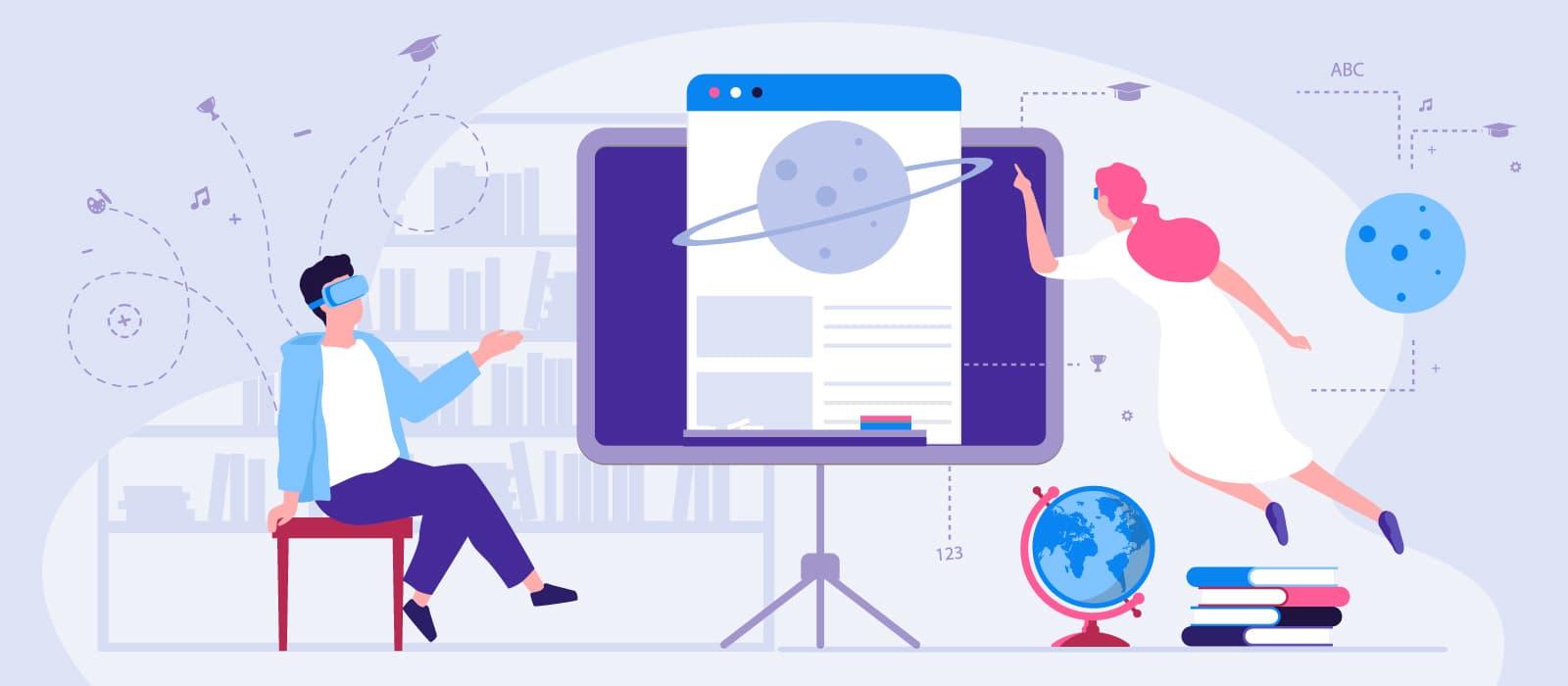
Mastering VR/AR in Education: Essential Training Tips for Teachers
Virtual Reality (VR) and Augmented Reality (AR) are revolutionizing the educational landscape, bringing interactive and immersive learning experiences into the classroom. As schools and institutions rapidly adopt these technologies, teachers play a pivotal role in harnessing their full potential to enrich student learning. In this guide, we’ll explore essential training tips for teachers looking to master VR/AR in education, examine benefits and practical applications, and share real-life examples for seamless integration.
Why VR/AR Is Transforming Education
Modern classrooms are no longer confined by four walls, textbooks, or static lessons thanks to VR/AR technology. VR/AR in education allows teachers to create dynamic, experiential lessons where students can explore past events, manipulate virtual molecules, and even visit museums or planets without leaving their seats.
- Virtual Reality (VR): Immerses students in fully simulated environments using devices like headsets.
- Augmented Reality (AR): Overlays digital content onto the real world using smartphones or tablets.
Key Benefits of VR/AR in Education
- Enhanced engagement – Students are active participants, not passive listeners.
- Deeper learning – Complex concepts become accessible through interactive visualization.
- Inclusivity – Students of varying learning styles and abilities benefit from multimodal teaching.
- improved retention – Memorable experiences boost knowledge recall.
- Safe experimentation – Risk-free environments enable practice and exploration.
Essential Training Tips for Teachers Using VR/AR
While the benefits are exciting, effective integration requires thoughtful preparation. Hear are actionable training tips for teachers eager to incorporate VR/AR in the classroom:
1. Get Familiar with the Technology
- Explore Devices: Start with simple AR apps on mobile devices before advancing to VR headsets. Popular models include Oculus Quest, HTC Vive, and Google Cardboard.
- Understand the basics: Watch tutorials, attend workshops, and participate in webinars focusing on VR/AR in education.
2. Start Small and Pilot Programs
- Begin with One Lesson: Integrate VR/AR into a single lesson or topic to assess its impact and gather student feedback.
- Leverage Freemium Tools: Use free or affordable content platforms like Zappar, ThingLink, or Google Expeditions to experiment without large investments.
3. Align VR/AR Activities with Curriculum Goals
- Set Clear Learning Objectives: Ensure each VR/AR activity directly supports curriculum goals.
- Map Experiences to Standards: Use VR/AR experiences to satisfy educational standards, such as STEM, humanities, or language arts outcomes.
4. Foster Student-Centered Learning
- Create Collaborative projects: Encourage teamwork with shared AR challenges or VR field trips.
- Empower Exploration: Offer choices in AR/VR tools and topics, encouraging student curiosity.
5. Address Accessibility and Safety
- Accommodate Diverse Needs: choose apps and hardware with accessibility features (captioning, adjustable controls).
- ensure Safe Use: Supervise VR sessions, prevent overuse, and address potential motion sickness or discomfort.
6. Engage in community and Professional Progress
- Network with Peers: Join online communities, forums, or local groups dedicated to VR/AR in education.
- Attend Workshops: Participate in hands-on training and conferences related to immersive technologies.
practical Examples and Case Studies
Seeing VR/AR in action can help teachers envision creative ways to apply these tools. Here are some successful case studies and applications:
- SCIENCE: A high school biology teacher used Labster VR simulations for safe virtual dissections, doubling student engagement.
- HISTORY: Middle schoolers took virtual field trips to ancient Rome,using Google Expeditions,increasing history test scores by 15%.
- SPECIAL EDUCATION: AR math apps allowed students with dyslexia to visualize equations, improving comprehension and confidence.
- LANGUAGE LEARNING: VR conversation scenarios (e.g., Immerse) supported immersive language practice in realistic settings.
First-Hand experiences: Teacher Testimonials
“implementing AR in my science classes has transformed how students grasp abstract concepts. The interactive visuals keep them engaged, and their grades have improved noticeably.” – Mrs. Lopez, Middle School Science Teacher
“I was hesitant about VR at first, but after a workshop and trial runs, I saw its potential. My students are more motivated, and I’ve found that VR field trips make history come alive!” – Mr. Carter, History Teacher
Best Practices for Integrating VR/AR in the Classroom
- Choose Age-Appropriate Content: Ensure VR/AR applications are suitable for your students’ developmental stage.
- Offer Guided Debriefings: After VR/AR activities, hold discussions to consolidate learning and address questions.
- Monitor Technology Use: Schedule limited sessions to balance screen time and customary learning methods.
- Seek Student feedback: Regularly survey students to refine lessons and improve experiences.
- Stay Updated: Follow industry news to discover new educational VR/AR apps and best practices.
Common Challenges and How to Overcome Them
The journey to mastering VR/AR in education isn’t without its hurdles. Here’s how teachers can tackle common challenges:
- Budget Constraints: Start with low-cost or free AR apps. Consider grants or district funding for hardware upgrades.
- Technical Issues: Work closely with IT staff to troubleshoot network compatibility and device setup.
- Training and Support: Advocate for professional development and resource-sharing within your institution.
- Student Safety: Enforce usage guidelines and opt for content rated for classroom use.
Resources for Getting Started with VR/AR in Education
- Edtechnopedia VR/AR Resources
- Microsoft Education AR/VR Learning Modules
- Common Sense Education: Best AR Apps
Conclusion: Empowering Teachers for the Future of Learning
The integration of VR/AR in education is more than a trend—it’s a change. By mastering these immersive technologies, teachers can unlock new dimensions of learning, foster curiosity, and prepare students for a tech-forward world.With the right training, strategic planning, and continued support, the journey to mastering VR/AR becomes an exciting adventure in educational innovation.
Ready to bring your classroom to life? Start today with small steps, embrace new tools, and keep learning. The future is immersive—and the possibilities are endless!