
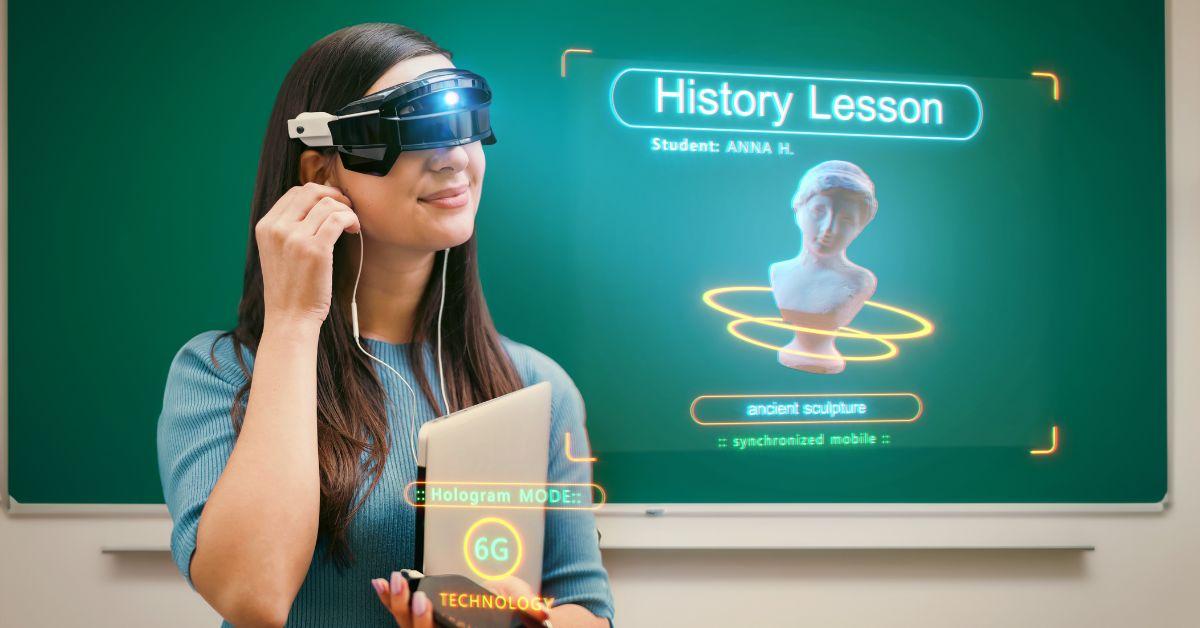
Mastering VR/AR in Education: Essential Training Tips for Teachers to Use Tech Effectively
Virtual Reality (VR) and Augmented Reality (AR) are transforming the landscape of modern classrooms. As these immersive technologies become increasingly accessible,educators are presented with exciting new opportunities to engage students and deepen learning. However, to master VR/AR in education, teachers need the right training, support, and practical strategies. In this comprehensive guide, we’ll explore essential training tips for teachers, highlight the benefits of VR/AR in teaching, and share real-world success stories—all designed to help you confidently implement these tools to deliver impactful lessons.
Why VR/AR in Education Matters
VR and AR in education are more than technological trends—they are instructional game changers. By blending digital content with physical reality or creating entirely virtual environments, educators can:
- Increase student engagement: Interactive, hands-on learning captures students’ attention and drives participation.
- Enhance understanding: Complex concepts become tangible through 3D visualizations and simulations.
- Personalize learning: VR/AR technologies cater to different learning styles, from visual to kinesthetic.
- Bridge gaps: Students can “visit” historical sites, conduct virtual science experiments, or collaborate globally—no travel required.
- Boost retention: Immersive experiences help students remember details more effectively than traditional lectures.
Key Benefits of Mastering VR/AR in the Classroom
Educators who embrace and master AR/VR technology in education report a variety of positive outcomes.Here’s why investing time in VR/AR teacher training returns substantial dividends:
- Improved student motivation: Students look forward to lessons designed with immersive technology.
- Differentiation opportunities: Teachers can tailor activities and assessments to suit individual needs.
- Global connections: Virtual exchanges promote cultural awareness and language learning.
- Real-world skills: Simulated environments teach problem-solving, collaboration, and critical thinking.
- Inclusive education: VR/AR can create equal opportunities for all learners,including those with special educational needs.
Essential Training Tips for Teachers to Use VR/AR Effectively
Transitioning to VR and AR technology in the classroom can feel overwhelming at first. These practical,teacher-friendly tips will guide you on the path to success:
1. Start Small and Get Comfortable
- experiment with basic apps: Begin with simple, educational AR apps or 360° videos to build confidence.
- Join pilot programs: Partner with your school’s tech team or join AR/VR pilot groups—collaboration makes learning easier!
- Learn from others: Reach out to peers already using immersive technology for classroom tips and troubleshooting.
2. Invest in Targeted Professional Progress
- Attend workshops and webinars: Look for local and international VR/AR in education training opportunities.
- Follow online courses: Platforms like Coursera, Edutopia, and ISTE offer practical instruction on integrating tech into lessons.
- Stay updated: Subscribe to VR/AR education newsletters to keep up with the latest tools and trends.
3. Focus on Curriculum Integration
- Align with learning goals: Use VR/AR to deepen understanding of core curriculum topics, not just for novelty.
- Plan meaningful activities: Design tasks that require student reflection, exploration, and collaboration.
- Assess outcomes: Establish clear assessment tools to measure learning progress and engagement.
4. Prioritize Accessibility and Inclusivity
- Choose adaptable content: Ensure your VR/AR apps and experiences support diverse learners, including those with disabilities.
- Check device compatibility: Determine which hardware suits your students’ needs and your school’s budget—Google Cardboard, Oculus Quest, iPads, or phones.
- Create accessible instructions: Offer step-by-step guides, video tutorials, and handouts in multiple formats.
5. Encourage Student-Led Exploration
- Let students create: Challenge students to design their own AR models or VR experiences using platforms like CoSpaces Edu or Merge Cube.
- Facilitate peer teaching: Allow tech-savvy students to mentor classmates, building confidence and leadership.
- Promote critical thinking: Guide students to analyze and discuss the content and ethical implications of immersive experiences.
Real-World Examples: Case Studies of VR/AR in Education
Case Study 1: Exploring Ancient History
A high school history teacher in California used VR headsets to take students on a virtual tour of the Roman Colosseum. By ‘walking’ through the ancient arena, students visualized architectural details and imagined the lives of Romans in ways a textbook could not achieve. As a result, assessment scores improved, and students reported increased interest in the subject.
Case Study 2: Inclusive Science Experiments
In a UK secondary school,AR apps enabled students with physical disabilities to participate in laboratory simulations. By manipulating chemical reactions on tablets,learners experienced experiments otherwise inaccessible—demonstrating how accessible VR/AR can level the educational playing field.
Case Study 3: Language Immersion
Language teachers have harnessed VR to immerse students in virtual “marketplaces” in spain or France, encouraging real-time conversations with avatars and AI guides. Not only did fluency improve, but students also developed cultural competency through these authentic virtual experiences.
First-Hand Experiences from Teachers
“The first time I used VR in class, my students were awestruck. They promptly started asking intelligent questions about the lesson—I’ve never seen them so actively engaged.”
– maya R.,Middle School Science Teacher
“AR made abstract geometry concepts click for my visual learners. Training and experimenting together as a staff greatly increased our comfort level.”
– Javier M., High School math Teacher
Recommended Resources for Teacher Training in VR/AR
- cospaces Edu – Create and explore VR/AR spaces in education.
- Merge Cube – Affordable AR for hands-on STEM learning.
- Google Expeditions – Take virtual field trips around the globe.
- Thinglink – Build interactive AR and VR content with images and video.
- ISTE – international Society for Technology in Education, offering PD courses and certifications.
Conclusion: The Future of Immersive learning Is Now
VR and AR are unleashing creativity, curiosity, and deeper learning in classrooms worldwide. mastering VR/AR in education is not about perfection—it’s about exploration, growth, and connecting with students in new ways. By embracing essential teacher training tips, leveraging peer support, and integrating immersive content, teachers can deliver transformative educational experiences that inspire lifelong learning.
Ready to embark on your VR/AR teaching journey? Start small,stay curious,and watch your students’ learning take flight—virtually and beyond.