
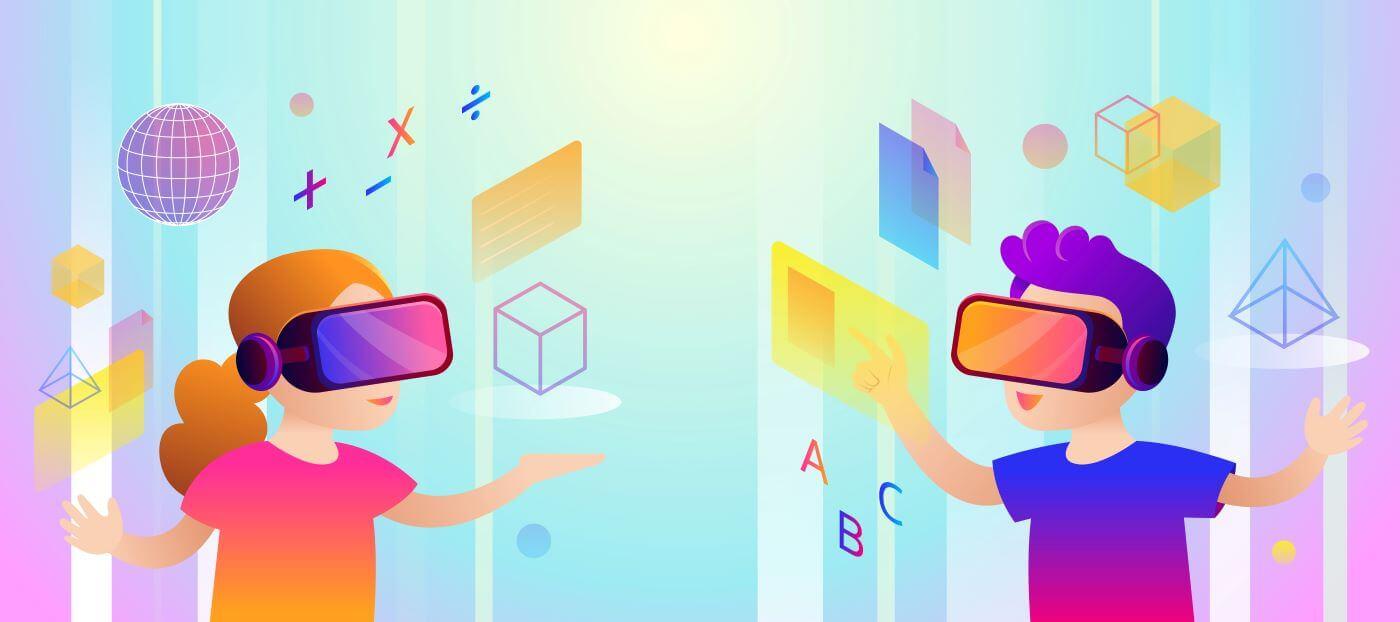
Mastering VR/AR in Education: Essential Training Tips for Teachers to Use Virtual & Augmented Reality Tools Effectively
Virtual Reality (VR) and Augmented Reality (AR) are rapidly transforming classrooms across the globe.These immersive technologies ignite student engagement, deepen understanding, and unlock creative learning experiences previously unimaginable. However, the real power of VR/AR in education is only unleashed when teachers feel confident and skilled in using these tools. If you’re ready to harness the full educational potential of virtual and augmented reality, mastering their use is essential.
In this comprehensive guide, we’ll explore essential training tips for educators, the benefits of implementing VR/AR in education, practical strategies for classroom integration, and inspiring real-world examples. Whether you’re just starting your journey or looking to refine your VR/AR teaching skills, this article will empower you to create truly unforgettable learning moments.
Why Use VR/AR in Education? The Key Benefits for Teachers and Students
Embracing VR and AR in your teaching practice offers remarkable benefits that go beyond the novelty factor:
- Enhanced Engagement: Interactive 3D environments and overlays capture student attention, making abstract concepts tangible and exciting.
- Deeper Understanding: VR/AR experiences promote active learning, improve retention, and support differentiated instruction for diverse learning styles.
- Safe Exploration: Take virtual field trips, conduct scientific experiments, or explore historical sites—all without leaving your classroom or compromising safety.
- Collaboration & Creativity: Students can work together in mixed-reality spaces, fostering teamwork and creative problem-solving skills.
- Bridging Gaps: VR/AR can make learning accessible to students who face mobility, geographical, or other barriers.
“Augmented and virtual reality do not replace teachers—rather, they empower us to create richer, more interactive, and more personalized learning experiences.”—Educator, 2023
Essential Training Tips for Teachers: Mastering Virtual & Augmented Reality Tools
To fully leverage the educational power of VR/AR, it’s crucial for teachers to build confidence and capability. Hear are some proven training tips and best practices:
1. Start Small—Familiarize Yourself with the Basics
- research VR/AR Hardware: Try cost-effective tools like Google Cardboard, Merge Cube, or basic AR-enabled tablets before advancing to more sophisticated devices.
- Explore Educational Apps: Begin with user-friendly, teacher-approved VR/AR apps (e.g., Google Expeditions,ClassVR, Merge EDU).
- Join Online Communities: Participate in educator forums and social groups focused on immersive technology, such as Edutopia’s AR/VR group or ISTE’s VR/AR community.
2. Understand the Pedagogy of VR/AR in Education
- Align with Learning Objectives: Don’t use VR/AR just for tech’s sake—ensure each activity enhances curricular goals.
- Scaffold Experiences: introduce VR/AR activities slowly,building students’ skills and gradually increasing complexity.
- Encourage Reflection: After each experience, engage students in discussion or journaling to reinforce learning.
3. Develop Classroom Management Strategies
- Set Clear Guidelines: Teach students how to use VR/AR equipment safely and responsibly (sanitize devices, respect time limits, and handle tech with care).
- Group Activities: Rotate small groups through VR stations to maximize device usage and maintain control.
- Monitor Engagement: Maintain visibility on each student’s screen when possible, and be ready to assist or redirect attention.
4.Stay Up to Date with Training and Professional Development
- Attend Workshops & Webinars: many universities,museums,and edtech companies offer free or discounted VR/AR training for teachers.
- Pursue Certifications: Look for VR/AR teaching certifications (e.g., Google Certified Educator or ClassVR Ambassador) to boost your expertise and credibility.
- Collaborate with Colleagues: Share experiences, lesson plans, and troubleshooting tips with other teachers in your district or PLN (Professional Learning Network).
5. Troubleshoot and Adapt
- Test Before Class: Always preview VR/AR experiences and check device functionality.
- Prepare Alternatives: Have backup activities ready in case of technical difficulties.
- Gather Feedback: Evaluate what worked (or didn’t work) from the students’ perspective and refine your approach accordingly.
Practical Tips for Integrating VR/AR Tools into Your Classroom
Want to make VR/AR a meaningful part of your curriculum? Here are actionable ideas to get started:
- Virtual Field Trips: Use VR tours to take students to the Great Wall of China, Mars, or inside the human body.
- Historical Reenactments: Bring history lessons to life with AR apps that overlay artifacts or reconstruct historical scenes in your classroom.
- STEM Simulations: Conduct hazardous chemistry experiments or explore physics principles in safe,virtual labs.
- Language Immersion: Practice foreign language skills in virtual marketplaces, restaurants, or cities.
- Creative Storytelling: Empower students to create their own VR/AR content using platforms like CoSpaces Edu or Story Spheres.
Case Studies: Real-World Examples of VR/AR Enhancing Learning
Case Study: Breaking Barriers with Virtual Science Labs
At an urban high school in Chicago, science teachers integrated VR labs for chemistry, allowing students to perform experiments too costly or risky for traditional classrooms. Results? Test scores improved by 19%, and students reported higher confidence in scientific processes.
Case Study: Bringing History to Life with Augmented Reality
A middle school social studies teacher in Manchester used AR apps to overlay historical facts and images directly onto local landmarks and maps. Students created video reports of their AR “discoveries,” fostering deeper connections to their community and historical events.
A Teacher’s Perspective: First-Hand Experience with VR in the Classroom
“After introducing VR field trips, my students’ curiosity soared. They started asking deeper questions—about geography, culture, and science—because they felt like they’d actually been there. The learning became real, and that made all the difference.”—sarah J., 5th Grade Teacher
Addressing Common Challenges in VR/AR Adoption
Despite the excitement, integrating immersive technology does present hurdles. Here’s how to overcome the most common obstacles:
- Limited Budgets: Start with free apps and affordable devices; seek grants or partnerships with local businesses and libraries.
- Technical Skills Gaps: Leverage online tutorials,peer mentoring,and “train the trainer” models for faculty PD.
- Device Management: Use labeled baskets, clear sign-in/out procedures, and student helpers to keep equipment organized and running smoothly.
- Equity & Accessibility: Offer alternative assignments for students unable to use headsets; use multi-platform apps compatible with smartphones or tablets.
Conclusion: Your Journey to Effective VR/AR Education
the future of education is immersive, interactive, and boundless—if you’re prepared to sieze it. Mastering VR/AR in the classroom isn’t about chasing the latest tech fad; it’s about equipping yourself with skills and confidence to create enriched, meaningful learning experiences. By starting small, aligning with sound pedagogy, and continuously expanding your expertise, you’ll unlock a world of educational possibilities for every student.
Ready to take the next step? Embrace VR/AR with curiosity, share your successes (and challenges) with your teaching community, and watch your classroom come alive.
Keywords: VR in education, AR in education, virtual reality teaching tips, augmented reality classroom, VR/AR training for teachers, immersive technology in schools, integrating VR AR in curriculum.