
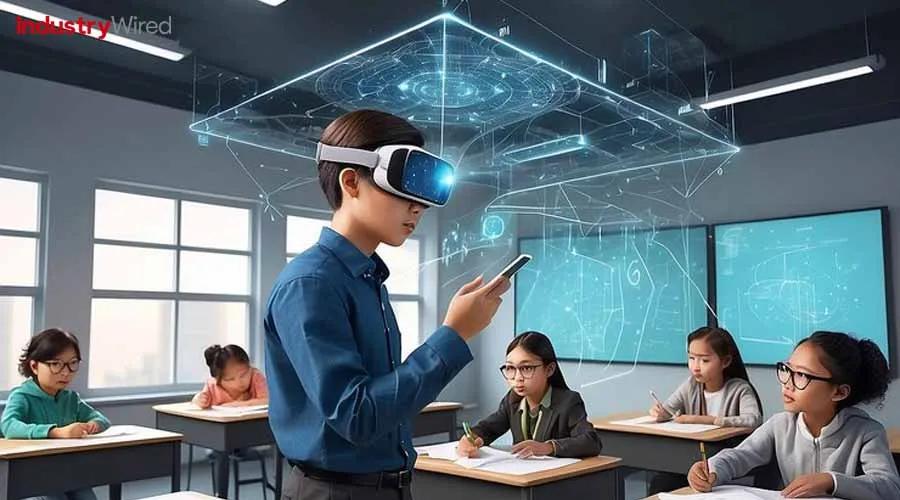
Mastering VR/AR in the Classroom: Essential Training Tips for Teachers to Use EdTech Tools Effectively
The future of education is immersive, engaging, and technology-driven. As Virtual Reality (VR) and Augmented Reality (AR) continue to reshape modern classrooms, teachers are at the forefront of this educational revolution. Mastering VR/AR in the classroom is not just about keeping up with trends—it’s about empowering students, personalizing learning, and making lessons unforgettable. this comprehensive guide explores essential training tips for teachers, benefits of immersive EdTech, practical implementation strategies, and inspiring success stories so you can confidently bring VR/AR into your teaching toolkit.
Why VR/AR EdTech Tools Matter in Modern Classrooms
VR/AR educational technology introduces new dimensions to classroom learning—literally. These tools go beyond textbooks, letting students explore 3D environments, interact with virtual objects, and experience scenarios first-hand. Hear are some compelling benefits:
- Enhanced engagement: Interactive simulations keep students interested and motivated to learn.
- Personalized learning paths: VR/AR cater to multiple learning styles, from visual to kinesthetic.
- Real-world connections: Complex concepts become tangible, deepening understanding and retention.
- Collaboration opportunities: VR classrooms foster teamwork through shared virtual spaces.
- Safe exploration: Hazardous experiments or field trips can be simulated without risk.
Embracing VR/AR isn’t just good for students—it also helps teachers become tech-savvy educators, expanding their instructional skillset and making lessons relevant for the digital age.
Getting Started: Teacher Training and Mindset Shift
Integrating VR/AR in the classroom starts with a willingness to learn and adapt. Teachers don’t need to be tech experts, but acquiring foundational knowledge is crucial.Here’s how to begin your VR/AR teaching journey:
1. Develop a Growth Mindset
- Embrace experimentation and don’t fear making mistakes.
- Be open to student input—they can often troubleshoot and collaborate.
- Continually seek professional advancement opportunities related to EdTech and immersive learning.
2.Get Hands-On with the Technology
- Familiarize yourself with VR headsets, AR-enabled devices, and popular educational platforms (like Google Expeditions, Merge Cube, ClassVR, zSpace, and others).
- Test out lessons yourself prior to classroom use, noting possible hiccups and planning for accessibility.
- Join online forums or educator groups sharing VR/AR teaching experiences.
3. Start Small and Scale Up
- Pilot a single VR/AR lesson or activity within your subject area.
- Gather student feedback and measure learning outcomes.
- Refine your approach before rolling out comprehensive VR/AR units.
Essential Training Tips for Using VR/AR EdTech Tools effectively
To master VR/AR in the classroom, teachers should focus on both the technical and pedagogical aspects. Here are actionable training tips to ensure smooth integration and impactful results:
-
Understand Your curriculum Needs
Align VR/AR activities with your curriculum goals. Choose VR/AR lessons that reinforce core learning objectives and standards.
-
Select the Right Tools
Research age-appropriate devices and apps that fit your classroom’s budget, infrastructure, and learning goals.
-
Prepare Your Classroom Environment
Ensure a safe, open space were students can move freely. Train students on device handling, comfort breaks, and hygiene (especially for VR headsets).
-
Design Clear Learning Outcomes
Set measurable goals for each VR/AR activity—what should students be able to do, know, or create afterward?
-
Facilitate, don’t Just Demonstrate
Guide students’ exploration in VR/AR experiences. ask inquiry-based questions, prompt reflection, and encourage sharing.
-
Integrate with Other EdTech Tools
Combine VR/AR with learning management systems (LMS), formative assessment apps, or collaborative platforms for a seamless learning journey.
-
Measure and Reflect on Learning Impact
Use quizzes, projects, or digital portfolios to track student progress and gather insights for future VR/AR lessons.
-
Ensure accessibility and Inclusion
Adapt VR/AR experiences for students with disabilities—offer option formats, closed captioning, or physical support if required.
Real-Life Case Studies: VR/AR Success Stories in Education
Schools and educators around the world are already seeing remarkable outcomes from integrating VR/AR EdTech tools. Here are a few case studies highlighting their impact:
1. Virtual Field Trips Bring History to Life
At a secondary school in the United kingdom,history teachers adopted Google Expeditions VR to take students on immersive journeys to ancient Rome and Egypt. As an inevitable result, student engagement increased by 60%, with improved recall and deeper understanding of complex past events compared to customary textbook lessons.
2. Augmented Reality Enhances science Exploration
An elementary science class in California used Merge Cubes with AR apps to visualize the solar system. Students could hold and rotate planets, simulating orbits and exploring craters up-close. Teachers reported stronger conceptual grasp and higher STEM interest, especially among reluctant learners.
3. Building Empathy Through VR Simulations
In Australia, a high school health program leveraged VR simulations to experience challenges faced by individuals with disabilities. Post-lesson surveys showed increased empathy and social awareness, which translated to improved behavior and classroom inclusion.
First-Hand Teacher Experience: Tips From the Trenches
“My first time using VR in the classroom, I was unsure how students would react.but their excitement was infectious—I quickly realized the importance of clear instructions and setting expectations. Now, I make sure every lesson includes both hands-on exploration and time for student reflection.”
– Ms. Johnson, 5th Grade teacher
- Model VR/AR use before letting students explore independently.
- Debrief after each session to connect virtual experiences back to real-world learning objectives.
- Share your success and challenges with colleagues—peer support accelerates EdTech mastery.
Practical Checklist: Preparing for VR/AR Integration
- Attend a VR/AR professional development workshop or webinar
- Test selected VR/AR apps for compatibility and lesson fit
- Review device charging, sanitizing, and storage protocols
- Create lesson plans with clearly defined learning targets
- Inform parents and secure permissions if necessary
- Gather student and peer feedback post-lesson for improvement
Conclusion: Empowering Future-Ready Classrooms Through VR/AR Mastery
Mastering VR/AR in the classroom isn’t just about using the newest EdTech—it’s about transforming the way students learn, collaborate, and engage with the world. As a teacher, you have the power to make learning more immersive, personalized, and meaningful. By investing in your own training, starting small, and reflecting on each experience, you’ll lead your students toward future-ready success in a rapidly changing educational landscape.
Ready to amplify your teaching? Embrace VR/AR EdTech tools, experiment with creative applications, and share your journey. As you develop your expertise,you’ll unlock endless possibilities for your students—and master the art of immersive classroom learning.