
Top Motion Graphics Designer Skills for E-Learning: Boost Engagement & Learning Outcomes
Are you aspiring to land a rewarding role as a motion graphics designer in the thriving education technology sector? Universities, colleges, and schools are increasingly depending on motion graphics to deliver engaging and impactful e-learning experiences. But what skills set apart the most effective motion graphics designers? In this comprehensive guide,you’ll discover the top motion graphics designer skills for e-learning,why they’re vital,and how you can develop them to enhance both learner engagement and learning outcomes.
Why Motion Graphics Matter in E-Learning
Motion graphics are powerful tools for modern educators. They help turn complex data into visually meaningful content, making learning more interactive and accessible. For institutions, the integration of professional motion graphics can:
- Capture and retain student attention
- Clarify abstract concepts through visualization
- Encourage participation and active learning
- Increase overall knowledge retention
- Cater to diverse learning styles
Educational institutions are actively seeking talented motion graphics designers with a specialized skillset. If you’re aiming for a position in education technology, mastering these essential skills can set your application apart.
Essential Motion Graphics Designer Skills for E-Learning
Excelling as a motion graphics designer in e-learning requires a blend of technical, creative, and pedagogical abilities. Below are the top skills you need to boost student engagement and improve learning outcomes.
1. Proficiency in Motion Graphics Software
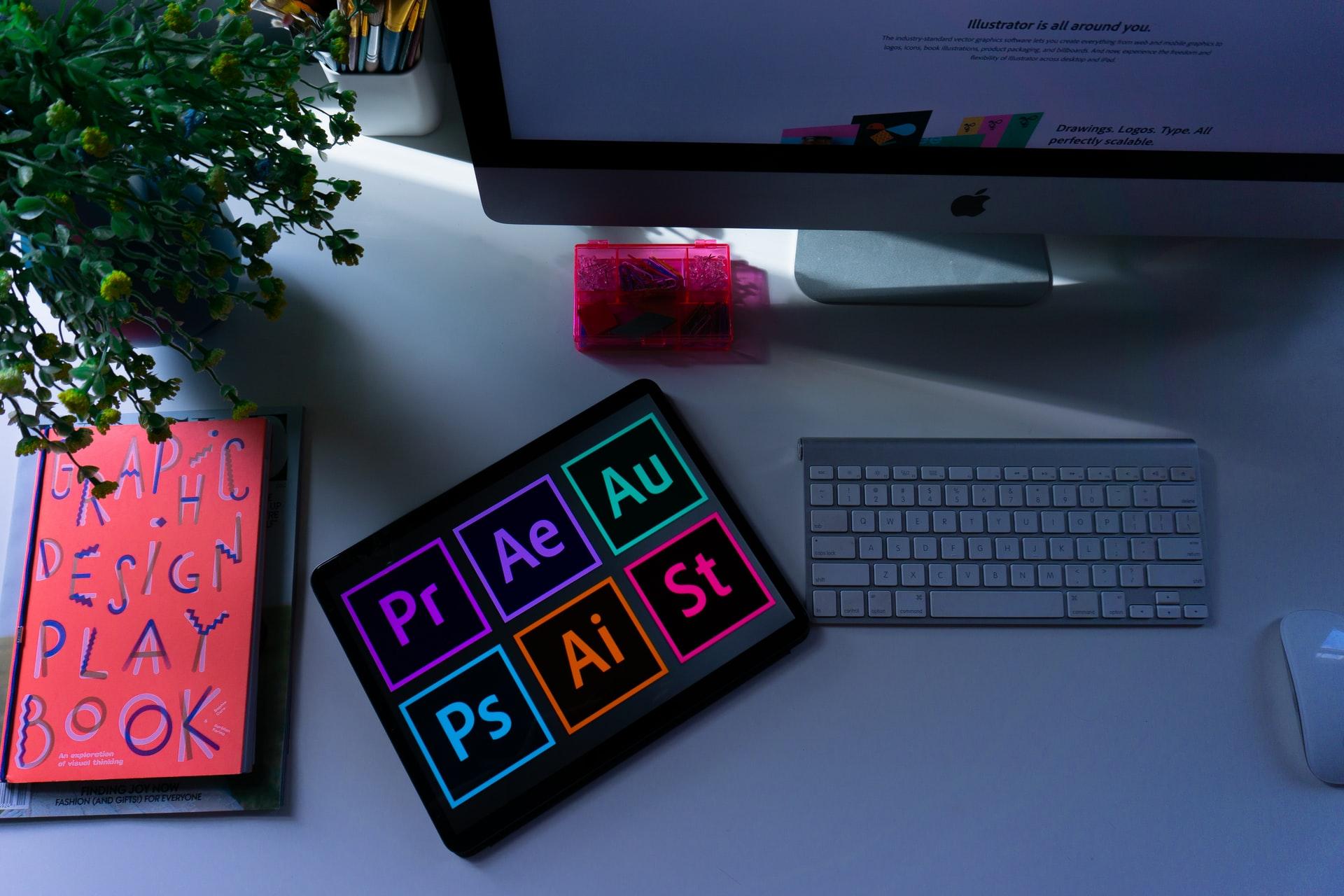
- Adobe After Effects: The industry standard for creating dynamic animations and effects.
- Adobe Premiere Pro: Essential for video editing and post-production tasks.
- Adobe Illustrator & Photoshop: Creating and editing vector graphics and assets.
- 3D Animation Tools: Familiarity with Cinema 4D or Blender is a big plus for interactive learning modules.
Being well-versed in these tools empowers you to transfer instructional concepts into captivating visuals, a crucial element in effective e-learning design.
2. Storyboarding & Visual Storytelling
- Translating learning objectives into clear visual narratives
- Designing storyboards that align with curriculum content
- Sequencing animations to pace information effectively
A strong sense of narrative helps guide learners through content, ensuring key messages are communicated clearly and memorably.
3. Understanding of Instructional Design
- collaboration with educators and instructional designers
- Aligning motion graphics with pedagogical best practices
- Choosing animation approaches based on learning outcomes (e.g., microlearning, scenario-based learning)
expertise in instructional design principles ensures your motion graphics do more than look good—they serve a clear instructional purpose.
4. Graphic Design Fundamentals
- Mastery of layout, typography, color theory, and spatial hierarchy
- Creating visually balanced and accessible designs
Applying core graphic design principles ensures that e-learning content is both visually appealing and easy to understand.
5. Interactive Media & User Experience (UX)
- Designing interactive motion graphics (e.g., clickable animations, branching scenarios)
- Understanding learner navigation, feedback, and engagement triggers
Knowledge in interactive media helps create immersive e-learning environments that actively involve participants.
6. Video Editing & Audio Integration
- Syncing visuals with narration, music, and sound effects
- Editing for pacing, clarity, and flow
A seamless blend of motion, audio, and information ensures multisensory learning experiences that increase retention.
7. Knowledge of Accessibility Standards
- Designing motion graphics for diverse audiences, including those with disabilities
- Ensuring compliance with WCAG (Web Content Accessibility Guidelines)
- Adding captions, descriptive audio, and customizable playback controls
Addressing accessibility is not only an ethical and legal obligation but also expands your reach to all learners.
8. Interaction & Collaboration
- Working closely with educators, subject matter experts, and advancement teams
- Taking and incorporating feedback constructively
- clear communication about design choices and timelines
Collaboration ensures your work fits seamlessly into larger e-learning projects and meets institutional needs.
9. Project Management & Institution
- Managing multiple assets, versions, and feedback rounds
- Staying organized under tight academic deadlines
Strong project management keeps complex e-learning projects on track and makes you a reliable team member.
Benefits of Strong Motion Graphics Skills in E-Learning
Cultivating these motion graphics designer skills goes beyond boosting your employability. Here are some direct benefits for educational institutions and learners:
- Increased Engagement: Visually rich content maintains attention and interest, especially in virtual or remote settings.
- Better Comprehension: Animated illustrations make abstract or difficult concepts tangible and easier to grasp.
- Personalized Learning: Interactive elements allow for differentiated instruction, catering to varied learning speeds and styles.
- Scalability: Reusable motion graphic assets can be integrated across multiple courses or platforms, saving time and resources.
- Enhanced Accessibility: Well-designed graphics support universal access, helping all students achieve their learning objectives.
Practical Tips for Aspiring Motion Graphics Designers in E-Learning
If you’re gearing up for a motion graphics role in education technology, consider these actionable tips to enhance your marketability and effectiveness:
- Build a Diverse Portfolio: Showcase projects that include e-learning modules, educational videos, and interactive content relevant to schools or universities.
- Stay Updated with Industry Trends: Follow edtech innovations and adapt new animation techniques or tools that improve learner experiences.
- Learn about Learning Theories: Understanding cognitive load, multimedia learning, and psychological principles will help you create more effective educational content.
- Network with Educators: Attend edtech conferences or join online communities to understand real classroom needs and challenges.
- Seek Feedback: Collaborate with teachers and students,refining your graphics based on their input to ensure relevance and usability.
- Demonstrate Flexibility: Be open to working on a wide range of topics and academic subjects.
- Showcase Accessibility: Clearly highlight how your motion graphics enhance accessibility in your portfolio pieces.
Top Interview Questions for Motion Graphics Designers in E-Learning
Preparing for education technology job interviews? Here are some questions you might encounter:
- How have you adapted your motion graphics for different learning audiences?
- Can you provide examples of how your designs have improved learning outcomes?
- How do you ensure your graphics meet accessibility standards?
- Describe a time you collaborated with instructional designers or educators.
- What instructional design principles do you incorporate into your animation workflow?
- How do you handle feedback and revisions in team-based projects?
Conclusion: Power Up Your E-Learning career with the Right Motion Graphics Skills
The demand for talented motion graphics designers in education technology is only set to grow, as universities, colleges, and schools continue to enhance e-learning experiences. By developing technical expertise, creative vision, instructional awareness, and collaboration skills, you position yourself as a top candidate for these sought-after roles.
Remember, it’s not just about creating eye-catching animations—it’s about designing learning support that truly makes a difference. Embrace these top motion graphics designer skills for e-learning, invest in your professional growth, and you’ll be well on your way to boosting both student engagement and educational achievement.