
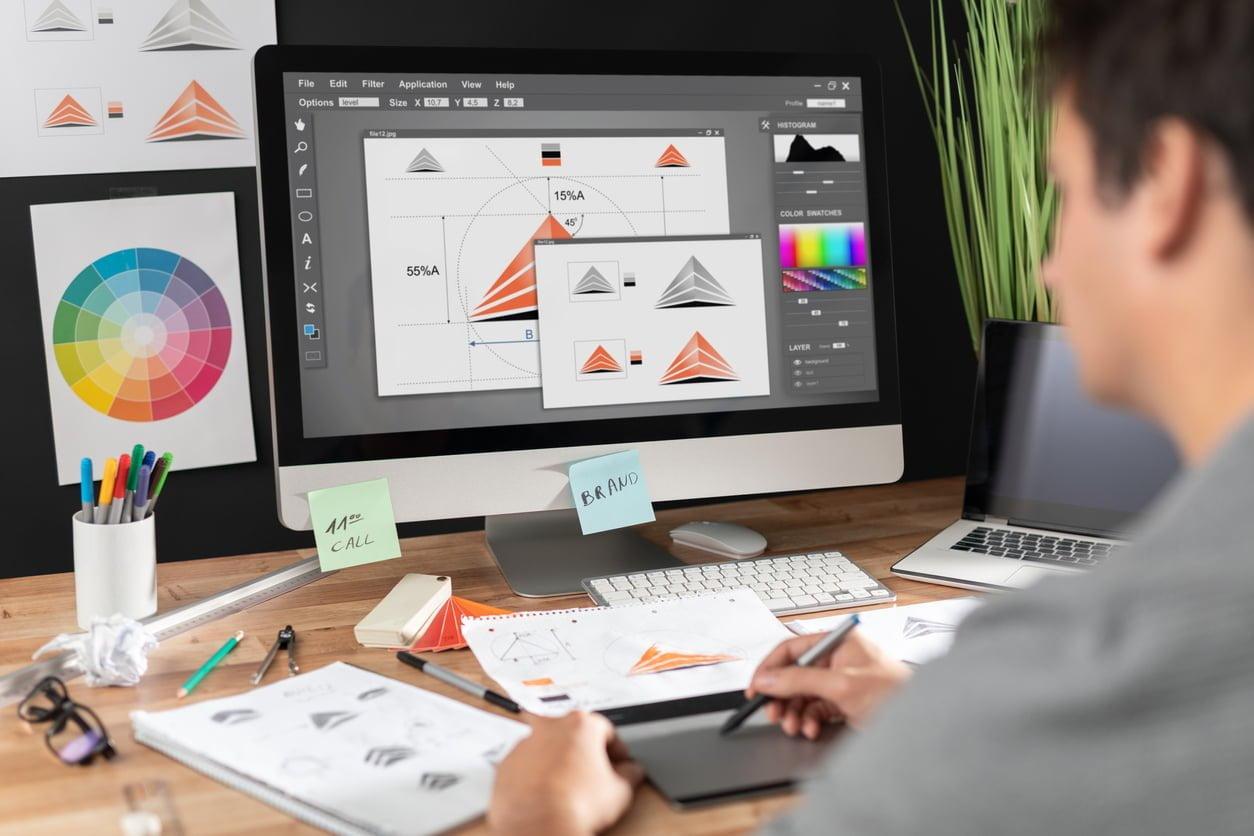
Top Skills Every Visual Designer Needs for E-Learning Success in 2024
Are you an aspiring or experienced visual designer seeking a rewarding career in education technology? Visual design plays a pivotal role in shaping engaging and effective e-learning experiences for students at universities, colleges, and schools. As we look toward 2024, education institutions are investing more in quality digital content, making skilled visual designers more in demand than ever. In this article, we’ll explore the top skills every visual designer needs for e-learning success, how these skills benefit your career, and practical tips for landing your next job in education technology.
Why Visual Design matters in E-Learning
E-learning platforms have rapidly transformed the educational landscape, requiring courses that are not just informative but also visually engaging. Whether itS interactive modules, infographics, or intuitive interfaces, visual designers are at the heart of converting educational material into captivating learning journeys. A well-designed digital learning environment improves knowledge retention, student motivation, and overall academic performance. Because of this, universities, colleges, and schools are seeking professionals equipped with up-to-date visual design skills tailored for education technology.
Top Visual Design Skills for E-Learning Success in 2024
Staying competitive in the e-learning job market requires mastering a blend of creative, technical, and pedagogical skills. Here’s a detailed look at the top competencies that will set you apart:
1. Mastery of Design Tools and Software
- Adobe Creative Suite: Expertise in Photoshop,Illustrator,and InDesign is essential for creating custom graphics,layouts,and e-learning assets.
- Sketch & Figma: Proficiency in these UI/UX design tools is increasingly essential for prototyping and collaborating on digital learning experiences.
- Articulate Storyline & Adobe Captivate: Familiarity with these industry-standard e-learning progress tools enables you to create interactive modules and simulations.
2. UI/UX Design Fundamentals
- User-Centered Design: Develop designs that prioritize student needs and behaviors,creating intuitive and accessible e-learning interfaces.
- Wireframing and Prototyping: Translate ideas into functional prototypes to map out user journeys and course flows.
- Usability Testing: Conduct user tests to refine interface components and ensure a seamless learning experience.
3.Accessibility and Inclusive Design
- WCAG Compliance: Ensure your visual content is accessible to all learners, including those with disabilities, by adhering to Web Content Accessibility Guidelines (WCAG).
- Color Contrast & Readability: Implement best practices to enhance legibility and usability for diverse learners.
- Choice Text & Keyboard Navigation: Provide features that accommodate screen readers and alternative input devices.
4. Visual Storytelling and Branding
- Consistent branding: Create visually cohesive e-learning modules that align with institutional branding and messaging.
- Infographics and Data Visualization: Transform complex educational data or theory into easy-to-understand visuals for better student comprehension.
- Storyboarding: Plan the visual flow of a course to guide the learner’s attention and increase engagement.
5. Motion Graphics and Interactive Media
- Animation Creation: Design engaging animations that clarify concepts and boost learner retention.
- Interactive Elements: Integrate clickable, drag-and-drop, and gamified elements to foster active participation.
- Multimedia Integration: Blend video, audio, and graphics seamlessly for a dynamic learning environment.
6. Practical Knowledge of Learning Management Systems (LMS)
- LMS Integration: Understand how to design assets that are compatible with popular Learning Management Systems like moodle,Canvas,and Blackboard.
- Scalability: Design for various devices and screen sizes to ensure content is mobile-pleasant and responsive.
7. Collaboration and Communication Skills
- Working with Subject matter Experts: Translate complex educational content into engaging visuals by collaborating with instructors, curriculum designers, and other stakeholders.
- Feedback Incorporation: Respond positively to critique and iterate on designs to meet pedagogical goals.
Key Benefits of Excelling as a Visual Designer in E-Learning
Equipping yourself with these top visual design skills provides several major advantages for job seekers in education technology:
- High Demand Across Institutions: Universities, colleges, and schools need skilled visual designers to modernize curriculums and enhance remote learning.
- Career Growth Opportunities: Advancement into roles like E-Learning Product Designer, Instructional Technologist, or Creative Lead.
- Job Security and Flexibility: Digital education’s ongoing expansion ensures long-term job stability, often with options for remote or hybrid work.
- Satisfying Creative Contribution: the possibility to positively impact student success and make education more accessible and engaging.
Practical Tips for Job Seekers in Visual Design for Education Technology
ready to level up your career as a visual designer for e-learning? Here are some actionable tips to help you stand out in your job search:
- Build a Specialized portfolio: Curate case studies and examples that demonstrate your ability to create effective e-learning interfaces, storyboards, infographics, and interactive modules. Highlight your adherence to accessibility standards and your process of collaborating with educators.
- Pursue Continuous Learning: Invest in professional development through courses or certifications in e-learning design, accessibility, UI/UX, and new design tools.
- Network with Education professionals: Attend education technology conferences, join online communities, and participate in webinars to connect with hiring managers, instructional designers, and teachers.
- Stay Updated with Industry Trends: Subscribe to edtech newsletters or blogs, and follow leading institutions to keep abreast of new tools, pedagogical approaches, and design standards.
- Customize Each Submission: Tailor your resume and cover letter to address the specific needs of the institution or project, referencing skills relevant to their e-learning initiatives, such as mobile learning, microlearning, or gamification.
- get Familiar with Assessment and Analytics: Show an understanding of how visual design can support digital assessment and leverage learning analytics for continuous course improvement.
Emerging Trends in E-learning Visual Design for 2024
To truly excel as an education technology visual designer, it’s crucial to anticipate and adapt to emerging trends. Here are a few trends shaping e-learning visual design in 2024:
- Microlearning Modules: Design skills that break content into digestible, visually appealing micro-units for on-the-go learning.
- Augmented and Virtual Reality Integration: Expanding your ability to create assets for immersive educational experiences.
- AI-Assisted Design: Leveraging artificial intelligence tools to automate repetitive design tasks and personalize content for diverse learners.
- Sustainability and Minimalism: A focus on eco-friendly, minimalist visual motifs that reduce cognitive overload and are accessible to bandwidth-constrained users.
Conclusion
The role of a visual designer in e-learning is evolving rapidly, requiring a diverse toolkit that integrates creativity, technology, and pedagogical insight. By mastering the top skills outlined for 2024—ranging from advanced design software to accessibility best practices and collaboration—you will be ideally positioned for success in education technology roles at universities, colleges, and schools. combine these abilities with a passion for learning and continuous professional growth to unlock career opportunities in one of the most impactful and rewarding sectors today.
Start building your skills today and prepare to shape the future of digital education as a leading visual designer in e-learning!