
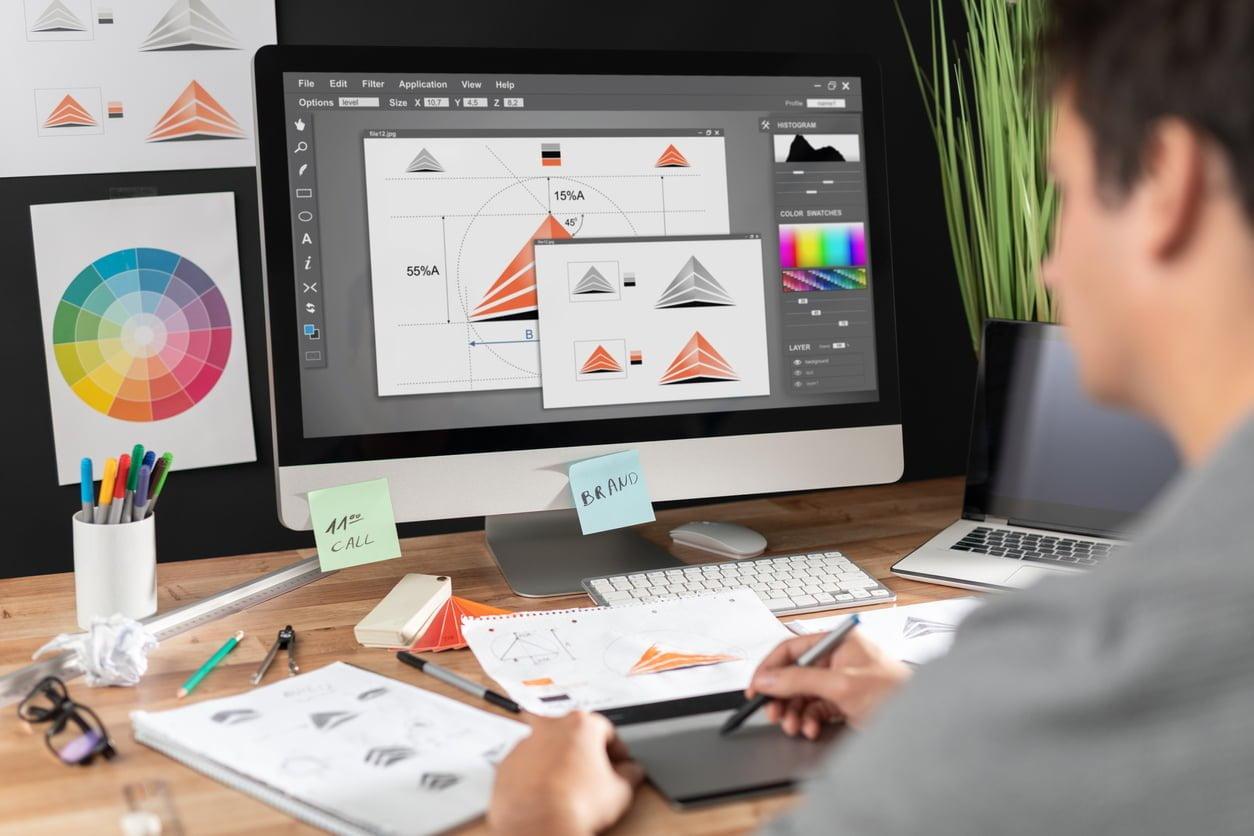
Top Skills Every Visual Designer Needs for Successful E-Learning Projects
Are you considering a rewarding career in education technology as a visual designer? Whether you wish to work at universities, colleges, or schools, your expertise in visual design can make a tangible impact on student engagement and learning outcomes. As digital learning environments become more sophisticated, the demand for skilled visual designers in e-learning projects continues to rise. In this complete guide, we’ll explore the most important skills every visual designer needs to thrive in educational settings, practical tips to boost your prospects, and the key benefits of bringing creativity to education.
Why Visual Designers Are Crucial in E-Learning Projects
Before diving into the must-have skills, let’s understand the pivotal role that visual designers play in education technology:
- Enhancing User Experience: Well-crafted layouts and easy navigation help learners focus on content rather than struggling with the interface.
- Boosting Engagement: Appealing graphics, colors, and interactive elements make learning enjoyable and immersive.
- Facilitating Knowledge Retention: Visual cues, infographics, and diagrams aid memory and comprehension, helping students grasp complex topics quickly.
- Inclusive Accessibility: Designers ensure that visual content meets accessibility standards, so everyone can participate in the learning experience.
Essential Skills for visual Designers in E-Learning
The field of e-learning visual design blends creativity with instructional best practices. To stand out when applying for jobs at universities, colleges, or schools, visual designers must master a diverse set of technical and soft skills. Here are the top competencies you’ll need:
1. UI/UX Design Principles
- User-Centered Design: Understand the needs, behaviors, and challenges of diverse learners. Build layouts with intuitive navigation and minimal distractions.
- Wireframing & Prototyping: Create wireframes and interactive prototypes for fast feedback before development starts.
- Consistency & Clarity: Use grids, visual hierarchy, and clear labeling to foster a seamless experience.
2. Graphic Design & Illustration
- Adobe Creative Suite: Proficiency in Photoshop, Illustrator, and InDesign is crucial for creating graphics, icons, and promotional materials.
- Vector Illustration: Design scalable graphics for websites, mobile apps, and presentations.
- Branding: Maintain a cohesive visual identity across all e-learning assets.
3. Understanding Instructional Design
- Collaboration: Work closely with instructional designers and educators to translate curriculum goals into engaging visual concepts.
- Learning Outcomes: Align all visual elements with learning objectives and pedagogical strategies.
- Storyboarding: Help map out the flow of e-learning modules before production.
4. Multimedia & Interactivity
- Animation: Use motion graphics to clarify complex ideas and illustrate processes.
- Video Editing: Edit educational videos for conciseness and clarity.
- Interactive Tools: Familiarity with rapid e-learning authoring tools like Articulate Storyline or Adobe Captivate enhances your versatility.
5. accessibility & Inclusive Design
- WCAG Compliance: Ensure visuals meet accessibility standards so that learners with disabilities can access content equally.
- Color Choices: Select palettes clear for color-blind users and readable fonts for those with visual impairments.
- Alt Text & Transcripts: Prepare descriptive text for images and provide transcripts for audio/video customers.
6. Project Management & Collaboration
- Agile Workflow: Adaptability to pivot design direction based on feedback and evolving needs.
- Interaction Skills: Effectively present ideas to teams, stakeholders, and clients.Document your decisions for seamless collaboration.
- Time Management: Meet deadlines in fast-paced academic environments while maintaining high quality.
7. Digital Literacy & Technical Skills
- Responsive Design: Optimize graphics and layouts for mobile devices, tablets, and desktops.
- Learning management Systems (LMS): Familiarity with platforms like Moodle, Canvas, or Blackboard is an advantage.
- Basic Coding: Understanding HTML and CSS helps troubleshoot and refine web assets.
Benefits of Visual Design in E-Learning for universities, Colleges, and Schools
Leveraging strong visual design offers immediate and long-term benefits in educational organizations:
- Improved Student Engagement: attractive visual elements keep learners motivated and more likely to complete online courses.
- Better Learning Outcomes: Interactive diagrams and well-structured layouts facilitate deeper understanding and higher achievement.
- Enhanced School Reputation: Professionally crafted digital content increases the institution’s credibility and appeal.
- Worldwide Accessibility: Accessible interfaces serve broader communities and create inclusive education opportunities.
- Time Efficiency for Instructors: Modular, well-designed e-learning assets save educators time in preparing lessons and assessments.
Practical Tips for Aspiring Visual Designers in Education technology
Whether you’re just starting out or seeking to upgrade your qualifications for roles at universities, colleges, or schools, consider these actionable tips:
- Build a Portfolio: Include examples of e-learning graphics, interfaces, and animated assets. Highlight your collaborative projects with educators.
- Stay Current: Follow industry trends in education technology, such as mobile-first design, gamification, and microlearning.
- Take Online Courses: Upskill with accredited courses in UI/UX design, instructional design, accessibility, and popular LMS platforms.
- Network with Peers: Join professional communities, attend webinars, and participate in design challenges centered around education technology.
- Seek Feedback: Regularly share your work with mentors or colleagues in education to gain insights and improve your design solutions.
- Tailor Your Applications: Highlight your experience that’s most relevant to the academic sector, such as designing for blended or remote learning environments.
- Master Collaboration Tools: familiarize yourself with project management tools (e.g., Trello, Slack, Asana) widely used in agile academic teams.
How to Stand Out When Applying for Visual Designer Jobs in Education Technology
To maximize your job readiness for visual designer roles at universities, colleges, or schools, focus on the following strategies:
- Showcase Pedagogical Insight: Employers value designers who understand the impact of visuals on student outcomes and instructional goals.
- demonstrate Accessibility Expertise: Make accessibility a core pillar of your portfolio, and discuss how you’ve addressed diverse learner needs in past designs.
- Adaptability: Highlight your ability to pivot designs based on feedback from educators, administrators, or students.
- quantified Achievements: Include metrics that showcase improvements in engagement, retention, or test scores resulting from your work.
- Continuous Improvement: Display an eagerness for professional growth through certifications, workshops, or contribution to open educational resources.
Conclusion: Building a Fulfilling Career in E-Learning visual Design
A successful visual designer in education technology goes beyond making things look good—they make learning impactful, accessible, and engaging. By mastering technical and collaborative skills and focusing on the unique needs of academic environments, you can unlock opportunities for personal growth and contribute directly to better student experiences. Start by refining your portfolio, seeking ongoing education and feedback, and actively engaging with the education technology community. With demand for expert visual designers in universities, colleges, and schools at an all-time high, now is the perfect time to build a career where technology meets creative passion in the service of lifelong learning.