
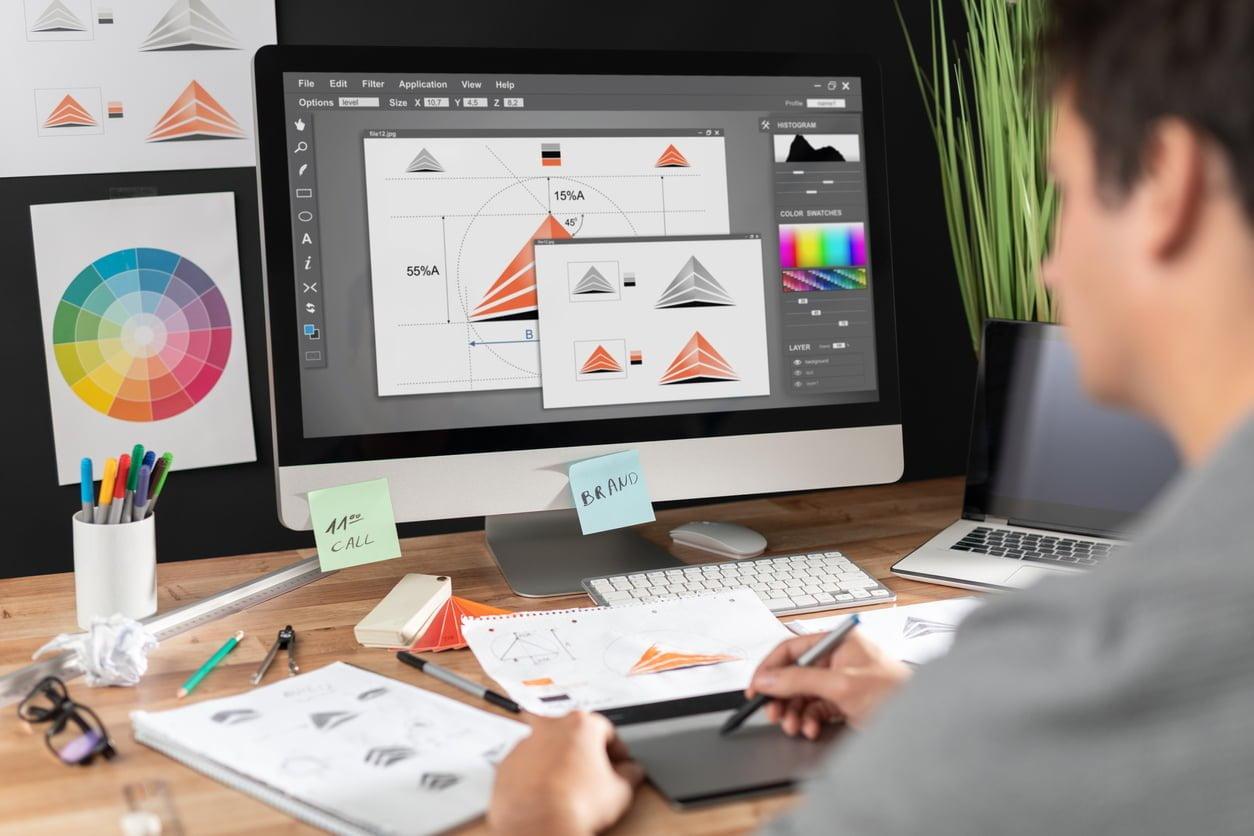
Top Skills & Responsibilities of a Visual designer in E-Learning
In today’s digital era, education technology (EdTech) is shaping the future of teaching and learning across universities, colleges, and schools. One of the key roles fueling this transformation is that of the Visual Designer in e-learning. If you’re passionate about education and have a flair for visual storytelling, a career as a visual designer in EdTech could be your ideal path. This comprehensive guide explores the top skills and responsibilities required for this dynamic role, along with the benefits, challenges, and practical tips to help you stand out as a job seeker in educational institutions.
What Does a Visual Designer in E-Learning Do?
A visual designer in e-learning plays a crucial part in creating engaging,effective,and visually stimulating learning materials for online courses,digital classrooms,and interactive learning platforms. These professionals work closely with instructional designers, subject matter experts, and teachers to ensure that lessons are not only informative but also highly engaging and visually accessible for diverse learners. As EdTech continues to grow, the demand for creative visual designers in educational environments is on the rise.
Main Responsibilities of a Visual Designer in E-Learning
A visual designer’s tasks vary depending on the size and structure of the educational institution, but the core responsibilities generally include:
- Designing Digital Learning Assets: Create infographics, illustrations, icons, and other visual resources that enhance the delivery of educational content.
- Developing user Interfaces (UI): Design intuitive layouts for learning management systems (LMS), online courses, and educational apps.
- Collaborating with Educational Teams: Work closely with instructional designers, teachers, and developers to transform learning objectives into interactive and visually cohesive materials.
- Maintaining Brand Consistency: Ensure all visual elements align with the institution’s branding and visual identity guidelines.
- Prototyping & Wireframing: Develop drafts and prototypes for digital lessons and course modules,iterating based on feedback.
- Accessibility Optimization: Design with inclusivity in mind to meet accessibility standards, ensuring learning materials are usable for all students, including those with disabilities.
- image & Multimedia Editing: Edit photos, audio, and video content for seamless integration into e-learning modules.
- Quality Assurance & Testing: Review visual components in learning platforms for usability, clarity, and technical accuracy.
- Continuous Learning: Stay updated on current design trends, new software, and best practices in e-learning and EdTech.
Essential Skills for Visual Designers in E-Learning
To excel as a visual designer in e-learning, you’ll need a unique blend of creative, technical, and collaborative skills. Here’s what most universities, colleges, and schools look for:
1. Visual Dialog and Graphic Design
- Expertise in color theory, typography, layout, and composition.
- Proficiency with design tools such as Adobe Creative suite (Photoshop,Illustrator,XD),Figma,and Canva.
2. User Experience (UX) and User Interface (UI) Design
- Understanding of UX/UI principles for creating friendly and accessible educational environments.
- Ability to conduct user testing and incorporate feedback into design iterations.
3. E-Learning and Educational Psychology
- Knowledge of how people learn online, including principles of instructional design and multimedia learning.
- Experience collaborating with educators and adapting content for various learning styles.
4. Digital Technology Competency
- Hands-on experience with Learning Management Systems (LMS) such as Moodle, Blackboard, or Canvas.
- Familiarity with HTML, CSS, and multimedia production is a plus.
5. Accessibility and Inclusive Design
- Understanding of WCAG (Web Content Accessibility Guidelines) and accessibility testing tools.
- Skill in designing content usable by people with various abilities and assistive technologies.
6. Collaboration and Communication
- Strong interpersonal skills for teamwork with academic staff, IT teams, and learners.
- Ability to articulate design decisions and rationale clearly to non-designers.
Why Visual Designers Are Essential in Education Technology
As educational content increasingly moves online, visual designers play a vital role in making e-learning more engaging, effective, and inclusive. Here’s why educational institutions value these professionals:
- Improves Learning Outcomes: Well-designed visuals help bridge knowledge gaps and aid in the retention and understanding of complex concepts.
- Boosts Student Engagement: visually rich digital lessons foster a stimulating environment that keeps learners motivated and focused.
- Supports Digital Transformation: Visual designers ensure educational technology platforms look professional, accessible, and user-friendly.
- Promotes Brand Image: Consistent design across digital assets strengthens the institution’s brand and reputation.
- Fosters Inclusive Learning: Designing for accessibility ensures all students, including those with disabilities, have equal opportunities to succeed.
Key Benefits of a Career as a Visual Designer in E-Learning
Pursuing a job as a visual designer in education technology brings several benefits:
- High Demand for Skills: The expansion of remote and blended learning has increased the need for skilled designers in EdTech.
- Meaningful Impact: Your work directly influences how students learn and succeed in their educational journey.
- Continuous Learning: EdTech is a rapidly evolving field—ther are always new tools, trends, and challenges to keep your work exciting.
- Career growth: Opportunities exist to specialize further (e.g., UX research, motion design) or to move into senior, lead, or managerial roles within educational institutions.
- Flexible Work Environment: Many EdTech positions offer remote or hybrid work options.
Practical Tips for Aspiring Visual Designers in E-Learning
Ready to pursue your dream job in education technology as a visual designer? Use these practical tips to prepare for—and thrive in—this career:
-
Build a Strong Portfolio:
- Showcase projects relevant to e-learning or education,such as digital lesson mockups,infographics,or UI prototypes for an LMS.
-
Get Familiar with EdTech Platforms:
- Gain hands-on experience with at least one popular learning management system or authoring tool.
-
Learn Accessibility Standards:
- Take courses or obtain certifications related to accessible design to differentiate yourself from other candidates.
-
Network with Educators & Designers:
- Engage with EdTech communities,participate in webinars,or join forums focused on digital learning innovation.
-
Showcase Soft Skills:
- Demonstrate your ability to communicate, collaborate, and adapt in your resume and during interviews.
-
Stay Updated with Trends:
- Regularly read industry blogs, attend virtual conferences, and monitor the latest updates in educational design and technology.
Challenges to Expect in E-Learning Visual Design Roles
While rewarding, working as a visual designer in e-learning comes with its own set of challenges:
- Balancing Creativity and functionality: Educational content must be visually appealing but never at the expense of usability or clarity.
- Adapting to Diverse Needs: you’ll be designing for learners of varying ages, backgrounds, and learning abilities.
- Keeping Up with Rapid Changes: EdTech tools, design trends, and educational standards evolve quickly—continuous learning is essential.
- Project Constraints: Working within tight deadlines, budgets, and institutional guidelines can be challenging, but these constraints also drive innovation.
Conclusion: Making a Difference Through Visual Design in EdTech
Visual designers play an indispensable role in the evolution of education technology. By blending artistic vision with a deep understanding of learning psychology and digital tools, they help transform traditional teaching into impactful e-learning experiences at universities, colleges, and schools. If you’re ready to contribute your creative talents to the world of online education, mastering the skills and responsibilities outlined here will not only make you a strong candidate in the job market but also position you to make a real difference in the lives of countless learners. Begin building your portfolio, stay curious about new trends, and pursue your passion for design—your EdTech journey awaits!