
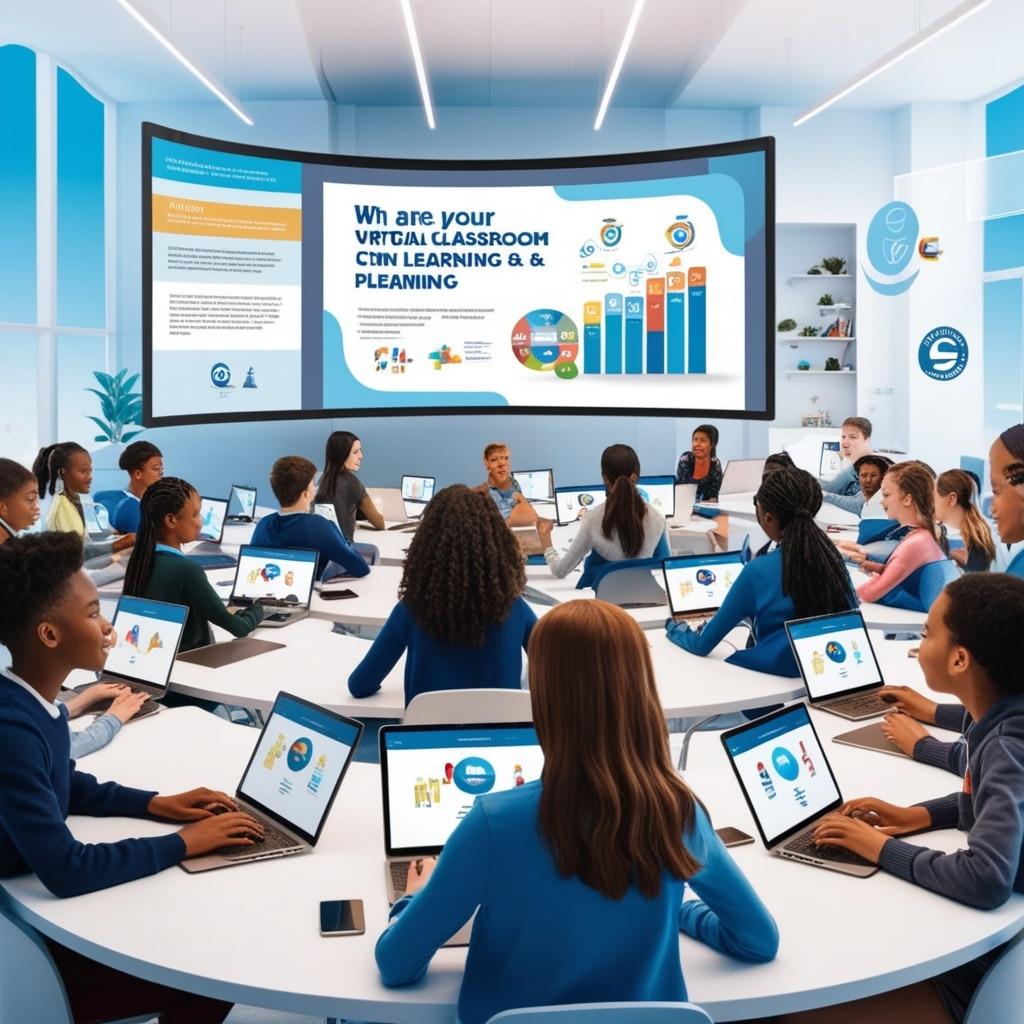
Top Strategies for Effective Remote Teaching: Expert Tips for Online Classroom Success
Remote teaching has rapidly transformed how educators connect with students, creating new challenges and opportunities for online classroom success. As a growing trend in education, mastering effective remote teaching strategies is essential for teachers who want not only to deliver content online but also to engage, inspire, and support their students in a virtual environment.Whether you’re new to remote teaching or a seasoned online educator, adopting the right techniques—combined with the best tools—can considerably elevate your classroom outcomes.
Benefits of Remote Teaching: Why Go Virtual?
Before we dive into expert tips, let’s highlight some key benefits that remote teaching offers educators, students, and institutions alike.
- Accessibility: Students can access learning from anywhere, accommodating diverse schedules and needs.
- Flexibility: Teachers can deliver lectures asynchronously or synchronously, tailoring instruction to suit a variety of learning styles.
- Resource Availability: Digital platforms provide a wealth of online resources, multimedia tools, and collaboration features that enrich course content.
- Personalization: Adaptive learning technologies enable personalized learning paths, allowing students to progress at their own pace.
- Increased Engagement: Interactive online tools foster active participation and collaboration among students.
Essential strategies for Effective Remote Teaching
Success in the online classroom requires more than just transferring traditional lessons to a digital format. Here are expert-backed strategies to maximize effective remote teaching and promote online classroom success.
1. Set Clear Expectations and Learning Goals
- Communicate objectives: At the beginning of each course or module, share clear learning objectives and expectations for participation, assignments, and assessments.
- Establish routines: set predictable schedules and provide checklists, so students always know what’s coming up.
- Be clear: use rubrics and grading criteria to help students understand how their work will be evaluated.
2. Foster Student Engagement
- Interactive lessons: Incorporate live polls, breakout rooms, and real-time Q&A sessions to keep students involved. Popular platforms like Zoom, Microsoft Teams, and Google Meet offer these features.
- Gamify your classroom: Use games,quizzes (such as Kahoot! or Quizizz),and friendly competitions to make learning fun and interactive.
- Discussion forums: Encourage participation through structured discussion boards, peer reviews, and collaborative projects using platforms like Canvas, Moodle, or Google Classroom.
3. Embrace a Variety of Teaching Tools and Technologies
- Learning Management Systems (LMS): Utilize an LMS to organize materials, track progress, and communicate with students. Popular choices include Canvas, Blackboard, and Moodle.
- multimedia resources: Incorporate videos, podcasts, infographics, and interactive simulations to cater to different learning styles and make content more accessible.
- Cloud-based collaboration: Use tools like Google Drive, Padlet, and Microsoft OneNote for real-time group work and project management.
4. Encourage Consistent interaction
- Regular check-ins: Schedule weekly virtual office hours or one-on-one video conferences to address student questions and offer support.
- Prompt feedback: Provide timely and constructive feedback on assignments and participation to reinforce learning and motivate advancement.
- Announcements: Send weekly updates summarizing key lessons,upcoming deadlines,and vital resources.
5. Support a Collaborative Online Community
- Icebreakers and introductions: Build rapport with group activities and class introductions during the first week.
- Peer learning: Assign group projects or pair students for peer review exercises to foster connections and deeper learning experiences.
- Encourage sharing: Create spaces where students can share ideas, resources, or even non-academic interests, helping strengthen the sense of community.
6.Prioritize Accessibility and Inclusivity
- Accessible materials: Ensure all resources meet accessibility standards (e.g., use alt text for images, provide transcripts for videos).
- Flexible options: Offer both synchronous and asynchronous participation when possible, accommodating different time zones and needs.
- Global Design for Learning (UDL): Design content and assessments that allow for multiple means of engagement,representation,and expression.
Practical Tips for Online Classroom Success
- Test technology in advance: Familiarize yourself and your students with the digital tools to minimize technical hiccups.
- Keep lessons concise: Break lectures into shorter segments and intersperse activities to maintain attention.
- solicit feedback: Regularly survey your class to gauge satisfaction, identify challenges, and improve the course.
- Maintain your online presence: Be visible and approachable; use video messages or class updates to maintain teacher-student connection.
- Develop digital citizenship: model and teach responsible online behavior, including etiquette and digital safety.
Case Studies: Real Successes in Remote Learning
Case study 1: Leveraging Gamification for Engaged learners
Ms. Anderson, a high school math teacher, used Kahoot! quizzes at the end of every virtual lesson. Not only did this energize her students, but the real-time feedback highlighted learning gaps instantly, enabling her to revisit complex topics quickly and effectively.
Case Study 2: Building Community with Virtual Office Hours
Dr. Patel, a university lecturer, introduced weekly online office hours via Zoom. This open-door policy allowed students to drop in with questions or simply chat, fostering a sense of belonging and improving student retention rates during remote semesters.
First-Hand Experiance: Educators Share Their Top Remote Teaching Tips
- “Invest time in learning your LMS—it’s the backbone of your online course!” — Jane R., College Instructor
- “Encourage your students to turn on cameras when possible. Facial cues can help you gauge understanding and engagement.” — Mike D., High School Teacher
- “Schedule regular, short assessments rather of high-stakes exams. This keeps students accountable and reduces test anxiety.” — Sarah K., Online Tutor
Overcoming Common Challenges in Remote Teaching
Remote teaching isn’t without its hurdles. Here’s how to tackle some of the most common obstacles:
- Technical Issues: Provide a troubleshooting guide and contact information for tech support to minimize disruptions.
- Maintaining Motivation: Set up reward systems, public recognition, and engaging activities to keep students eager.
- Assessment Integrity: Use a mix of project-based assessments,open-book quizzes,and oral presentations to ensure academic honesty.
- Equity & Access: Offer offline resources or alternative activities for students with limited internet or device access.
Conclusion: The Future of Online Classroom Success
As education continues to evolve in the digital age,mastering the art of remote teaching is more critically importent than ever. By implementing these top strategies,leveraging the latest technologies,and staying adaptable,educators can achieve effective remote teaching and ensure online classroom success for all learners.Remember, the journey to effective online instruction is ongoing—so keep experimenting, stay connected to your students, and don’t be afraid to try new methods. Your dedication will inspire your students to thrive,no matter where they’re learning from!
Interested in More Remote Teaching Resources?
Subscribe to our newsletter for the latest strategies,tips,and updates on effective online teaching and learning!