
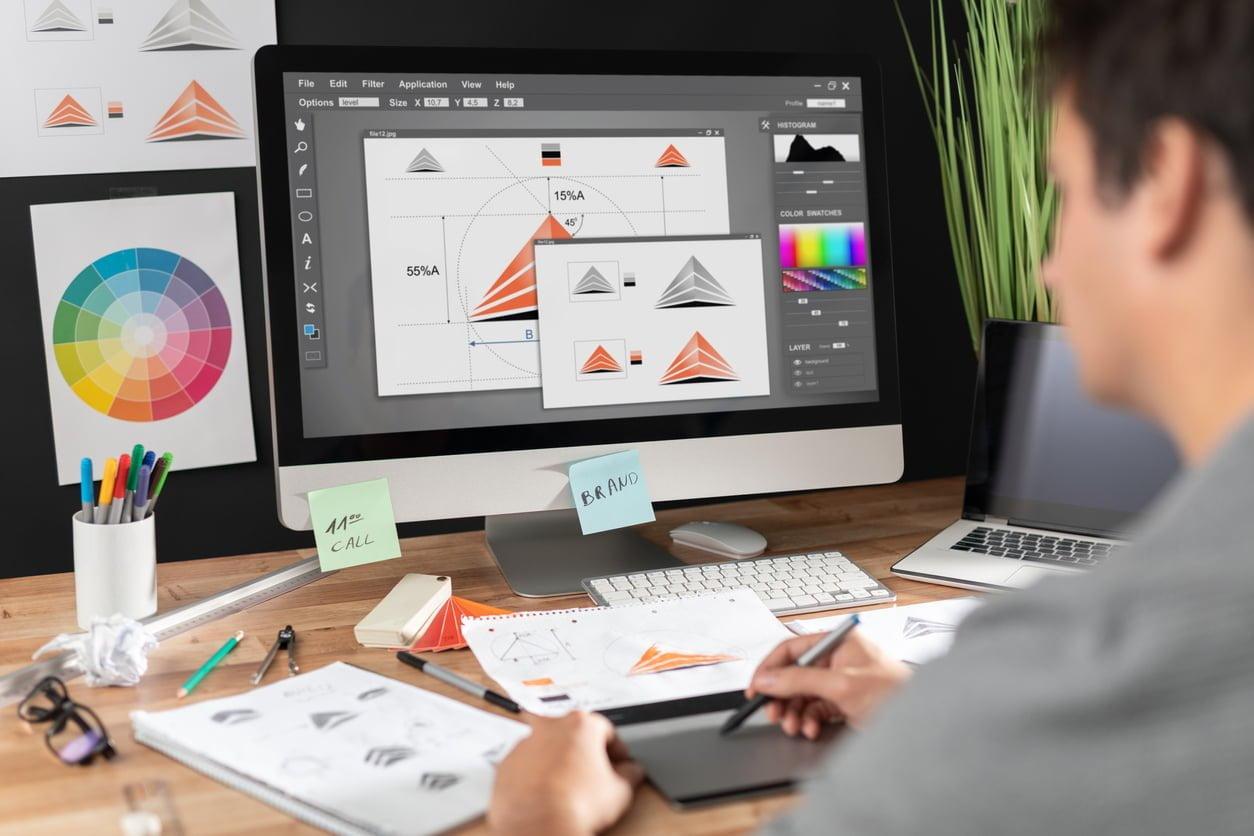
Top Visual designer Skills for E-Learning Success: Boost Engagement & Learning Outcomes
In today’s digital-driven educational landscape, e-learning is revolutionizing how students acquire knowledge and develop skills. At the heart of this transformation are talented visual designers who blend creativity with technology to make learning more immersive and effective.If you’re seeking a rewarding role in education technology at universities, colleges, or schools, mastering key visual designer skills can set you apart from the competition. This comprehensive guide explores the essential visual designer skills for e-learning success, along with practical tips to enhance engagement and learning outcomes.
Why Visual Design Matters in E-learning
E-learning thrives on captivating visuals. Effective visual design not only makes educational content more attractive but also enhances comprehension,improves retention,and supports diverse learning styles. In the context of education technology, visual designers play a pivotal role by:
- Translating complex concepts into clear and engaging graphics
- Making online courses accessible and inclusive for all students
- Elevating the learner’s experience through interactive multimedia
- Ensuring a consistent, professional look for institutional e-learning materials
The Top Visual Designer Skills for E-Learning
To succeed as a visual designer in the education sector, especially for universities, colleges, and schools, certain technical and creative skills are indispensable. Here’s what employers are seeking in candidates for visual designer roles in education technology:
1. Proficiency in Design Tools
- Adobe Creative Cloud: Mastery of Photoshop, Illustrator, and indesign is crucial for creating compelling graphics, layouts, and infographics.
- E-learning Authoring Tools: Familiarity with tools like Articulate storyline, Adobe captivate, and Canva for developing interactive modules and presentations.
- Motion Graphics Software: Basic skills in After Effects or similar tools can enhance learning through animation.
2.Understanding of Visual Hierarchy and Layout
- Prioritize data to guide the viewer’s eye
- balance between text and imagery for optimal readability
- Consistent use of white space to improve clarity and reduce cognitive overload
3. Knowledge of Color Theory and Typography
- Apply color schemes that evoke engagement and reinforce institutional branding
- Choose fonts that ensure readability,accessibility,and a professional appearance
- Use contrast effectively to highlight key information
4. UX/UI Design for E-Learning Platforms
- Design intuitive navigation structures for online courses
- Focus on responsive design for compatibility with desktops, tablets, and smartphones
- Conduct user testing to refine the learner’s digital journey
5.Visual Storytelling and Content Chunking
- Use visuals to simplify and narrate complex subjects
- Break content into digestible pieces for better understanding (microlearning)
- Leverage infographics, diagrams, and flowcharts to aid comprehension
6. Accessibility and Inclusive Design
- Adhere to WCAG (Web Content Accessibility Guidelines) for visual content
- Design with color blindness, dyslexia, and othre learning challenges in mind
- Provide alternative text and captions for all visual elements
7. Collaboration & Communication Skills
- Work seamlessly with instructional designers, educators, and IT teams
- Interpret feedback to refine designs and meet pedagogical goals
- Present design ideas clearly to non-design stakeholders
8. Continuous Learning and Adaptability
- Stay updated with emerging e-learning trends and technologies
- Be flexible and open to feedback, adapting designs as needed
- Join professional communities to enhance your skills and grow your network
Benefits of Strong Visual Designer Skills in Education Technology
Possessing the right visual designer skills unlocks numerous advantages for both you and the educational institutions you serve:
- Boosts Engagement: Visually rich courses keep students interested and motivated to learn.
- Improves Learning Outcomes: Better-designed materials facilitate deeper understanding and knowledge retention.
- Supports Inclusion: Accessible e-learning ensures all students can participate fully.
- Enhances Institutional Reputation: High-quality visuals reflect professionalism and innovation, critical for attracting students and faculty.
- Encourages Collaboration: Well-communicated visual ideas foster alignment among educators,developers,and administrators.
Practical Tips for Aspiring E-Learning Visual Designers
If you’re aiming for a visual designer job in education technology at universities, colleges, or schools, consider these actionable steps to build and showcase your skills:
- Build a Strong Portfolio: Include e-learning projects, interactive graphics, and case studies that demonstrate a measurable impact on learning outcomes.
- Understand Instructional Design Principles: Learn how visuals support pedagogical goals to align your work with course objectives.
- Stay Current with Trends: Familiarize yourself with new e-learning formats such as gamification, simulations, and AR/VR in education.
- Develop Communication Skills: Practice explaining your design decisions to educators and stakeholders with varying levels of technical expertise.
- Pursue Certifications: Consider online courses or certifications in visual design, UX/UI, or accessibility standards specific to educational contexts.
- Network with Like-Minded Professionals: Join industry groups, online forums, and attend virtual conferences focused on education technology.
How Visual Designers Can Influence E-Learning Outcomes
Visual designers are much more than artists—they are strategic partners in the educational process. Here’s how your skills can drive meaningful impact:
- Increase Motivation: Appealing graphics and interactive layouts inspire learners to participate actively in online classes and modules.
- Facilitate Collaboration: Visual mapping tools and collaborative platforms designed by visual experts encourage group work and peer learning.
- promote Memorability: Memorable visual cues help learners recall and apply knowledge more effectively.
- foster Critical Thinking: Infographics, simulations, and visual scenarios require students to analyze and synthesize information, building essential skills for academic and workplace success.
Showcasing Your Visual Design Skills on a Resume
When applying for visual designer roles in the education sector, your resume and portfolio should make your skills stand out. Here are key tips for highlighting your qualifications:
- Include Relevant Keywords: Use terms like “visual designer”, “e-learning design”, “UI/UX for education”, “accessibility”, and ”instructional graphics” to pass automated applicant tracking systems (ATS).
- Highlight Achievements: Quantify your impact (e.g., “Increased student engagement by 30% through redesigned course modules”).
- Show Versatility: Mention experience across various learning platforms (LMS), devices, and accessibility needs.
- List Technical Skills: Clearly state your proficiency with industry-standard design tools and frameworks relevant to e-learning.
Conclusion: Your Path to E-Learning Success as a Visual Designer
Visual designers are critical to shaping the future of education through innovative, accessible, and engaging e-learning experiences. By developing the top visual designer skills outlined in this guide, you’ll be well-positioned for success in education technology at universities, colleges, or schools. Focus on combining artistic talent with an understanding of educational needs, accessibility, and emerging digital trends. As e-learning continues to expand, your skillset will not only boost engagement and learning outcomes but also open new career opportunities in this dynamic and rewarding field.