
UI Designer’s Guide to the Best Learning Platforms: Top Resources for Mastering UI Design
introduction
with technology transforming the way we teach and learn, the demand for skilled UI Designers in education technology has never been higher. Universities, colleges, and schools are seeking professionals who can create seamless, engaging learning experiences for faculty, staff, and students. Whether you’re starting your career or pivoting to the dynamic field of edu-tech UI design, knowing where to learn and master UI design is crucial. This extensive guide explores the top learning platforms,extraordinary resources,and practical tips to help you stand out as a UI Designer in the education sector.
Why UI Design Matters in Education Technology
The rise of digital learning platforms, online courses, and virtual classrooms has made user interface (UI) design critical in education technology. Well-designed interfaces empower educators to deliver content effectively and students to absorb knowledge easily. A strong background in UI design helps you improve the learning journey, increase student engagement, and make educational tools accessible to all.
- Enhanced Learning Outcomes: User-amiable interfaces support better focus and comprehension.
- Increased Accessibility: Thoughtful UI design ensures resources are available to diverse audiences, including those with disabilities.
- Positive Institutional Reputation: Excellent design boosts university and school branding in a competitive market.
Top Learning Platforms for Mastering UI Design
Choosing the right online learning platform is essential to develop the skills and portfolio needed to launch a successful career as a UI Designer in education technology. Below are some of the best platforms that offer industry-standard UI design courses, practice projects, and certificates recognized by universities, colleges, and schools.
1. Coursera
- Specializations for beginner to Advanced: Includes courses in UI/UX Design for education technologies.
- University Partnerships: Many courses are developed by top-ranked educational institutions, adding credibility to your resume.
- Portfolio Projects: Hands-on assignments help demonstrate your skills to future employers in edu-tech.
2. Udemy
- Affordable and Flexible: A variety of UI Design courses tailored to different levels and learning styles.
- Real-World assignments: Focused on practical examples and current industry needs, including education technology applications.
- Lifetime Access: Learn at your own pace and revisit materials as technologies or standards evolve.
3. LinkedIn Learning (Formerly Lynda.com)
- Professional Development: Courses designed to boost your job-readiness for UI design roles within educational institutions.
- Certificates of Completion: Provide proof of your newly-acquired skills on your LinkedIn profile.
- Wide Selection: UI design fundamentals,prototyping,accessibility,branding,and more.
4. Interaction Design Foundation (IDF)
- Industry-Focused Content: Membership provides access to in-depth, research-backed courses relevant for education technology interfaces.
- Community Support: Networking opportunities with global UI/UX professionals in the education sector.
5. Skillshare
- Project-Based learning: courses centering around producing real UI components, perfect for education platforms.
- Peer Feedback: Get tips and critiques from fellow learners and experienced designers.
6. Google UX Design Professional Certificate
- Employer-Recognized: Google’s curriculum is respected by hiring managers at universities and schools with digital learning initiatives.
- Focus on Accessibility: Explores designing for diverse educational audiences.
Essential UI Design Resources for Job Seekers in Education Technology
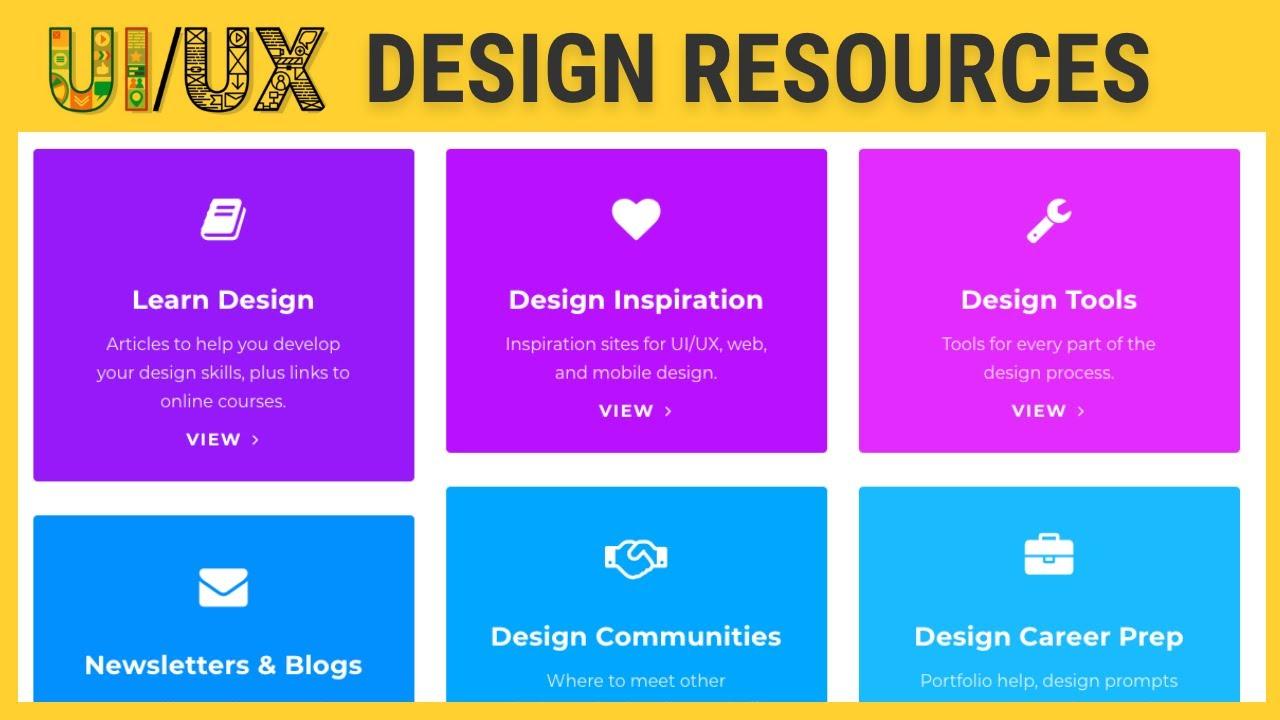
Apart from formal courses, broadening your learning with high-quality resources helps you stay current in the demanding UI design field. Here are additional resources every aspiring UI Designer in education technology should consider:
- Design systems and Style Guides: Explore existing systems used by top universities and education apps to understand best practices in branding, consistency, and accessibility.
- UI/UX Design Blogs and Podcasts: Stay updated with trends impacting digital education, including mobile-first design, gamification, and inclusive user experiences.
- Online UI Communities: Join forums where you can showcase your work, get portfolio reviews, or discuss education technology challenges with industry professionals.
- Open Source Projects: Contribute to or study open source educational tools to see real-world UI design decisions and workflow collaboration.
benefits of Using Learning Platforms for UI Design in Education Technology
When you leverage leading learning platforms for UI Design, especially those attuned to education technology, you unlock several career-building advantages:
- Structured Skill Progression: Courses guide you from basics to advanced concepts relevant to designing for schools, universities, and colleges.
- Industry-Recognized Certifications: Certificates from reputable platforms enhance your employability in the competitive edu-tech job market.
- Real Portfolio Development: Many platforms require you to complete real education-focused design challenges that can be showcased during interviews.
- Personalized Learning: Self-paced formats empower you to align study with your work or family commitments.
- Networking Opportunities: Many platforms offer community boards and peer review features that connect you with hiring managers and collaborators across the globe.
Practical Tips for Job Seekers: Landing a UI Designer Role in Education Technology
Securing a UI Designer job at a university, college, or school requires more than technical expertise. Here are actionable steps to boost your job search:
- Develop an Education-Focused Portfolio: Highlight projects that solve real problems for educators and learners, such as LMS redesigns or creating accessible exam interfaces.
- Demonstrate Understanding of Pedagogy: show knowledge of how students learn best digitally—this gives you a unique edge as a designer for educational institutions.
- Highlight Accessibility Skills: Knowledge of WCAG guidelines and accessibility testing is highly valued by schools and universities aiming for inclusive design.
- showcase Collaborative Projects: Provide examples where you worked with teachers, IT staff, or content creators, illustrating your teamwork and communication skills.
- Continue Learning and Networking: Use learning platforms to not only upskill but also connect with recruiters, hiring managers, and peers in education technology through forums and class projects.
- Stay Updated on EdTech Trends: Follow research, news, and case studies about new teaching methods, tools, or government regulations affecting digital classrooms.
Conclusion
Entering the field of UI Design in education technology is both rewarding and impactful. From creating intuitive interfaces for learning management systems to designing inclusive digital classrooms, your work can shape how knowledge is delivered for generations to come. By leveraging the top learning platforms and curated resources mentioned in this guide,you’ll not only master the skills needed for UI design but also boost your chances of getting hired at universities,colleges,and schools. Start building your portfolio today, continue your professional development, and take confident steps towards your dream UI Designer role in education technology.