
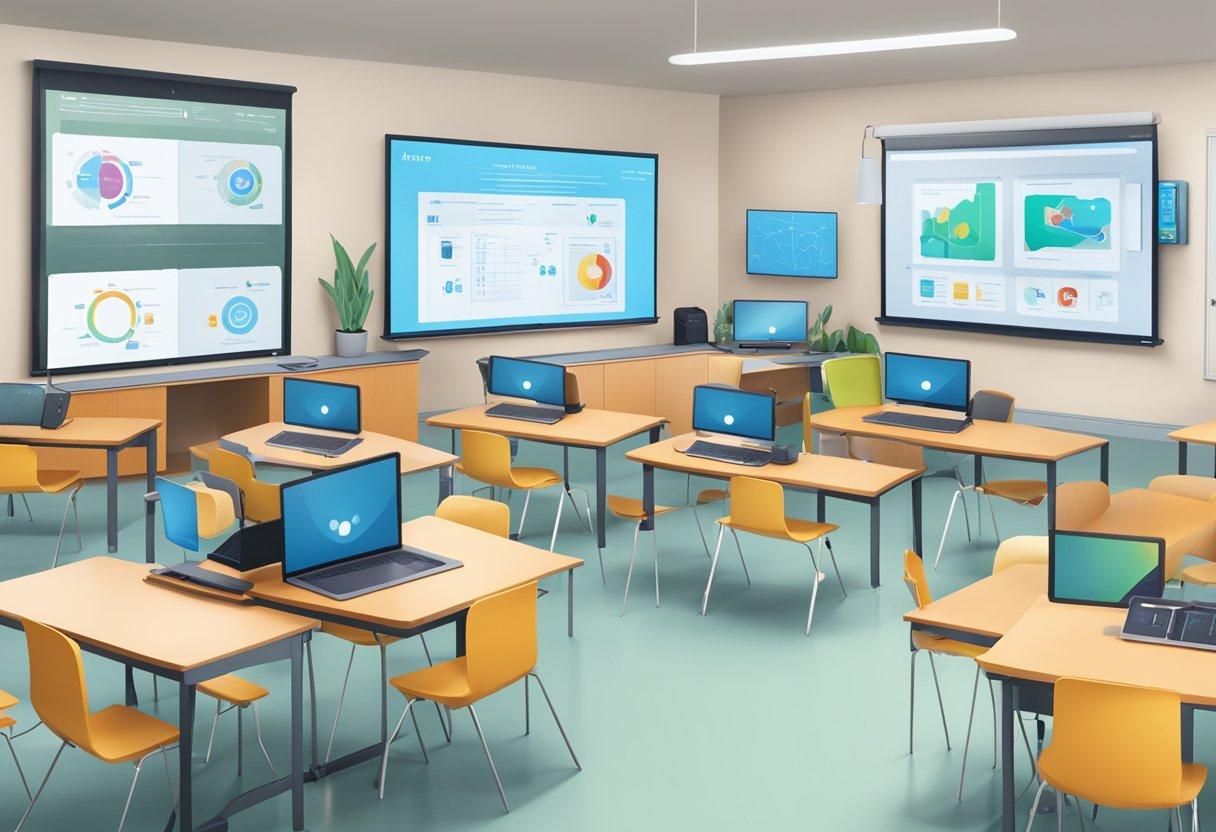
Unlocking Learning for All: How to Ensure Digital Accessibility in Educational Tools
In the rapidly evolving world of digital education, it’s more vital than ever to ensure that educational tools are accessible to all learners. As remote and blended learning become central to education, digital accessibility is not just a technical requirement—it’s a moral imperative. Making learning platforms, resources, and experiences inclusive opens doors for students of all abilities, creating a truly equitable learning environment.
What is Digital Accessibility in Educational Tools?
Digital accessibility refers to the design of online content, technologies, and educational tools so that they can be used by everyone, including people with disabilities. This includes students with visual, auditory, cognitive, or physical impairments. The goal is to eliminate barriers and provide equal access to information and learning opportunities.
- Web Content Accessibility Guidelines (WCAG) are the global standard for accessibility
- Features like screen reader compatibility, keyboard navigation, and proper color contrast are essential
- Accessible educational tools help students succeed nonetheless of their abilities
Why Digital Accessibility Matters in Education
ensuring accessible digital education tools is crucial not onyl for compliance (such as ADA and section 508 laws) but also for fostering inclusivity. Here’s why it matters:
- Equity and Inclusion: Every student deserves an equal possibility to learn and participate.
- Legal Requirements: Schools and institutions may face penalties for non-compliance.
- Broader Reach: accessible tools can be used by a more diverse population, including older adults and students with temporary disabilities.
- Enhanced Learning Outcomes: When barriers are removed, students can better engage and retain information.
Practical Ways to Ensure Digital Accessibility in Educational Tools
Creating digital accessibility is an ongoing process that involves thoughtful design, progress, and testing. Here are practical steps for educators, developers, and instructional designers to follow:
1. Use Accessible Design Principles
- Choose high contrast: Ensure sufficient color contrast between text and background for readability.
- Readable fonts: Use sans-serif fonts and allow users to adjust text size.
- Flexible layouts: Design interfaces that adapt to different devices and screen sizes.
2. Provide Text Alternatives
- Alt text for images: Describe images with meaningful alternative text.
- Transcripts and captions: offer transcripts for audio content and captions for videos.
- Label form fields: Ensure all input fields are clearly labeled and instructions are easy to understand.
3. Support Assistive Technologies
- Screen reader compatibility: Structure content with semantic HTML so it effectively works well with assistive devices.
- Keyboard navigation: Allow users to navigate platforms using only a keyboard, not just a mouse.
- Accessible PDFs and documents: Make sure downloadable content is accessible to everyone.
4. Test and Iterate
- User testing: Involve people with disabilities in the testing process.
- Automated tools: Use tools like WAVE or Axe to scan for accessibility issues.
- Regular updates: Continually review and update educational tools as standards evolve.
Key Benefits of Digital Accessibility in Education
- Universal Design: When accessibility is prioritized,everyone benefits,including students using mobile devices or those in varying environments.
- Improved Academic Outcomes: Accessible materials are typically clearer and better organized.
- Stronger Engagement: All students can interact more meaningfully with the learning content.
- Positive Reputation: Institutions known for inclusivity attract a wider, more diverse student body.
Case Studies: Digital Accessibility in Action
1. The University of Washington’s Accessible IT
The University of Washington has become a leader in digital accessibility by incorporating accessibility checks in all technology acquisitions. Faculty and staff receive regular training, and students report a dramatic reduction in technical barriers. This proactive approach has also helped the university remain compliant with legal regulations.
2. Blackboard’s commitment to Accessibility
Major educational platforms like Blackboard have incorporated built-in screen reader support, alternative navigation methods, and customizable display options. As a result, thousands of students with disabilities now have an improved learning experience and report higher satisfaction rates.
3. WordPress for Learning: Themes and Plugins
Schools using WordPress for learning management or resource hubs benefit from its wide range of accessible themes and plugins. From drag-and-drop page builders that follow accessibility standards to plugins that add captions or text-to-speech, educational sites have become significantly more inclusive and usable for all.
First-hand Experience: Perspectives from Students
“As a student with dyslexia,I always struggled with text-heavy resources. Understanding digital accessibility allowed my school to provide audio and interactive resources that made a world of difference in my education.” – Sarah, High School Senior
“Using screen readers and keyboard navigation enabled me to keep up with my studies when I broke my arm and couldn’t use a mouse. Accessible tools aren’t just for people with permanent disabilities—they help everyone.” – Alex, College Freshman
Best Practices and Tips for Educators & Developers
- Integrate WCAG 2.1 guidelines from the beginning of the design process.
- Provide multiple ways to consume information (visual, auditory, interactive).
- Train staff regularly on accessibility awareness and emerging standards.
- Offer feedback channels for users to report accessibility challenges.
- Partner with organizations like the Centre for Applied Special Technology (CAST) for resources and support.
Conclusion: Unlocking the Future of Inclusive Learning
Digital accessibility in educational tools is the foundation of inclusive education for all. By prioritizing accessible design,supporting assistive technologies,and continually iterating based on real-world feedback,schools and educators can ensure no learner is left behind. Accessibility not only helps students with disabilities but enriches the educational experience for everyone, fostering innovation, success, and lifelong learning.
Are your educational platforms as inclusive as they could be? Start today by assessing your tools, adopting accessibility best practices, and making digital learning accessible to every student.