
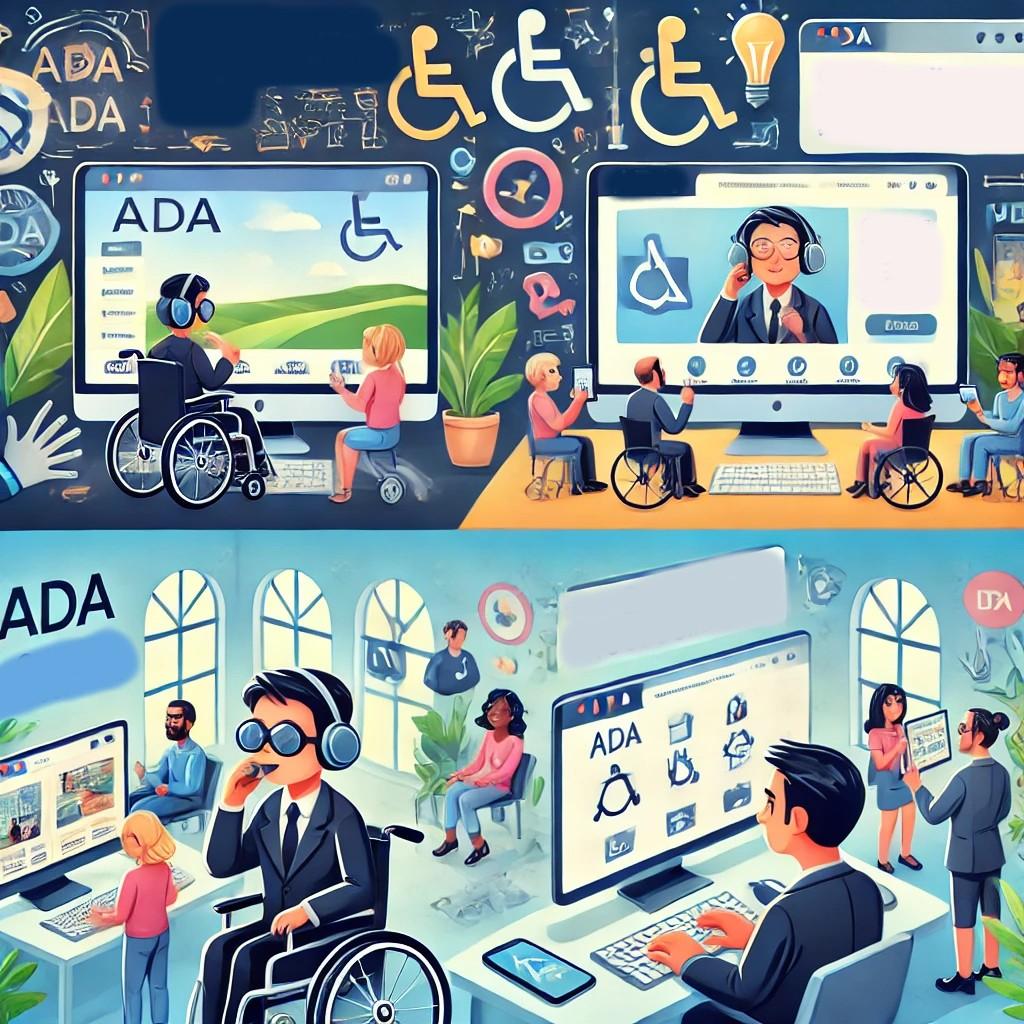
Unlocking Success: Ensuring Accessibility in Online Education for All Learners
In today’s digital era, online education accessibility has become more vital than ever. with the rise of e-learning platforms, the need to provide equitable, inclusive learning opportunities for all students has grown exponentially. Weather you’re an educator, administrator, instructional designer, or simply a passionate advocate for equity in education, this extensive guide will illuminate the path to unlocking success through accessible online learning.
Understanding Online Education Accessibility
Accessibility in online education refers to the design and delivery of digital learning environments, resources, and experiences that can be used by every student—nonetheless of their abilities or disabilities. Ensuring accessibility means eliminating barriers and providing alternative ways to engage, participate, and succeed.
- Visual Accessibility: Accommodates learners with visual impairments (e.g.,screen readers,high-contrast text).
- Auditory Accessibility: Serves students who are deaf or hard of hearing (e.g., captions, transcripts).
- Physical Accessibility: Supports those with mobility challenges (e.g., keyboard navigation, accessible controls).
- Cognitive Accessibility: Assists students with learning disabilities or attention disorders (e.g., clear layouts, predictable navigation).
Why Accessibility in Online Learning Matters
The significance of accessible online education stretches far beyond compliance with laws like the Americans with Disabilities Act (ADA) or Section 508. By fostering an inclusive environment, educators empower all learners to realize their potential. Here’s why it matters:
- Equity and Inclusion: Accessible courses prevent exclusion based on disability, socioeconomic background, or learning style.
- Improved Outcomes: All students benefit from adaptable and flexible resources—not just those with disabilities.
- Wider Reach: Institutions with accessible e-learning attract and retain diverse learners across the globe.
- Legal and Ethical Obligation: meeting accessibility standards helps avoid costly lawsuits and builds institutional reputation.
- Future-Proofing: As learning moves increasingly online, accessible design ensures readiness for tomorrow’s learners.
Benefits of Accessible Online Education
The transformative impact of accessibility in digital education benefits everyone—not only students with disabilities:
- Enhanced Usability: Well-designed courses with clear navigation and structure make learning easier for all.
- Greater Engagement: Multiple means of engagement and depiction keep students motivated and active.
- Increased Retention: When obstacles to learning are removed, student satisfaction and course completion rates rise.
- Worldwide Design for Learning (UDL): Incorporating UDL principles benefits diverse learning preferences, backgrounds, and needs.
Practical Tips to Ensure Accessibility in E-Learning
Ready to make your online courses more accessible? Implement these best practices to create an inclusive e-learning environment:
1. Use Clear and Consistent Course Structure
- Organize content with proper headings (H1, H2, H3).
- Maintain consistent navigation across modules.
- Chunk information into manageable, well-labeled sections.
2. Provide Text Alternatives for Multimedia
- Supply alt text for images and graphics.
- Include captions and transcripts for video and audio content.
- Offer downloadable formats of all study materials.
3. Ensure Keyboard and Screen Reader Compatibility
- Design interactive elements (forms, quizzes) to be fully operable via keyboard.
- Test content using screen readers like JAWS, NVDA, or VoiceOver.
- Avoid reliance on mouse-only controls.
4. Use Accessible colors and Fonts
- Ensure strong color contrast between text and background (WCAG recommends at least 4.5:1).
- Use readable fonts (sans-serif types like Arial or Verdana).
- Allow text resizing and avoid using color as the sole means of conveying information.
5. Design Assessments for Versatility
- Offer multiple ways for students to demonstrate knowledge (quizzes, essays, audio/video responses).
- Allow extra time and flexible deadlines when possible.
6. Choose Accessible Learning Platforms
- Select LMS platforms (Learning Management Systems) like Canvas, Moodle, or WordPress LMS plugins that follow WCAG guidelines and support accessibility plugins.
- regularly update course technologies to leverage new accessibility features.
Case Study: Accessible e-Learning in Practice
Many organizations have experienced transformative results by prioritizing online education accessibility. Such as, the University of Washington’s DO-IT (Disabilities, Opportunities, Internetworking, and Technology) Center reported a 25% increase in course completion rates after revamping their online resources for accessibility.
What made the difference?
- Comprehensive training for faculty on accessible content creation.
- regular accessibility audits and user feedback.
- Adoption of captioned lectures, screen-reader amiable documents, and customizable course materials.
Similar results have been seen on platforms like coursera and edX, where integrating accessible design features led to higher engagement from learners with diverse backgrounds.
First-Hand Experience: Empowering Digital Learners
“As a student with low vision, I struggled to keep up in classes where slides had small fonts or videos lacked captions. Things changed when my university’s online courses offered accessible notes,screen reader compatibility,and responsive support. Not only could I participate fully, but my classmates also appreciated the clearer design and additional study resources. Accessible education doesn’t just open doors for some—it benefits all learners.”
— Emily J., e-learning graduate
Overcoming Common Accessibility Challenges
While making online education accessible can seem overwhelming, addressing common issues step by step makes all the difference:
- Lack of Awareness: Provide ongoing training and resources for educators and course developers.
- Outdated Technology: Upgrade LMS platforms, utilize plugins, and conduct regular accessibility reviews.
- Time Constraints: Incorporate accessibility from the beginning to minimize retrofitting and streamline growth.
- Insufficient Feedback Loops: Solicit direct input from students, especially those with disabilities, to continually improve accessibility.
Conclusion: Building a Future-Proof, Equitable Learning Landscape
Unlocking success in online education starts with a commitment to accessibility for all learners. When educators, administrators, and designers embrace inclusive practices, they lay the groundwork for equitable learning environments where every student can thrive. By following the best practices highlighted above and keeping the diverse needs of your learners front and center, you’re not just meeting legal requirements—you’re championing a culture of possibility, innovation, and success.
The journey to online education accessibility is ongoing, but every step brings us closer to a world where digital learning truly works for everyone. Let’s work together to ensure that opportunities for success are unlocked—for all.