
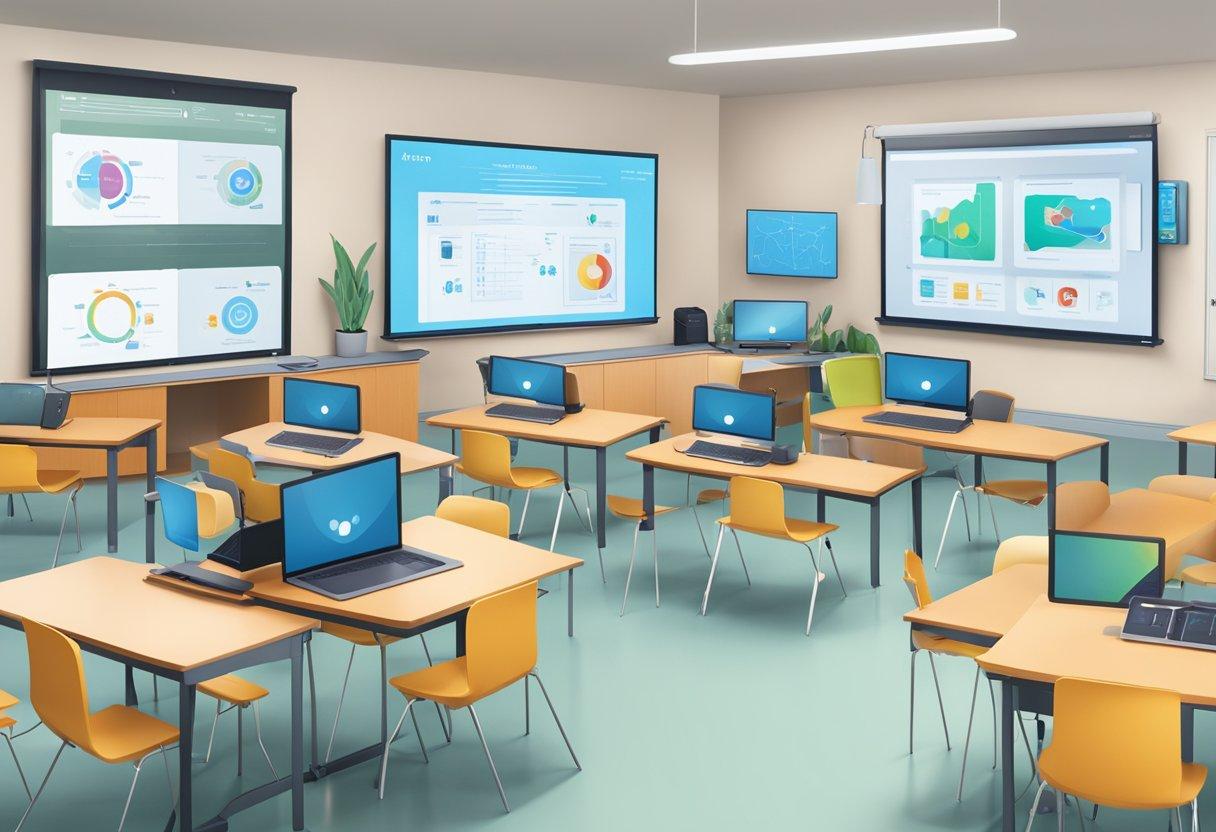
Unlocking Success: How to Ensure Accessibility in Online Education for All Learners
Online education has revolutionized learning, providing flexible, scalable and diverse opportunities to people across the globe. But true success in digital classrooms depends on ensuring accessibility in online education for all learners—regardless of ability, background, or learning style. In this comprehensive guide, we explore practical strategies, benefits, real-world examples, and expert tips for designing accessible e-learning experiences. By embracing accessibility, educators and institutions not only comply with legal standards but also foster inclusive, engaging and equitable education for every student.
Why Accessibility in Online Education Matters
In today’s digital-first learning landscape, accessibility is not just a regulatory requirement—it’s an ethos of inclusion and equity. When online education is accessible, learners with disabilities, language barriers, or limited resources can participate fully, maximizing both academic outcomes and personal growth.
- Legal Compliance: Laws like the ADA (Americans with Disabilities Act) and Section 508 require educational institutions to provide accessible digital content.
- Wider Reach: Making courses accessible means reaching a broader, global student base.
- Higher engagement: Accessible materials help all learners stay motivated and on track.
- Better Learning Outcomes: Accessible designs suit diverse learning needs and preferences, improving retention and achievement.
Understanding Barriers to Accessibility in E-Learning
Every learner is unique. Some face visible or invisible barriers when accessing online education. Recognizing these challenges is key to developing fully accessible e-learning solutions.
- Visual Impairments: Difficulty seeing text, images, videos or color-based instructions.
- Auditory Impairments: trouble accessing audio or video content without captions or transcripts.
- Physical/motor Disabilities: Limited ability to navigate with standard inputs like a mouse or keyboard.
- Cognitive and learning Disabilities: Challenges in processing details, instructions, or complex layouts.
- language Barriers: Non-native speakers or learners struggling with content language.
- Technological Barriers: Limited access to devices, internet, or advanced software.
Benefits of Accessible Online Education
Investing time and resources in accessible online education yields lasting positive impacts for institutions, instructors, and students.
- Inclusive Learning Environments: all learners feel valued and supported.
- increased Course Completion Rates: Fewer students drop out due to avoidable barriers.
- Enhanced Institutional Reputation: Organizations recognized for accessibility attract more partnerships and enrollments.
- Diverse Perspectives: Inclusive education fosters innovation and richer classroom discussions.
key Principles of Accessibility in Online Education
To ensure your e-learning content is truly accessible, it should embody the following principles derived from the WCAG (Web Content Accessibility Guidelines):
- Perceivable: All learners can view and access content, including text, audio, and visuals.
- Operable: Navigation, quizzes, and interactive elements can be used with varied devices and assistive technologies.
- Understandable: Course structure, instructions, and feedback are clear and predictable.
- Robust: Materials work on different platforms, browsers, and devices, both now and in the future.
Practical Tips: How to Ensure Accessibility in Online Education
Here are actionable strategies for making your online courses inclusive and accessible:
1.Use Clear, Simple Language
- Present instructions and content using easy-to-understand words and sentences.
- Break up complex concepts with bullet points, headings, and summaries.
2. Provide Choice Text and Transcripts
- add alt text descriptions to images and charts.
- Offer transcripts and captions for all audio and video materials.
3. Design for Keyboard Navigation
- Ensure users can move through content using only a keyboard.
- Test forms, quizzes, and interactive features for keyboard compatibility.
4. Choose Accessible Fonts and colors
- Select easy-to-read fonts and maintain sufficient color contrast between text and background.
- Avoid relying on color alone to convey meaning.
5. Structure Content with Semantic HTML
- Use proper HTML tags for headings (
,
- Semantic structure helps screen readers and improves SEO.
6. test with Assistive Technologies
- Try your course with screen readers like NVDA or JAWS.
- Simulate low-vision, dyslexia, or motor impairments to identify issues early.
7. Offer Flexible Assessment Methods
- Provide multiple formats for assignments (written, visual, audio).
- Allow extra time or alternative supports for quizzes and exams.
8.Seek Learner Feedback
- Regularly ask students about accessibility challenges.
- Act on feedback to continually improve your course design.
Case Studies: Accessibility in action
Case Study 1: University Course Redesign
A major US university redesigned its introductory online courses in psychology to meet accessibility standards. Thay implemented closed captions for all instructional videos, descriptive alt text for images, and flexible assignment options. Consequently,the course completion rate for students with disabilities jumped from 70% to 92% in one year,and overall student satisfaction scores increased.
Case Study 2: Open Source E-Learning Platform
An open-source e-learning platform integrated WCAG-compliant templates, keyboard navigation, and compatibility with screen readers.Educators using the platform reported a 30% boost in engagement and a meaningful drop in technical support inquiries related to accessibility.
WordPress Tips: Make Your E-Learning Site Accessible
If you’re using WordPress to deliver online education, take these extra steps for accessibility:
- Choose Accessible Themes: Select themes tested for compliance (e.g., Twenty Twenty-Four, Astra).
- install Accessibility Plugins: Use plugins like WP Accessibility and Accessibility Checker to audit and improve your site.
- Label Form Fields: Ensure all form elements have clear labels and instructions (
tags). - Manage Media Responsibly: Add descriptive alt text and use scalable images.
- Enable Skip Links: Help keyboard and screen reader users bypass repetitive content.
Tip: Always test your WordPress content with real users and accessibility tools before publishing.
First-Hand Experience: Voices from Learners
“As a legally blind student, accessible online learning materials are crucial for my education. I rely on screen readers, and courses with proper HTML structure and transcripts make a world of difference in my engagement and grades.”
— Sandra M., Graduate Student
“Being able to access quizzes with keyboard shortcuts and hearing content thanks to voiceover technology has made online education enjoyable. When teachers ask for feedback and update their platforms, I feel genuinely included.”
— Alex R., Computing Major
Conclusion: Unlocking Success for Every Learner
Making online education accessible is a collaborative and ongoing effort, but the rewards are transformative. By implementing proven strategies, leveraging the right technologies, and listening to learners, educators can ensure no student is left behind. accessibility in online education isn’t just about compliance—it’s about unlocking real success for all learners,building inclusive communities,and shaping a future where everyone has the opportunity to thrive.
Ready to enhance accessibility in your online learning programs? Start today by auditing your course content, adopting inclusive design practices, and engaging students in meaningful feedback. Together,we can make education truly accessible—one learner at a time.