
Unlocking the Future: How Accessibility Is shaping the Next Generation of Education Technology
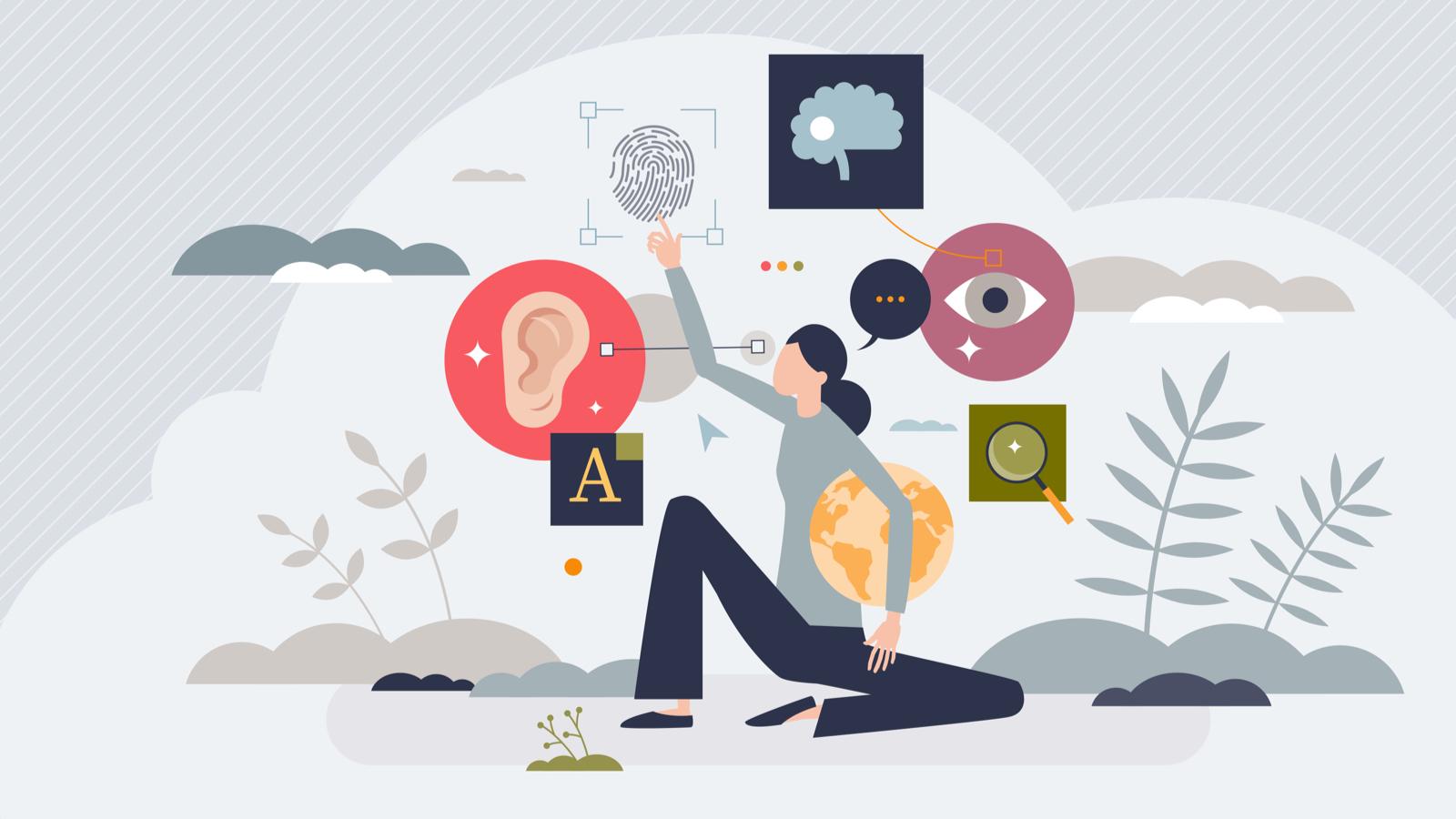
The rapid evolution of education technology (EdTech) is transforming how we learn, teach, and share knowledge worldwide. At the heart of this revolution is a focus on accessibility—designing digital learning tools and platforms that empower every student,irrespective of ability. As we move toward a more inclusive digital future, accessibility isn’t just a buzzword; it’s shaping the next generation of EdTech and setting new standards for educational excellence.
Understanding Accessibility in Education Technology
Accessibility in EdTech means creating learning environments, tools, and content that are usable by all learners, including those with disabilities and diverse needs. It encompasses digital accessibility (websites, apps, and software), physical accessibility (devices and classroom design), and cognitive accessibility (clear instructions, alternative formats, etc.).
- Visual impairments: Screen readers, alt text, high-contrast modes
- Hearing impairments: Captions, transcripts, sign language integration
- Cognitive disabilities: Simple language, consistent navigation, audio support
- Physical disabilities: Keyboard navigation, voice commands, adjustable hardware
By prioritizing accessibility, education technology companies are not only ensuring compliance with laws like the Americans with Disabilities Act (ADA) and Section 508 but also unlocking a wealth of benefits for all learners.
Why Accessibility Matters for the Future of EdTech
- Inclusive learning for all: Accessible EdTech ensures that no student is left behind,regardless of ability or background.
- Legal & ethical responsibility: Compliance with accessibility standards is a legal requirement—and a moral imperative.
- Wider audience reach: Solutions that cater to diverse needs can serve a broader global audience, increasing adoption and impact.
- Innovation driver: Designing for accessibility sparks creativity and leads to breakthroughs in user experience and interactive learning.
- Improved user experience: Accessibility features often benefit all users by making education technology easier to navigate and use.
“Making education technology accessible is not just about meeting requirements—it’s about shaping a future where learning is universally attainable and empowering.”
Key accessibility Features in Modern Education Technology
Today’s leading EdTech platforms are integrating a host of accessibility features to create seamless and inclusive learning environments:
- Screen readers & ARIA labels: Essential for visually impaired users, ensuring content is interpreted correctly.
- Closed captioning & transcripts: Make audio and video lessons accessible to students with hearing impairments.
- Customizable fonts and colors: Users can adjust display settings for readability and personal comfort.
- Keyboard navigation: Allows students to interact with digital content without a mouse, ideal for those with mobility limitations.
- Voice recognition & speech-to-text: Empowers students with motor issues or learning differences.
- Alt text for images: Provides descriptions for images, diagrams, and graphics for screen readers.
By integrating these features, EdTech companies are breaking down barriers to access and participation in digital classrooms.
Case Studies: Accessibility-Driven EdTech Innovations
Microsoft immersive Reader
Microsoft’s Immersive Reader offers a powerful suite of accessibility tools designed to improve reading comprehension and ease of use for learners of all abilities. Features like text-to-speech, language translation, and adjustable text size empower students with dyslexia, vision impairments, or language barriers.
Khan Academy’s Accessible Platform
khan Academy has invested substantially in accessibility, with video transcripts, ARIA labeling, high-contrast visuals, and keyboard navigation.Their ongoing efforts ensure millions of students worldwide have equal access to high-quality educational content.
Google Classroom and G suite
Google Classroom integrates with screen readers, offers speech-to-text typing, and allows for live captioning with Google Slides, making it a model for accessible digital classrooms.
Benefits of Accessible Education Technology
- Greater independence: Students can access and engage with content independently, fostering self-confidence.
- Personalized learning: Adjustable features accommodate different learning styles and needs.
- Boosted engagement: Accessible interactive features make lessons more engaging and effective.
- Broader participation: Ensures every student,including those with disabilities,can participate fully in online and blended classrooms.
- Better learning outcomes: When students can access materials in ways that suit them,comprehension and retention improve.
- Positive institutional reputation: Schools and edtech providers committed to accessibility enhance their reputation and trustworthiness.
Practical Tips for Making EdTech Accessible
- Follow accessibility guidelines: Adhere to WCAG 2.1, ADA, and Section 508 standards during development.
- Test with diverse users: Include people with various disabilities in user experience testing.
- Use semantic HTML: Proper heading structure, forms, ARIA roles, and alternative texts improve compatibility with assistive technologies.
- Train staff and educators: Offer ongoing training on accessibility best practices and tools.
- Offer multiple formats: Provide transcripts, captions, audio versions, and accessible PDFs for all instructional materials.
- Utilize color contrast tools: Make sure content is readable for those with visual sensitivities.
- Stay updated: Accessibility is constantly evolving—stay abreast of new standards and emerging technologies.
First-Hand Experience: Voices from the Classroom
“When our school adopted Chromebooks with built-in screen readers and closed captioning, it changed the game for our visually impaired students. They became more confident and engaged.” – Special education Teacher
“Having access to lecture transcripts made studying much easier for me. I could revisit lessons in a format that worked best for my learning style.” – University Student with ADHD
Real-world feedback underlines the transformative impact of accessible education technology—not just for those with disabilities, but for everyone in the learning community.
The Future: Accessibility as a Standard, Not a Feature
Accessibility is no longer an afterthought—it’s becoming a foundational element of next-generation education technology. As artificial intelligence, virtual reality, and adaptive learning systems mature, integrating accessibility from the start will be vital. In the coming years, we can expect:
- Automated accessibility checks in content management and authoring tools
- AI-driven personalized accessibility settings that automatically adapt interfaces for each learner
- Enhanced voice and gesture controls for hands-free, immersive learning experiences
- Real-time language translation and captioning for global classrooms
EdTech providers who embrace accessibility will lead the way in creating equitable, engaging, and innovative digital learning spaces.
Conclusion
Unlocking the future of education technology depends on our collective commitment to accessibility and inclusivity. Forward-thinking EdTech platforms that prioritize accessible design aren’t just meeting legal requirements—they’re setting a higher standard for equitable education worldwide. By fostering environments where all students can thrive, we ensure a brighter, more empowered future for the next generation of learners.
Looking for more ways to integrate accessibility into your educational technology strategy? Explore our resources or connect with EdTech accessibility experts to ensure your tools and content create opportunity for every learner.