
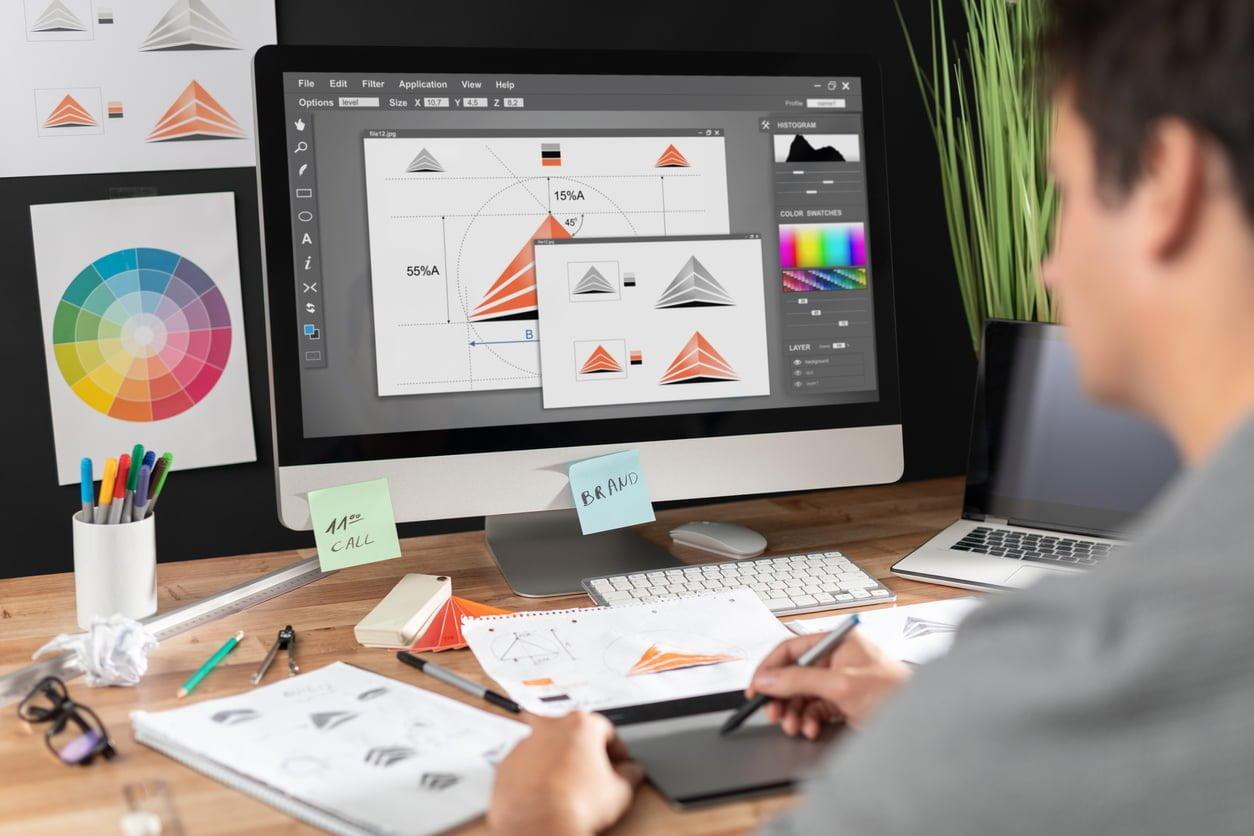
Unlocking the Power of a Visual Designer in E-Learning: Essential Skills and Strategies
E-learning has dramatically changed the education landscape, enabling universities, colleges, and schools to reach diversified learners with engaging and accessible digital content. At the heart of this digital revolution is the visual designer, whose creative expertise is crucial for crafting user-centric educational experiences. If you are a job seeker aiming to carve out a career in education technology as a visual designer, understanding key skills, strategies, and the impact you can have is vital.
introduction to Visual Design in E-Learning
The rise of online education has made visual designers indispensable in the e-learning sector.Whether working at a college, university, or K-12 school, visual designers shape how digital learning materials look, feel, and function.They collaborate with instructional designers, developers, and educators to deliver visually appealing, intuitive, and effective learning modules.This article explores the essential skills, practical strategies, and benefits of pursuing a visual designer role within education technology, helping you unlock new career opportunities.
Role and Importance of a Visual Designer in education Technology
- Creating Engaging Content: Visual designers make e-learning courses interactive and appealing, supporting better knowledge retention and learner engagement.
- Enhancing Accessibility: By applying design principles that cater to diverse learners, designers ensure content is accessible to everyone, including those with disabilities.
- Boosting Brand Identity: Institutions need consistent and professional branding across their educational platforms, which visual designers help establish.
- Supporting Instructional Goals: Good design reinforces educational objectives, providing clear visual cues and organizing details efficiently.
Essential Skills for a Visual Designer in E-Learning
To succeed as a visual designer in education technology at universities, colleges, or schools, job seekers should cultivate a blend of technical, creative, and collaborative abilities:
1. Proficiency in Design Tools
- Adobe Creative Suite (Photoshop, Illustrator, XD, InDesign)
- Figma, Sketch, Canva, and other UX/UI software
- LMS-specific authoring tools such as Articulate storyline and Adobe Captivate
2. UX/UI design Expertise
- Understanding user experience best practices for web and mobile platforms
- wireframing, prototyping, and creating user flows for interactive learning modules
- Responsive design for various devices and screen sizes
3. Knowledge of Accessibility Standards
- Implementing WCAG and ADA guidelines to make online learning inclusive
- Designing with color contrast, readable typography, and intuitive navigation
4. Effective Communication and Collaboration
- Working alongside instructional designers, subject matter experts, and developers
- Presenting and rationalizing design decisions with stakeholders
5. Familiarity with Education Technology Platforms
- Learning Management Systems (LMS): Moodle, Blackboard, Canvas
- Interactive media (animations, simulations, gamification)
Benefits of Hiring a Visual Designer in E-Learning
Employers and institutions looking to build effective online learning solutions recognize the value a skilled visual designer brings:
- Enhanced Student outcomes: Visually engaging environments increase comprehension, participation, and retention rates.
- Professional Image: high-quality design reflects institutional excellence and builds trust among learners.
- Scalability: Designers create reusable templates and assets, speeding up future course progress.
- Brand Differentiation: Custom visuals set institutions apart in the competitive education market.
Strategies for Success as a Visual Designer in Education Technology
Navigating a career as a visual designer in the e-learning sector requires more than mastering design tools. Here are practical strategies to help you excel and stand out:
Continuous Learning and Professional Development
- Attend webinars, workshops, and online courses on the latest design trends and e-learning technologies.
- get certified in key software tools or instructional design methodologies.
Build a Strong Portfolio
- Showcase real-world projects, such as interactive modules, infographics, and courseware.
- Highlight case studies that demonstrate your problem-solving and design impact.
Tailor Your Submission to Education Technology Roles
- Research the institution’s mission, audience, and existing digital strategy.
- Emphasize experience with LMS, accessibility, and collaboration with academic staff.
Stay Current with Technology Trends
- Follow advancements in virtual reality, augmented reality, and adaptive learning systems as part of e-learning design.
- Experiment with gamification and microlearning strategies to enhance engagement.
Practical Tips for Aspiring Visual Designers in E-Learning
- network with education Technology Professionals: Join online communities, attend edtech conferences, and connect with mentors to build relationships and stay informed.
- Focus on Accessibility: Learn and apply best practices to ensure content is usable by all students, including those with disabilities.
- Balance Creativity with Functionality: While aesthetics are vital, prioritize clarity, ease of navigation, and alignment with learning objectives.
- Seek Feedback: Collaborate closely with instructors and learners to gather user insights and improve your designs iteratively.
- understand Pedagogy: Familiarize yourself with educational theories to create visuals that actively support teaching and learning outcomes.
How to Find and Secure a Visual Designer Job in Education Technology
If you’re ready to step into a visual designer role in e-learning,here’s how to effectively position yourself:
- Research Job Boards for EdTech Roles: Look for listings on specialized education job boards and institutional websites.
- Customize your Portfolio for E-Learning: Highlight projects that illustrate your understanding of educational needs and technical proficiency.
- Prepare for Interviews: Be ready to discuss design challenges, collaboration experiences, and strategies for enhancing digital learning.
- Showcase Versatility: Demonstrate experience with various age groups, learning environments (K-12, higher education), and digital formats.
- Stay Connected with Trends: Regularly follow education technology news and design innovation to remain competitive.
Conclusion: Unlocking Your Future as a Visual designer in E-Learning
As universities, colleges, and schools continue investing in digital conversion, the demand for creative and skilled visual designers in education technology grows stronger than ever. By mastering core design tools, understanding user experience and accessibility standards, and keeping pace with edtech innovations, job seekers can play a pivotal role in shaping modern learning environments.With strategic career development and a passion for learning,you can unlock the power of visual design to make a lasting impact in the e-learning community. Start your journey now and become a key contributor to the future of education.