
Unlocking the Role of a Motion Graphics Designer in E-learning: Skills, Tools, and Career Insights
As the world continues to embrace digital education, motion graphics designers are becoming essential members of e-learning teams at universities, colleges, and schools. This dynamic role lies at the intersection of creativity and technology, helping to transform traditional educational materials into engaging, interactive, and impactful learning experiences.if you’re considering a career as a motion graphics designer in education technology, this complete guide is here to empower your journey.
Introduction: Why Motion Graphics Matter in E-Learning
E-learning has revolutionized how knowledge is delivered and consumed. Visual storytelling, notably through motion graphics, enhances comprehension, retention, and learner engagement. Educational institutions increasingly seek motion graphics designers to elevate their online courses, virtual classrooms, and digital training modules. This demand opens exciting career opportunities for creative professionals keenly interested in shaping the future of education.
What Is a Motion Graphics Designer in E-Learning?
A motion graphics designer in e-learning is responsible for creating animated visual content that supports teaching and learning objectives. Their work spans explainer videos, animated infographics, interactive lessons, tutorials, and educational advertisements. These designers collaborate with instructional designers, subject matter experts, and multimedia teams to produce content that is both visually appealing and pedagogically effective.
Key Responsibilities
- Designing and animating graphics for educational content
- Creating explainer videos and visual assets for online courses
- Collaborating with educators and e-learning developers
- Ensuring brand and curricular consistency in all materials
- Adapting content for diverse platforms and devices
- Staying up-to-date with the latest motion design trends and technologies
Essential Skills for Success as a Motion Graphics Designer in Education Technology
Thriving in this role requires a blend of creative artistry, technical competence, and an understanding of educational principles. Here are the critical skills education institutions look for:
1. Visual Design & animation
- Strong understanding of composition, color theory, and typography
- Ability to storyboard, illustrate, and produce high-quality animations
- Knowledge of different animation techniques (2D, 3D, kinetic typography, whiteboard animation, etc.)
2. technical Proficiency
- Expertise in industry-standard motion graphics tools and software (see below)
- Familiarity with video and audio editing
- Basic understanding of user experience (UX) in digital learning environments
3.Collaboration & Interaction
- Ability to translate pedagogical goals into visual narratives
- Strong teamwork and interpersonal skills
- Effective communication with educators, curriculum designers, and technical teams
4. Adaptability & Time Management
- Flexibility to handle multiple projects and deadlines
- Openness to feedback and iterative design processes
Top Tools & Technologies for motion Graphics Designers in E-Learning
Mastering the right tools can set you apart as a motion graphics professional in education technology. Here are the most commonly used software and platforms:
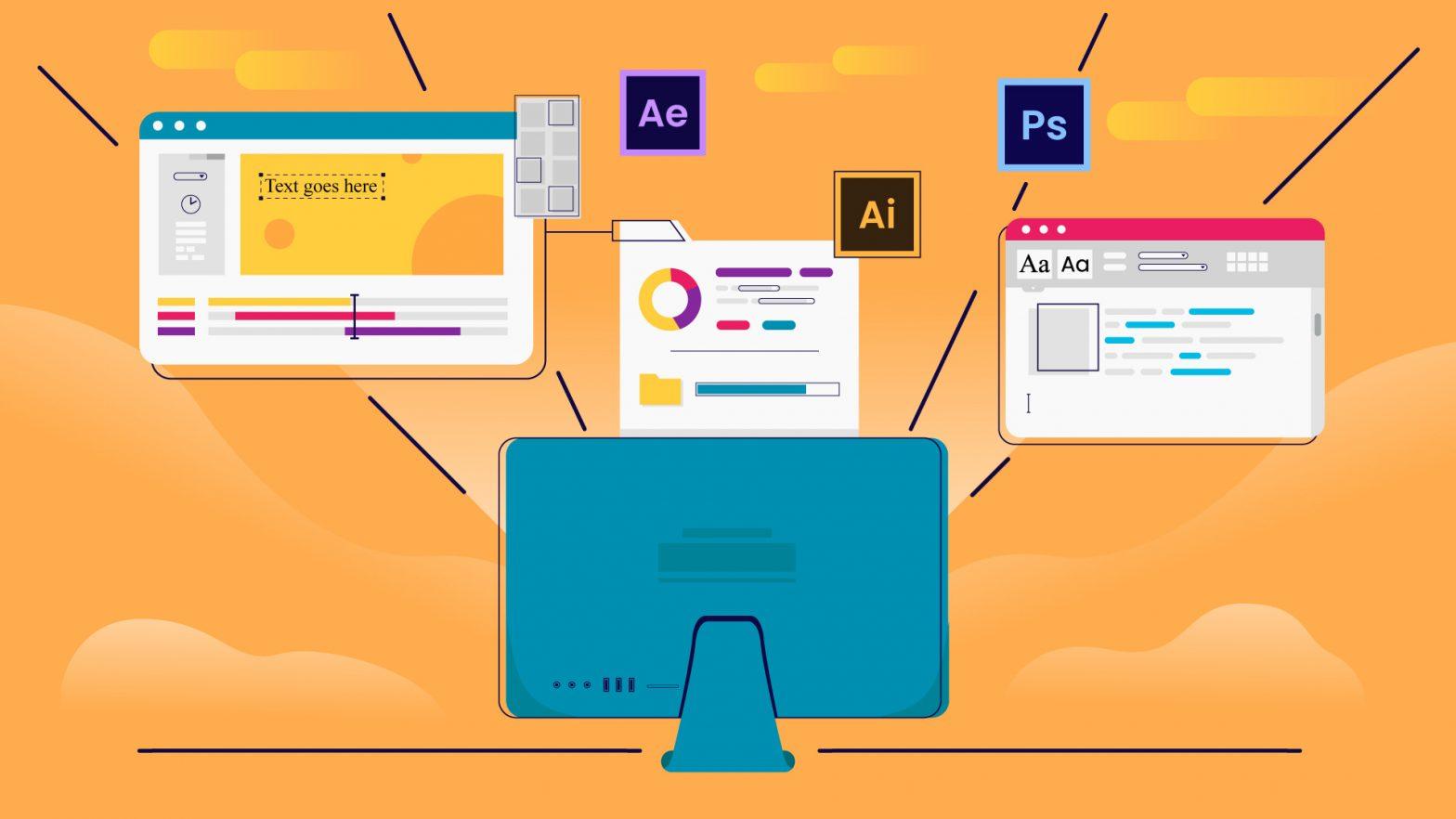
- Adobe after Effects: The industry leader for advanced motion design and animation tasks.
- Adobe Premiere Pro: Essential for video editing and integrating graphics into lecture recordings or course modules.
- Adobe Illustrator & Photoshop: For creating and refining visual assets, icons, and illustrations.
- Blender or Cinema 4D: Used for 3D motion graphics and animation in more advanced e-learning projects.
- Camtasia: Popular for educational screen recordings and integrating simple motion graphics.
- Articulate Storyline & Adobe Captivate: E-learning authoring tools that support animation workflows and interactive learning.
- Audio Editing Software: Audacity or Adobe Audition for voiceover clean-up and sound effects.
Being proficient in these tools increases your value to universities, colleges, and schools transitioning to or expanding their digital learning capabilities.
Benefits of Becoming a motion Graphics Designer in the Education sector
Pursuing a motion graphics design job in education technology doesn’t just come with financial rewards—it’s an prospect to make a lasting impact on learners’ lives. Here are some of the key benefits:
- Positive Social Impact: Help make learning accessible, engaging, and effective for students of all ages and backgrounds.
- Creative Fulfillment: Turn complex concepts into clear,visual stories and see your work directly contribute to educational outcomes.
- Job Security and Growth: E-learning is a rapidly growing industry, ensuring steady demand for skilled designers in both academic and corporate sectors.
- Collaboration and Networking: work alongside passionate professionals, including educators, technologists, and creative peers.
- Continuous learning: Exposure to diverse subjects and the latest in design and educational technology keeps your skills sharp and relevant.
Career Pathways and Advancement Opportunities
A background in motion graphics design for e-learning can open various career pathways in education technology. Some of the roles you could move into over time include:
- Senior Motion Graphics Designer or Team Lead
- E-Learning content Developer
- Instructional Designer with Motion Specialization
- Creative Director for Educational Content
- UX/UI Designer focused on educational products
Additionally,many motion graphics designers enjoy freelance or remote opportunities with universities and e-learning vendors,further expanding career flexibility.
Practical Tips to Launch and Advance Your Career in Motion Graphics for E-Learning
Ready to break into this rewarding field? Here are practical steps to position yourself as an ideal motion graphics designer for educational institutions:
1.Build a Strong Portfolio
- Curate a collection of animated projects relevant to education, such as explainer videos, instructional animations, and interactive lessons.
- Showcase before-and-after examples to demonstrate your impact on learning outcomes.
- Include a variety of animation styles and techniques to highlight your versatility.
2. Gain Relevant Experience
- Volunteer for educational non-profits,schools,or online academies to build practical experience.
- Pursue internships or contract roles with universities’ digital learning departments.
- Participate in open courseware or MOOC projects as a contributing designer.
3. Keep Learning
- Enroll in online courses or certifications in motion design,e-learning growth,and instructional design.
- Stay current with the latest trends in animation and education technology.
4. Network and Collaborate
- Join education technology and motion design communities and forums.
- Attend industry conferences, workshops, or webinars dedicated to e-learning and instructional technology.
- Connect with curriculum developers and educators to understand real classroom needs.
5. Tailor Your job Applications
- Customize your resume and cover letter to align with the educational institution’s mission and values.
- Highlight relevant projects that directly support teaching and learning objectives.
- Demonstrate an understanding of accessibility standards and inclusive design.
Conclusion: Shaping the Future of Education with Motion Graphics
The demand for motion graphics designers in education technology continues to grow as universities, colleges, and schools accelerate their digital change. In this vital role, you have the unique opportunity to blend art, technology, and pedagogy to create inspiring educational experiences. By leveraging your creativity, technical expertise, and understanding of learning, you can definately help students achieve their full potential while building a rewarding and resilient career in the thriving world of e-learning.
If you’re ready to make a difference, start building your portfolio, honing your skills, and connecting with the education technology community. As a motion graphics designer in e-learning, you’re not just designing animations—you’re bringing knowledge to life.