
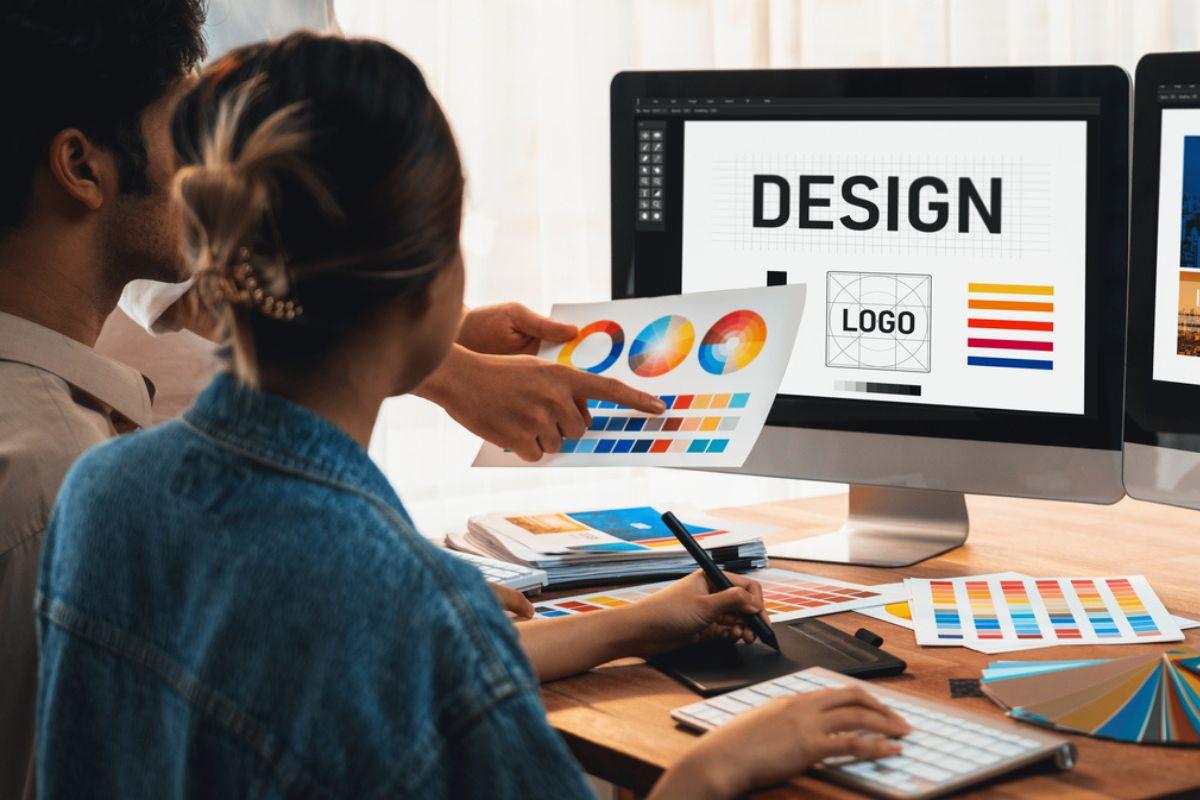
Unlocking teh Role of a Visual Designer in E-Learning: Skills, Tools, adn Career Insights
Introduction
As education technology continues to evolve, the role of a visual designer in e-learning has become integral to how universities, colleges, and schools deliver impactful digital experiences.If you’re passionate about design and interested in shaping online and blended learning environments, becoming a visual designer in education can open up an exciting and rewarding career path. In this article,we’ll explore the core roles,essential skills,top tools,common responsibilities,career prospects,and practical tips for job seekers aiming to land a job as a visual designer in the fast-growing e-learning sector.
What Does a visual Designer in E-learning Do?
As a visual designer in e-learning, your main duty is to turn educational concepts into visually engaging, user-friendly digital content. You work closely with instructional designers, e-learning developers, faculty, and sometimes students to create graphics, layouts, interactive modules, and user interfaces that enhance learning and retention. Your work ensures that online courses and digital learning materials are not only informative but also appealing and accessible.
- Designing course interfaces and navigation elements
- Creating infographics, diagrams, and illustrations to simplify complex topics
- Ensuring consistency in branding and visual style across online courses
- Developing interactive elements, animations, and multimedia presentations
- Collaborating with technology teams to optimize UX/UI in learning management systems (LMS)
Key Skills Required for a Visual Designer in Education Technology
To thrive as a visual designer in e-learning, especially within universities, colleges, or schools, you will need a mix of creative, technical, and soft skills. Here’s a breakdown of what employers typically look for:
Creative and Technical Skills
- graphic Design Fundamentals: Proficiency in layout, color theory, typography, and visual hierarchy.
- User Experience (UX) and User Interface (UI) Design: Creating intuitive and accessible digital learning environments.
- Instructional Design Understanding: Awareness of how people learn visually and how design supports pedagogy.
- Animation and Motion Graphics: Ability to use animation to enhance understanding and engagement.
- Accessibility Standards: Designing content that meets WCAG or ADA accessibility guidelines.
- HTML/CSS Basics: For designing web-based learning modules and collaborating with developers.
Soft Skills
- Collaboration: Working closely with academic staff, developers, and fellow designers.
- Interaction: Explaining visual decisions in educational terms to non-designers.
- Problem-Solving: Translating abstract learning outcomes into clear, visual content.
- Attention to Detail: Ensuring design consistency and quality across all assets.
- Adaptability: Staying up to date with education technology trends and tools.
Top Tools for Visual Designers in E-Learning
To deliver high-quality e-learning designs, familiarity with industry-leading tools and platforms is essential. Here are some of the most popular tools used by visual designers in education technology:
- Adobe Creative Cloud Suite: Photoshop, Illustrator, InDesign, and After Effects for designing graphics, layouts, and animations.
- Figma and Sketch: For digital product design, prototyping, and collaborative interface work.
- Canva: A user-friendly tool for speedy designs and branded assets, widely used in educational settings.
- Articulate Storyline and Adobe Captivate: Leading e-learning authoring tools for creating interactive modules.
- Learning Management Systems (LMS): Experience with platforms like Moodle, Canvas, or Blackboard for integrating and testing designs.
- Accessibility Checkers: Tools like WAVE or Axe to ensure digital content meets all accessibility standards.
Benefits of Pursuing a Career as a Visual Designer in E-Learning
Working as a visual designer within the education technology sector offers numerous advantages, both professionally and personally. Here’s why this career is in such high demand:
- High Impact: Directly contribute to the quality of education and student success by making complex topics more understandable and memorable.
- Diverse work Surroundings: Collaborate with faculty, technologists, and learners from various backgrounds.
- Creative Expression: Utilize your artistic talents in a purpose-driven setting.
- Job Market Growth: Edtech is one of the fastest-growing sectors, with an increasing requirement for specialized design roles.
- Flexible Work Options: Many universities and schools offer opportunities for remote or hybrid work models.
- Continuous Learning: Stay on top of the latest technologies, design theories, and educational best practices.
Career Pathways and Opportunities
Visual designers in e-learning can pursue a range of roles and pathways within educational institutions and beyond:
- E-Learning Visual designer: Specializing in graphics and UX/UI for online courses.
- Instructional Designer: Integrating strong visual design into full curriculum development.
- Multimedia Specialist: Focusing on animation, video, and audio for educational content.
- UX/UI Designer for EdTech: Leading new projects and tools that support teaching and learning.
- Senior or Lead Designer Roles: Overseeing teams and strategy for large-scale digital learning projects.
- Freelance or Consultancy: Offering specialized design services to multiple schools or edtech companies.
growth in this field often depends on developing a strong portfolio, gaining cross-disciplinary skills, and staying updated on the latest edtech advancements.
practical Tips for Getting Hired as a Visual designer in E-Learning
If you’re ready to start your career in educational technology as a visual designer, follow these targeted tips to stand out in the job market:
- Build a Strong Portfolio: Include samples of your e-learning or educational design work, such as course graphics, infographics, or interactive modules. Showcase projects that highlight your ability to simplify complex ideas visually.
- Highlight Relevant Experience: Experience in education, whether as a teacher, tutor, or volunteer, can help your application shine. Demonstrate your understanding of instructional needs or accessibility.
- Stay Updated on EdTech Trends: Follow key publications and participate in online communities related to visual design and e-learning.
- Obtain Certifications: Certifications in recognized tools (Adobe, Articulate) or in instructional design can set you apart.
- Network with Education Technology professionals: Attend webinars, conferences, or forums to meet hiring managers and peers in the industry.
- Tailor Your Resume and Cover Letter: Use keywords relevant to visual design in e-learning, education technology, and UX/UI to optimize your application for university or college job portals.
- Demonstrate Soft Skills: Employers value team players with strong communication and adaptability—ensure these come through in interviews and recommendations.
Conclusion
The evolution of education technology has opened up dynamic opportunities for creative professionals eager to impact how students learn. As a visual designer in e-learning, your ability to craft engaging, accessible, and effective digital learning experiences is in high demand across universities, colleges, and schools worldwide. By mastering key skills, leveraging top tools, and building a compelling portfolio, you can embark on a rewarding career that combines your passion for design with a commitment to educational excellence. Now is the perfect time to unlock your future in education technology as a visual designer!