
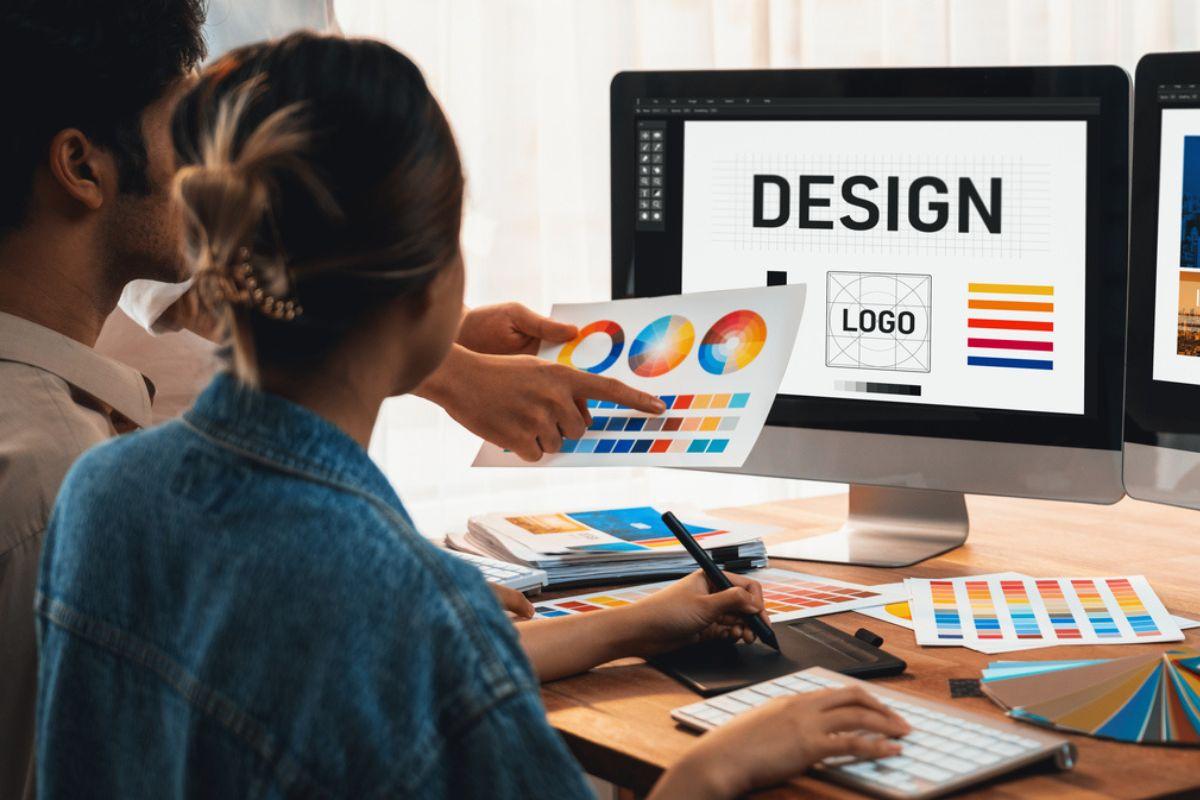
Visual Designer in E-Learning: Key Skills and Best Practices for Engaging Online Courses
As the demand for engaging digital education continues to rise, so too does the importance of skilled visual designers in e-learning. If you’re aspiring to secure a role as a visual designer at a university, college, or school, understanding the crucial skills and best practices involved is key to landing your dream job and excelling in the field of education technology. This comprehensive guide explores everything you need to know about becoming an effective visual designer in e-learning and how to create compelling, interactive online courses.
Introduction to the Role of a Visual Designer in E-Learning
Visual designers in e-learning are responsible for creating visually appealing, user-centric online educational experiences. Their work directly impacts student engagement, learning outcomes, and overall course success. By blending creativity with educational principles and digital tools, visual designers help transform traditional learning materials into interactive and immersive digital content for universities, colleges, and schools.
Why Visual Design Matters in Online Education
- Boosts Engagement: Well-designed visuals draw students’ attention and keep them interested.
- Enhances Learning: Infographics, animations, and layouts make complex concepts easier to understand.
- Builds Brand Consistency: Cohesive design aligns online courses with the institution’s identity.
- Improves Accessibility: Thoughtful design ensures that content is accessible to all learners, including those with disabilities.
In the rapidly evolving landscape of education technology, visual designers play a pivotal role in enriching students’ online learning experiences.
Key Skills for a Visual Designer in E-Learning
To excel in e-learning environments at educational institutions, aspiring visual designers shoudl develop the following critical skills:
1. Mastery of Design Tools
- Adobe Creative Suite: Photoshop, Illustrator, and InDesign are must-know applications for creating graphics and layouts.
- E-Learning Authoring Tools: Platforms like Articulate Storyline, Adobe Captivate, and Camtasia are widely used for building interactive courses.
- Prototyping Tools: Familiarity with Figma, Sketch, or Adobe XD for interface and experience design.
2. Understanding of Instructional Design
- Knowledge of pedagogical principles that inform digital learning.
- Ability to collaborate with instructional designers to translate learning objectives into visual content.
- Skill in creating storyboards and wireframes for courses.
3. User Experience (UX) and User Interface (UI) Design
- Designing with learner usability and accessibility in mind.
- Applying UI patterns that enhance navigation and engagement.
- Ensuring responsive design for multiple devices.
4. Visual Communication
- Strong grasp of typography, color theory, and data hierarchy.
- Ability to distill and visualize complex concepts for diverse audiences.
- Creating clear, consistent branding for institutional courses.
5. Collaboration and Communication
- Working with faculty, subject matter experts, and other stakeholders.
- Taking feedback positively and iterating on designs.
- Explaining design choices to non-designers.
6. Attention to Detail
- Ensuring consistency across all design elements within and between courses.
- Quality checking for typos, alignment, and visual balance.
Best Practices for Engaging E-Learning Visual Design
The following best practices help visual designers work more effectively and create memorable e-learning experiences:
Focus on Learner-Centric Design
- Use learner personas to guide design decisions.
- Prioritize intuitive navigation for easy course progression.
- Design for accessibility, considering color contrast, text size, and keyboard navigability.
Balance Aesthetics with Functionality
- Create visually appealing layouts that don’t distract from the educational content.
- Use whitespace strategically to reduce cognitive overload.
- Apply animation and interactivity judiciously to reinforce learning, not just to add flair.
Leverage Visual Storytelling
- Incorporate storytelling techniques using graphics, videos, and illustrations to contextualize information.
- Organize information flows in a logical and engaging sequence.
Implement Consistent branding and Style Guidelines
- Maintain a visual style that aligns with the institution’s brand.
- Use predefined color palettes, fonts, and iconography.
- Develop and apply design templates for reusability across courses.
Test and Iterate Designs
- Gather feedback from real learners through prototypes and beta versions.
- Monitor analytics to identify engagement patterns and areas for improvement.
- Continually refine based on user needs and feedback.
Benefits of Working as a Visual Designer in E-Learning
pursuing a career as a visual designer in e-learning at a university, college, or school comes with unique advantages:
- High Demand: With a surge in online education, visual designers are increasingly sought after.
- Meaningful Impact: Shape how thousands of students learn and interact with educational content.
- Creative Expression: Solve complex challenges with innovative visual solutions.
- Collaboration: Work closely with diverse professionals from academic and technical backgrounds.
- Flexible Career Paths: opportunities exist in higher education,K–12,and corporate training environments.
Tips for Landing Your Dream Job in Education Technology
- Build an Remarkable Portfolio: Showcase your best digital learning projects with explanations of your design approach and the impact of each solution.
- Stay Current: Keep up with the latest trends and technologies in e-learning design and education technology.
- Network Actively: Connect with education technology professionals through conferences, online forums, and social media.
- Customize Your Application: Tailor your resume and cover letter to highlight relevant visual design and instructional experience for each educational institution.
- Demonstrate Soft Skills: Emphasize communication, teamwork, and adaptability, which are highly valued in collaborative educational environments.
- Highlight Impact: Provide evidence of how your designs improved learning engagement or outcomes in previous projects.
Future Trends in E-Learning Visual Design
understanding emerging trends can give you a competitive advantage when applying for visual designer roles in education technology:
- Microlearning: Designing for bite-sized, mobile-amiable learning experiences that cater to busy students.
- gamification: Integrating game elements like badges and progress bars to motivate learners.
- immersive Technologies: Exploring virtual reality (VR), augmented reality (AR), and interactive simulations.
- Personalization: Using data-driven design to adapt content for different learning styles and preferences.
- Enhanced Accessibility: Designing with global design principles to reach the widest possible audience.
Conclusion: Elevate your Career as a Visual Designer in E-Learning
The role of a visual designer in e-learning is both impactful and rewarding,placing you at the heart of education technology transformation in universities,colleges,and schools. By mastering key skills, following best practices, and staying attuned to new trends, you can create engaging online courses that captivate learners and drive educational success. Whether you’re just starting or seeking to advance your career,building a strong portfolio and keeping your skills updated is the pathway to thrive as a visual designer in the dynamic field of e-learning.
Embark on your journey today and become an essential part of the future of online education by shaping experiences that inspire and empower learners around the world.